Clipboard Formatting Remover
Copy from anywhere, paste plain text everywhere. Formatting goes the moment you copy, tracking tags come off links, and the apps you choose, like Word and Outlook, still get the formatted original.
Every copy pastes as plain text, one click from the tray.
See it in action
About Clipboard Formatting Remover
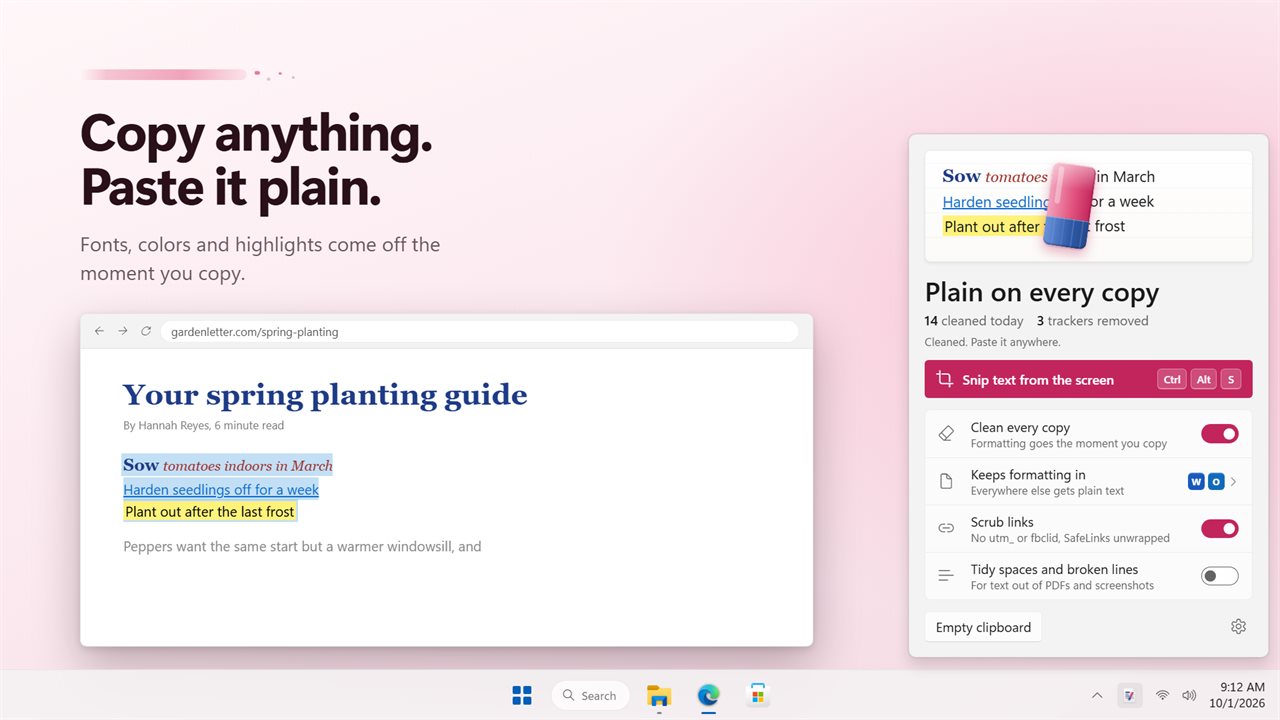
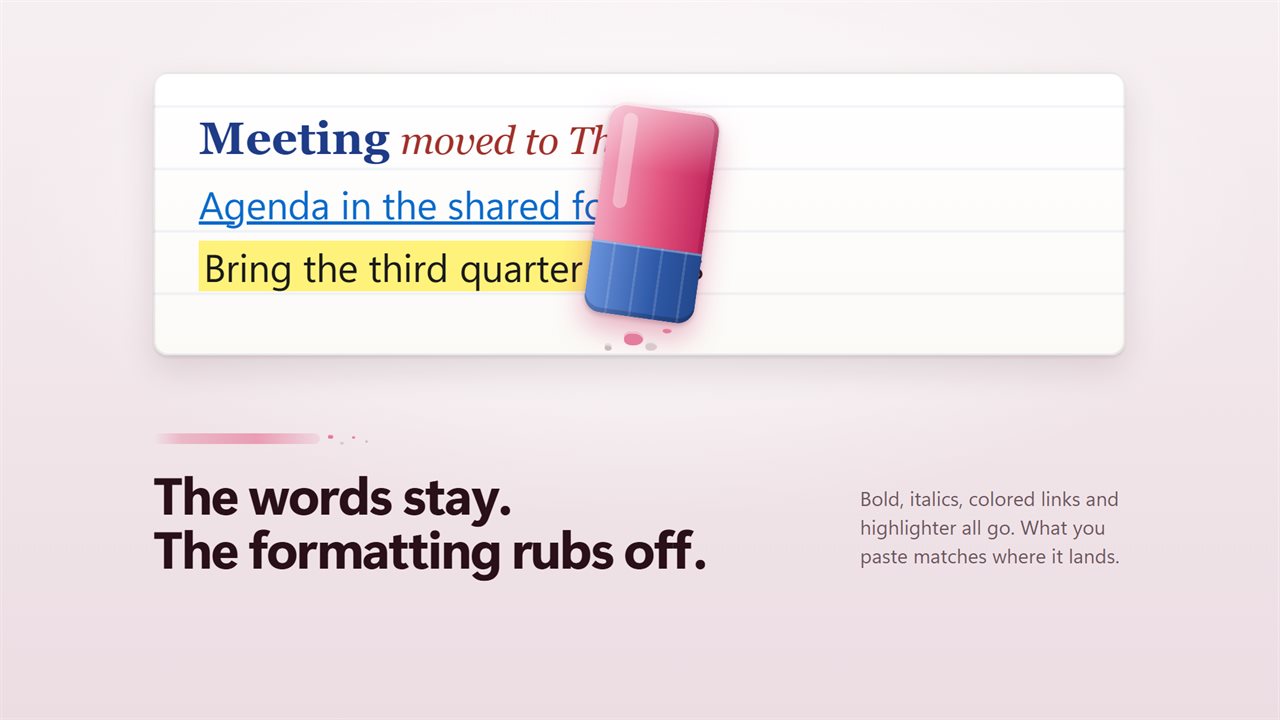
Clipboard Formatting Remover lives beside the clock and makes every copy paste as plain text. No stray fonts, colors or sizes, wherever the words came from.
Plain on every copy
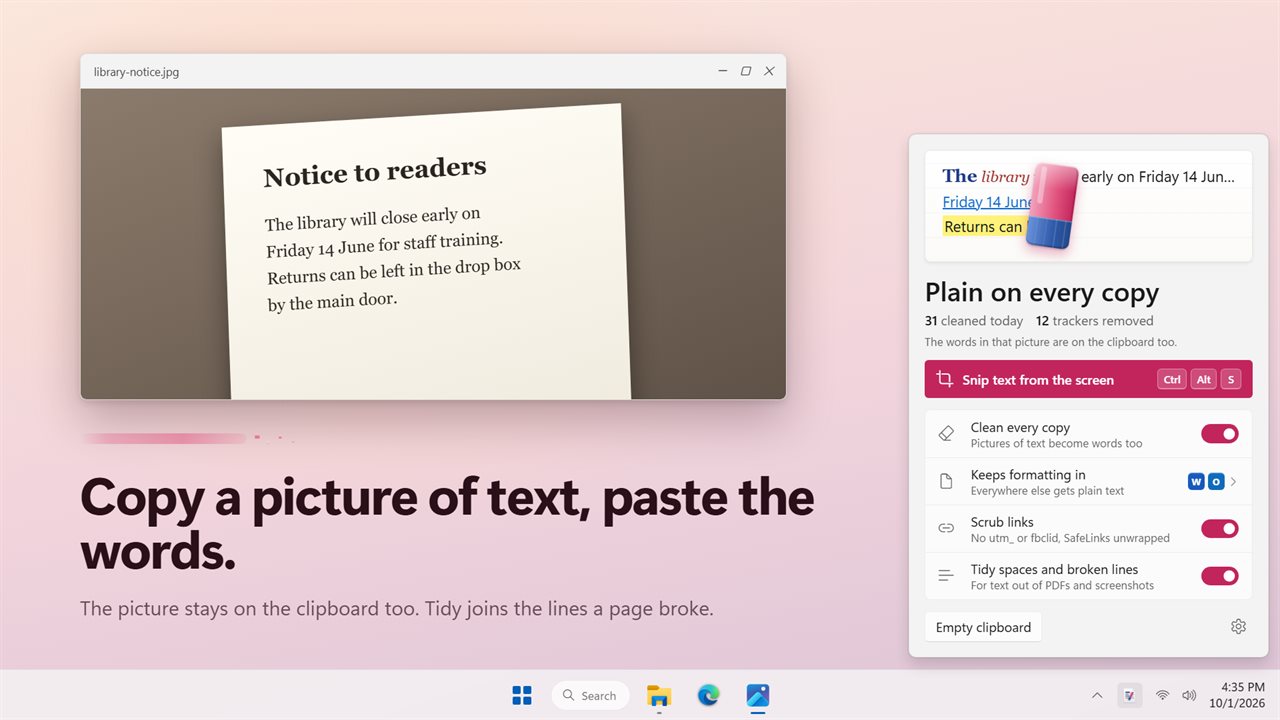
Copy from a web page, an email or a document and the formatting is gone before you paste. Click the tray icon to see the page: the text you copied, with the formatting being erased. Click the page to clean the clipboard yourself at any time, and keep a count of what has been cleaned today.
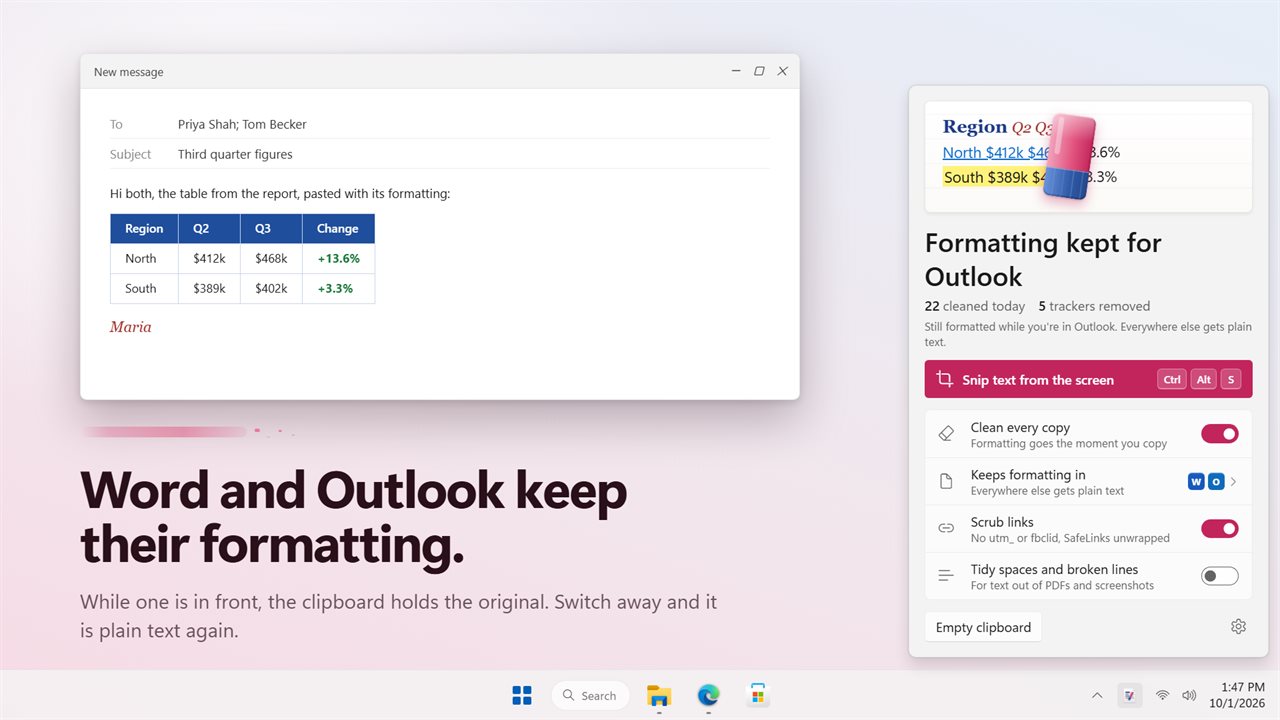
Formatted where you want it
Some apps should keep the formatting. Word and Outlook are on the list from the start, and you can add any other. While one of them is in front, the clipboard holds the original with its fonts, colors and links. Move to anything else and it is plain text again.
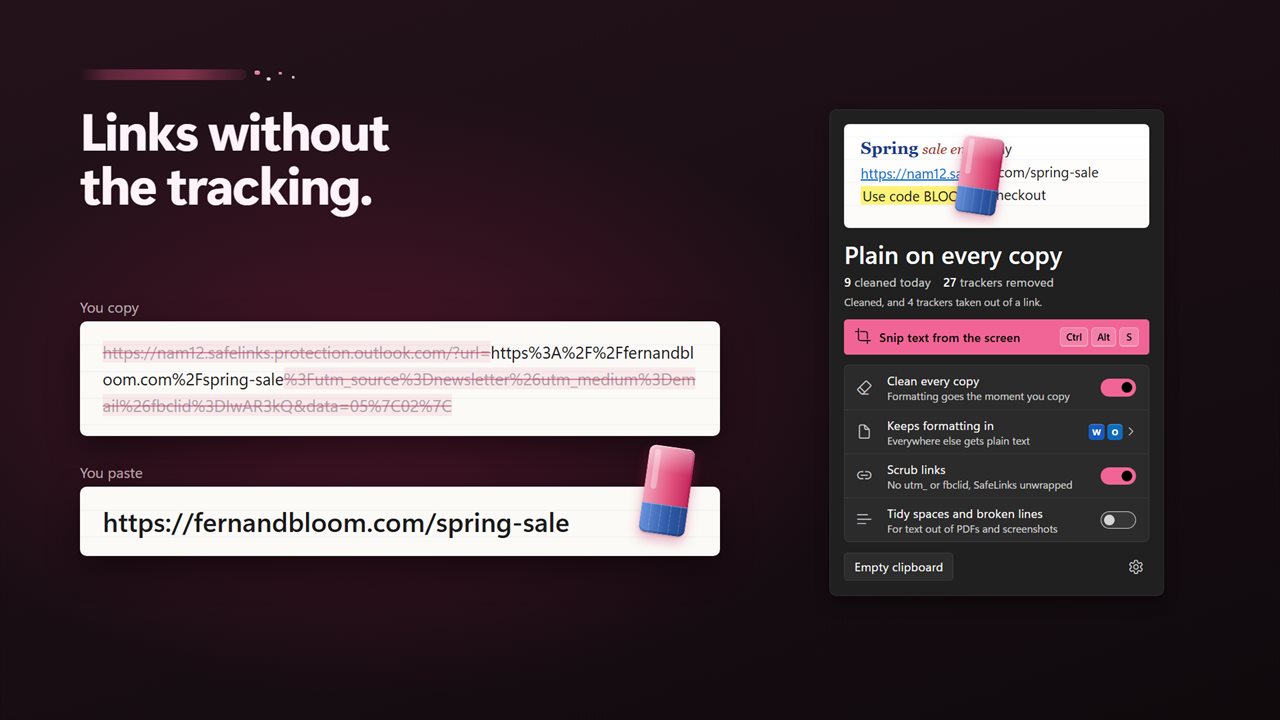
Links without the tracking
Scrub links takes utm_, fbclid, gclid and other tracking tags off every web address you copy, and unwraps Outlook SafeLinks and Google and Facebook redirects to the real address. The panel counts the trackers it has removed.
Text from anywhere on screen
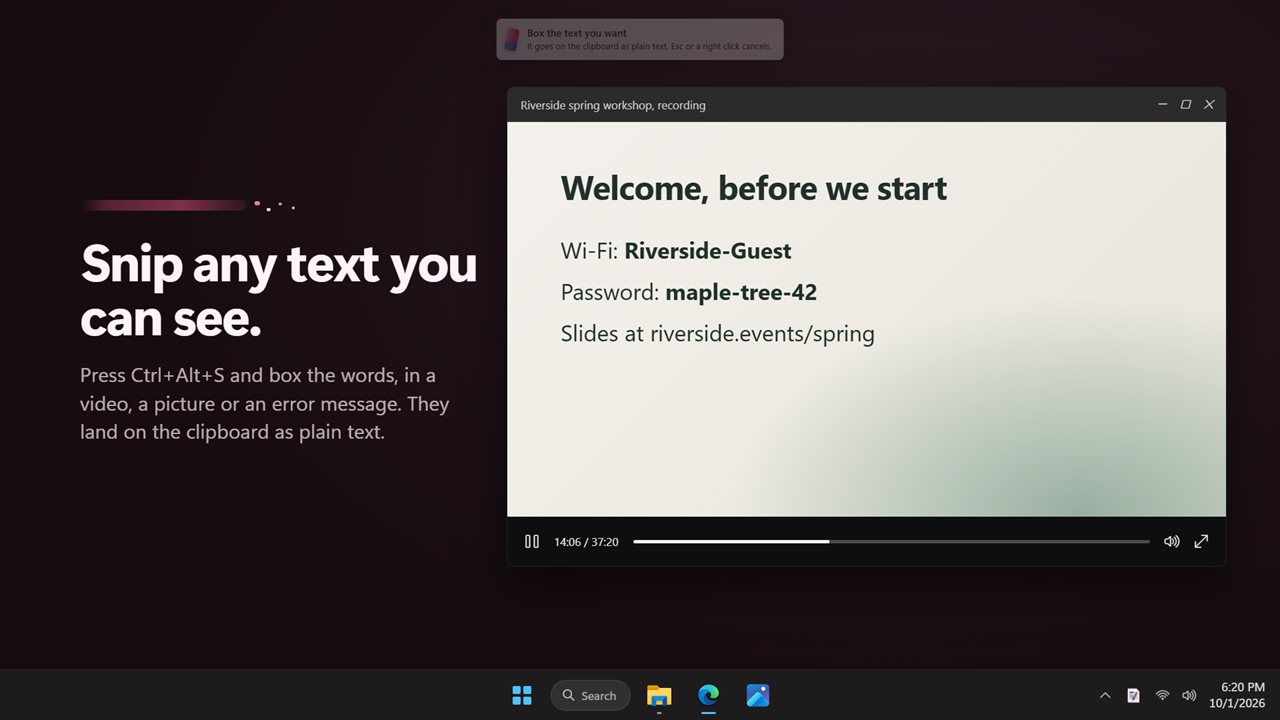
Press Ctrl+Alt+S, box any words you can see, in a video, a picture or an error message, and they go on the clipboard as plain text. Turn on the picture option and copying an image of text puts the words on the clipboard too, beside the picture.
Tidy text
Text out of a PDF often breaks mid-sentence. Tidy spaces and broken lines joins it back together and squeezes the extra spaces.
Upgrading
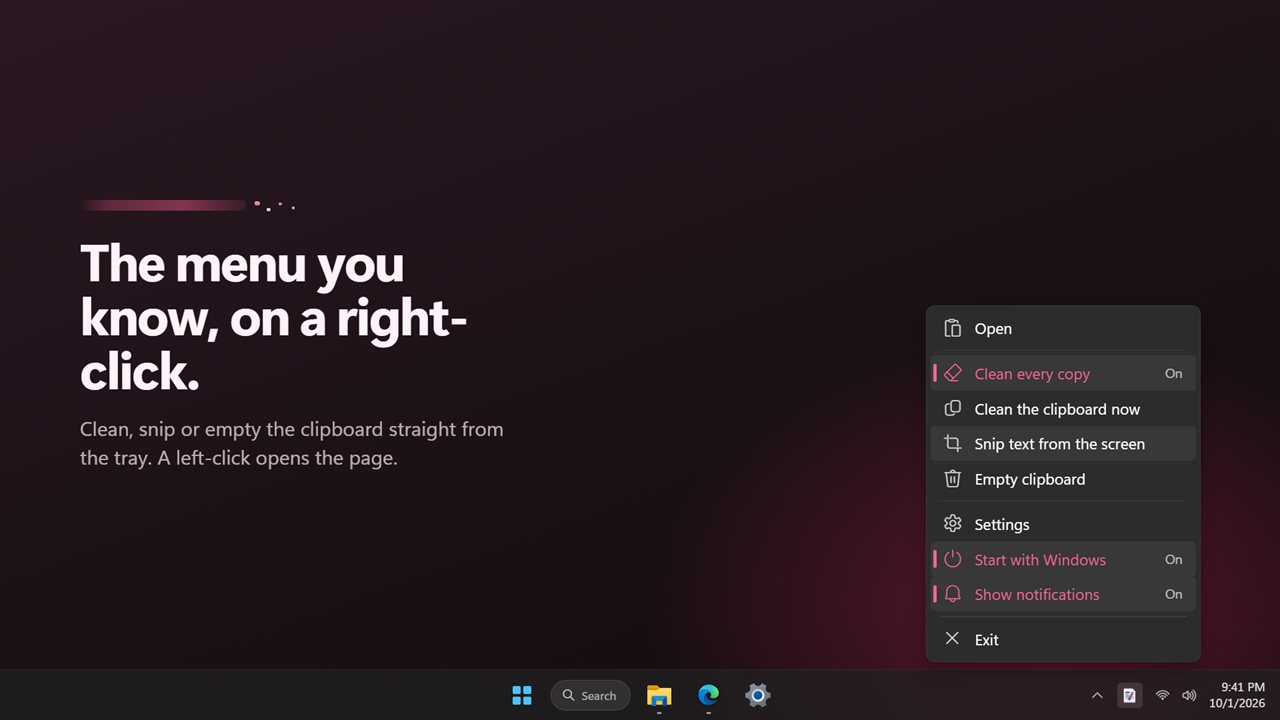
Your auto-clean, notification and start-with-Windows choices carry over. Left-clicking the tray icon now opens the panel, and right-clicking opens the menu.
Everything happens on this PC. There is no account, nothing is uploaded, and it works with no connection.
Features
- Every copy becomes plain text the moment you copy it: no fonts, colors, sizes or hidden styles
- Click the page in the tray panel to clean the clipboard now, or use the tray menu
- Keep formatting in the apps you choose; Word and Outlook are on the list from the start
- Everywhere else gets plain text, switched over as you move between apps
- Scrub links: utm_, fbclid, gclid and other tracking tags come off web addresses
- Outlook SafeLinks and Google and Facebook redirects unwrapped to the real address
- Tidy spaces and broken lines, for text copied out of PDFs and screenshots
- Snip text from the screen with Ctrl+Alt+S: box any words you can see and they land on the clipboard
- Copy a picture of text and paste the words, with the picture kept too
- A count of copies cleaned today and trackers removed
- Empty the clipboard in one click
- Choose your own snip shortcut
- Optional notifications when you clean, empty or snip from the tray menu or the shortcut
- Leaves password manager copies alone
- Light, dark or match Windows
- Start with Windows, and your settings from the previous version, carried over
- Works offline, with no account and nothing uploaded
Details
- Works on
- Windows 10 (1809 or later) and Windows 11
- Download
- About 3.0 MB
- Version
- 2.0.4, updated October 2026
- First released
- June 2022
- Price
- $1.99 once. No subscription.
- Category
- Utilities & tools
What's new in 2.0.4
- New: a tray panel. Left-click the icon to open it; click the page to clean the clipboard
- New: keep formatting in the apps you choose, Word and Outlook to start
- New: tracking tags scrubbed from links, and SafeLinks unwrapped
- New: tidy spaces and broken lines
- New: snip text from the screen with Ctrl+Alt+S
- New: copy a picture of text and paste the words
- New: counts of copies cleaned and trackers removed
- New: settings, with light and dark themes
- Fixed: auto-clean no longer reacts to its own changes
- Your settings and Start with Windows carry over
Questions
Anything else? Ask us
Which versions of Windows does it run on?
Windows 10 (version 1809 or later) and Windows 11.
Is it a subscription?
No. Clipboard Formatting Remover is a one-time purchase of $1.99, and updates are included.
How do I get it?
EvlarSoft apps are moving to direct downloads from this site. Ask to be notified and we will email you as soon as Clipboard Formatting Remover is ready to download.