DocX Image Extractor
Shrink Word, PowerPoint and Excel files until they fit in an email, or pull every picture out of them in its real format. See the new size before you save.
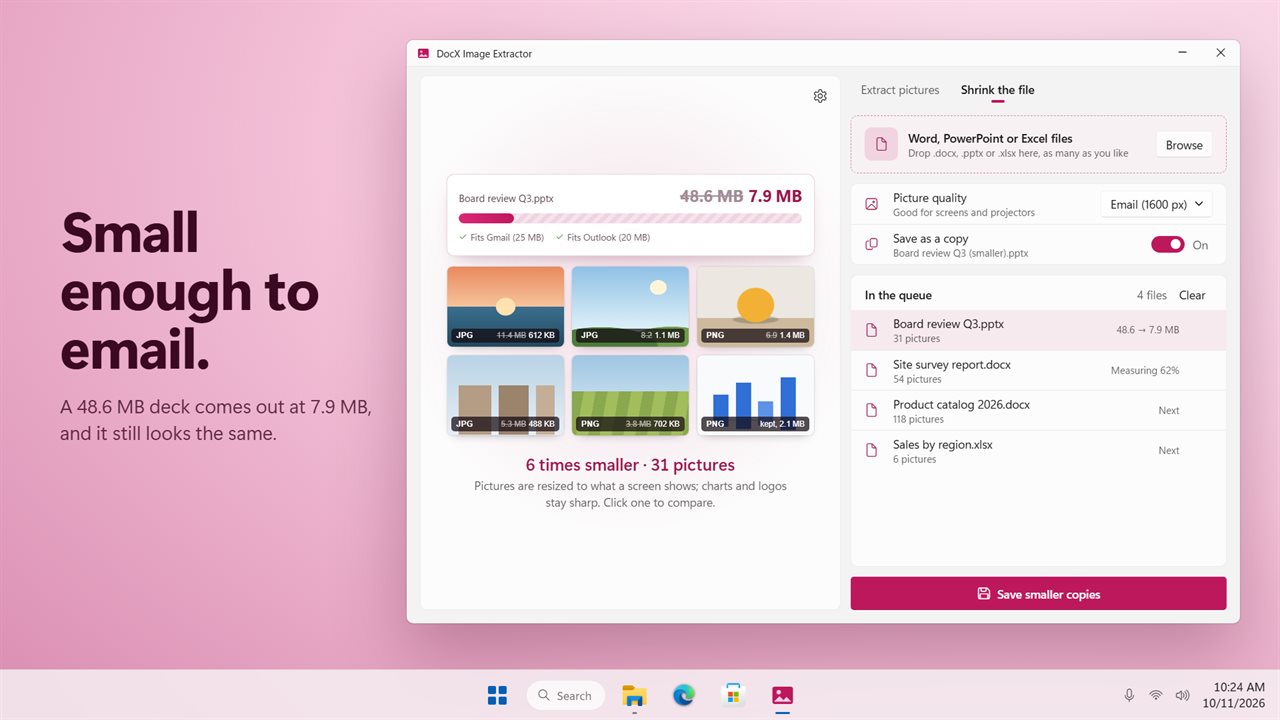
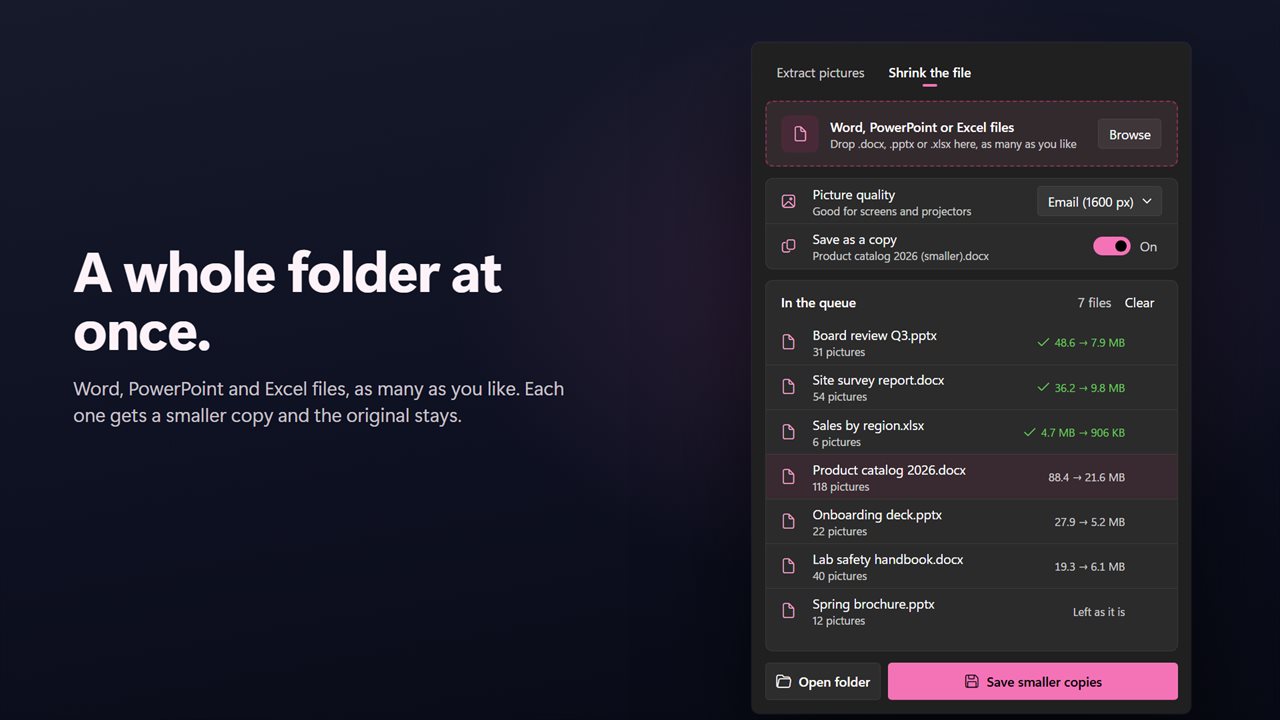
Shrink a 48.6 MB deck to 7.9 MB, small enough to email.
See it in action
About DocX Image Extractor
DocX Image Extractor does two jobs with the pictures inside Word, PowerPoint and Excel files. It shrinks them, so the file fits in an email. And it pulls them out, each in its real format.
Shrink the file
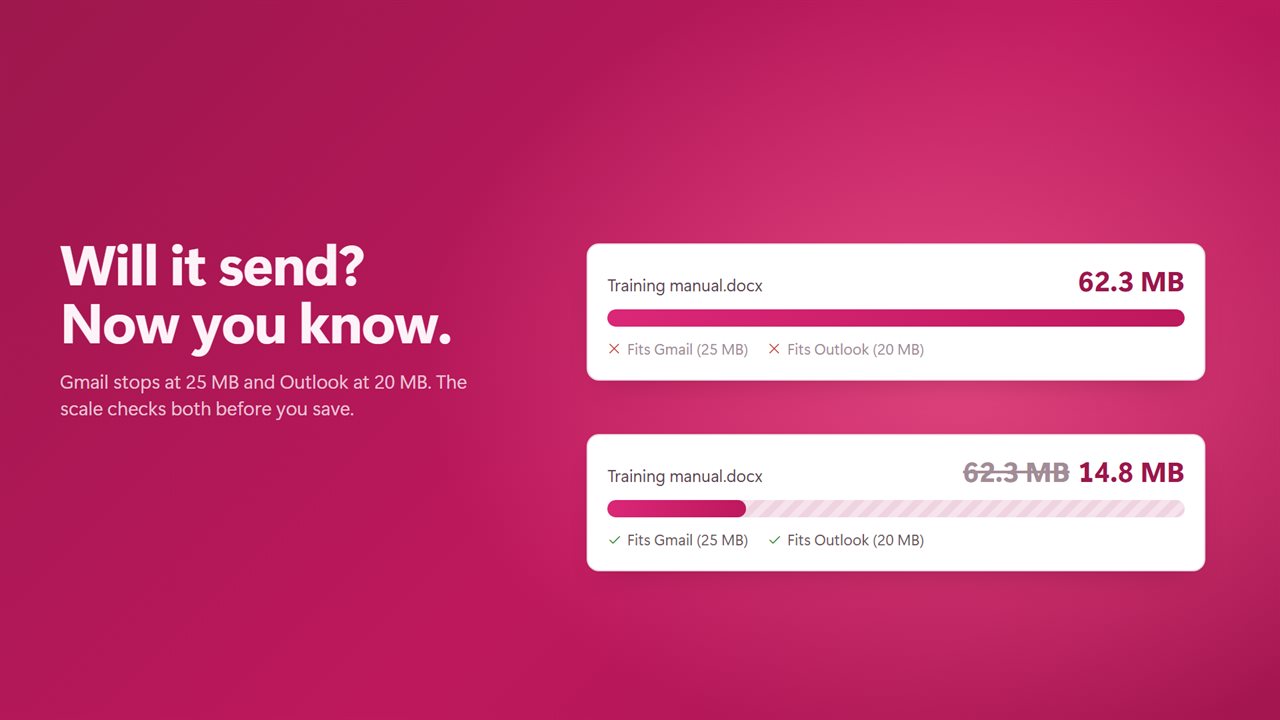
Drop in a file and the app measures what it would weigh with smaller pictures. You see the size before and after, and whether it now fits Gmail (25 MB) and Outlook (20 MB). Pick a quality: Email (1600 px) for screens and projectors, Print (2400 px) for a full printed page, or Smallest (1024 px) for a laptop screen.
Photos are resized to what a screen shows. PNGs stay lossless. EMF, WMF and SVG drawings are never touched. A picture is only replaced when the new one is smaller, and the text, layout and everything else in the file stay exactly as they were.
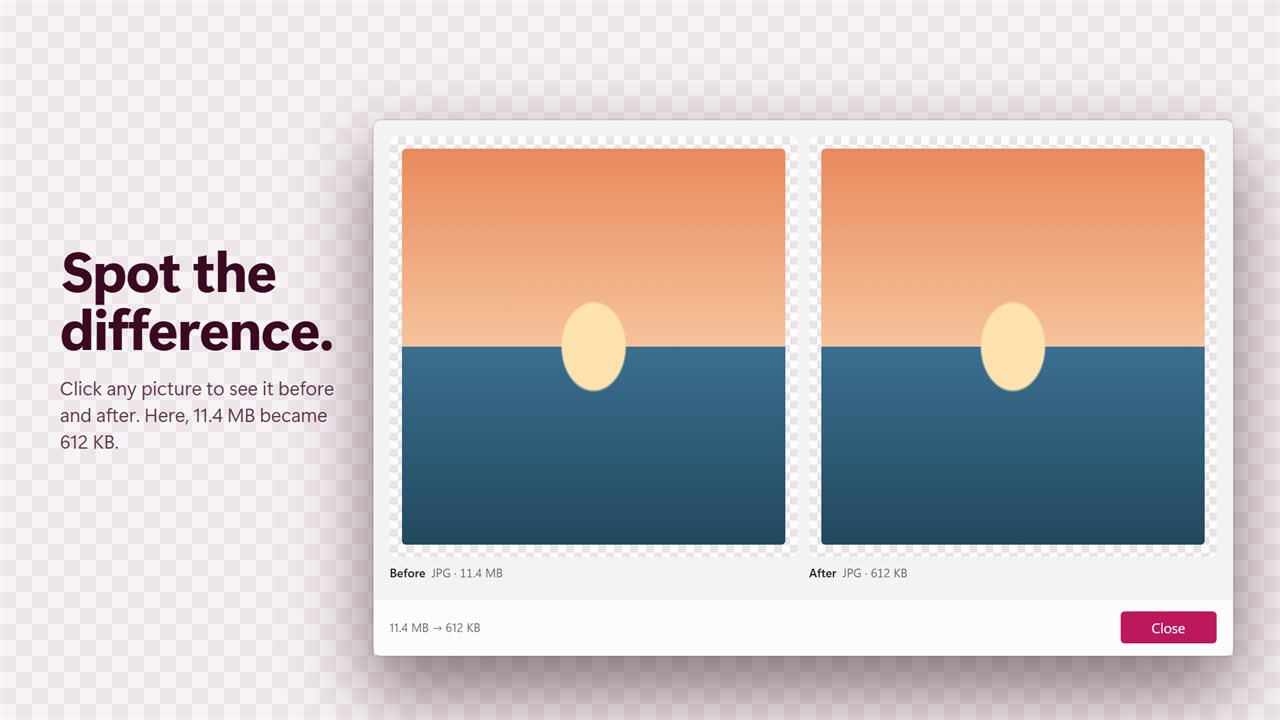
Click any picture to compare it before and after. Save a smaller copy beside the original, named "Name (smaller)", or replace the original if you prefer.
Extract pictures
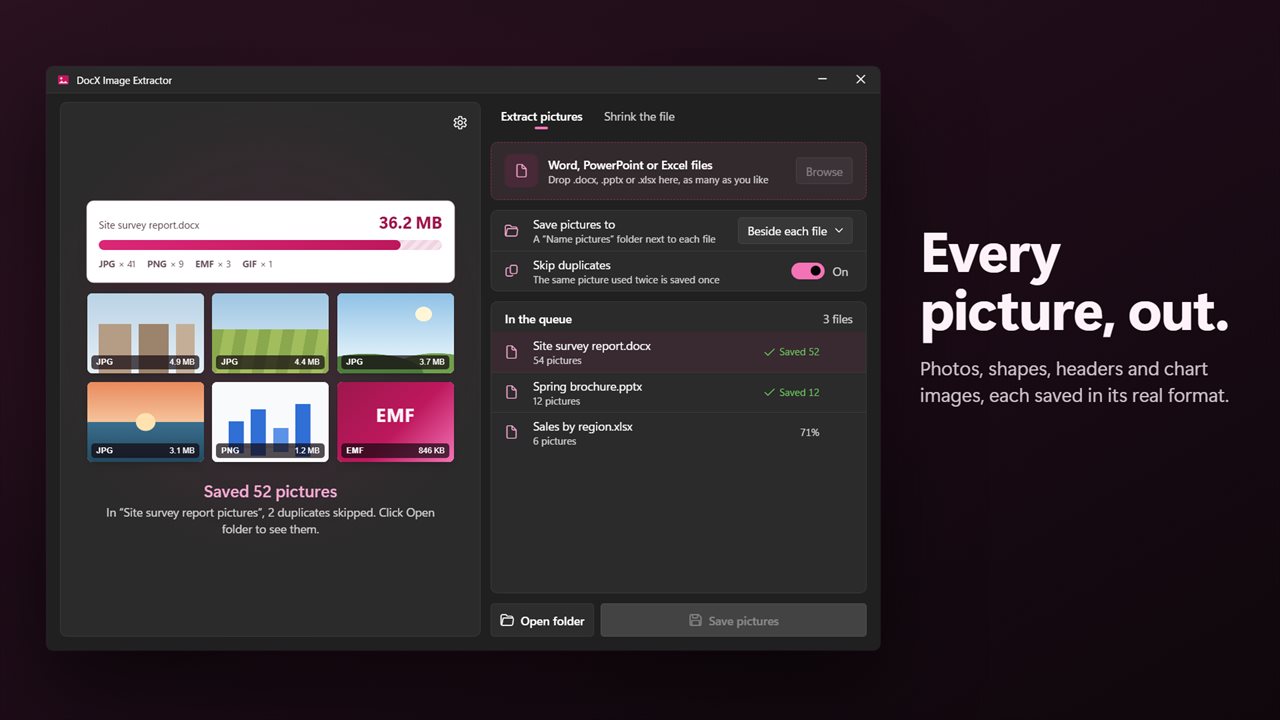
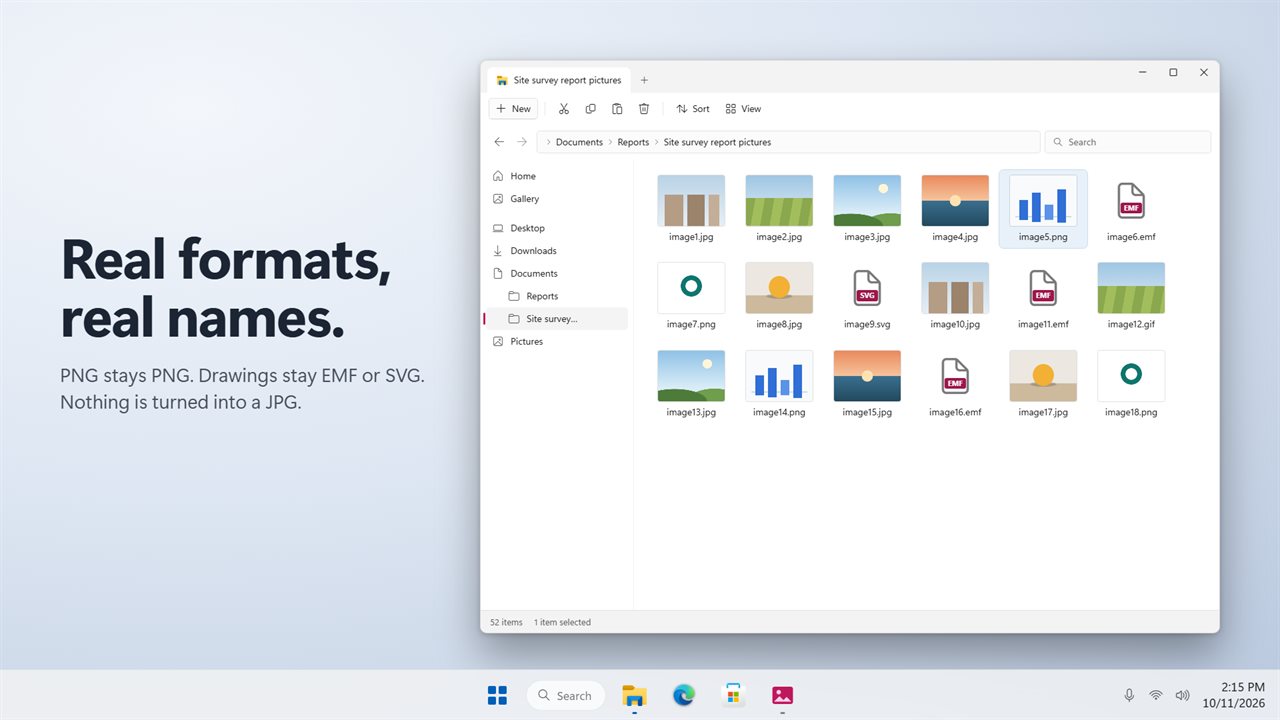
The job you know still works, and better. Every picture comes out in its real format: PNG, JPG, GIF, BMP, TIFF, WebP, EMF, WMF or SVG. Pictures in shapes, headers and chart images come out too. Turn on Skip duplicates and a picture used twice is saved once. Pictures go into a "Name pictures" folder beside each file, or into a folder you choose.
Many files at once
Drop in as many .docx, .pptx and .xlsx files as you like. Macro-enabled files, templates and slide shows open too. Each file shows its progress and its result in the queue.
Good to know
Password-protected files can't be opened. Remove the password in Office first. Older .doc, .ppt and .xls files need saving as .docx, .pptx or .xlsx first.
Private
Everything happens on your PC. There is no account, and nothing is uploaded.
Features
- Shrink Word, PowerPoint and Excel files until they fit in an email
- Three picture qualities: Email (1600 px), Print (2400 px) and Smallest (1024 px)
- See the new size before you save, with Gmail (25 MB) and Outlook (20 MB) checks
- Photos are resized to what a screen shows. PNGs stay lossless, and EMF, WMF and SVG drawings are never touched
- A picture is only replaced when the new one is smaller
- Click any picture to compare it before and after
- Save a smaller copy beside the original, or replace the original
- Text, layout and everything else in the file stay exactly as they were
- Pull every picture out of .docx, .pptx and .xlsx files
- Each picture is saved in its real format: PNG, JPG, GIF, BMP, TIFF, WebP, EMF, WMF or SVG
- Pictures from shapes, headers and chart images come out too
- Skip duplicates, so a picture used twice is saved once
- Save into a "Name pictures" folder beside each file, or into a folder you choose
- Drop in as many files as you like and run them in one go
- Macro-enabled files, templates and slide shows open too
- Everything happens on your PC. Nothing is uploaded
- Light and dark themes, or match Windows
Details
- Works on
- Windows 10 (1809 or later) and Windows 11
- Download
- About 2.7 MB
- Version
- 2.0.2, updated October 2026
- First released
- August 2023
- Price
- $1.99 once. No subscription.
- Category
- Utilities & tools
What's new in 2.0.2
- New: shrink the file. Make Word, PowerPoint and Excel files small enough to email, at one of three qualities
- New: Gmail and Outlook size checks, and a before and after view of each picture
- New: PowerPoint and Excel files, as well as Word
- New: drop in as many files as you like
- New: skip duplicate pictures, and choose where pictures are saved
- Fixed: pictures are saved in their real format, not all as .jpg
- Fixed: pictures in shapes and headers are no longer missed
- Fixed: a file with two pictures of the same name no longer crashes the app
Questions
Anything else? Ask us
Which versions of Windows does it run on?
Windows 10 (version 1809 or later) and Windows 11.
Is it a subscription?
No. DocX Image Extractor is a one-time purchase of $1.99, and updates are included.
How do I get it?
EvlarSoft apps are moving to direct downloads from this site. Ask to be notified and we will email you as soon as DocX Image Extractor is ready to download.