Green Light Therapy
A calming green light timer for your PC. Pick a length, click the glowing light, and a soft green light fills your screen, a window, or just the edges of your monitors, fading in and out on its own.
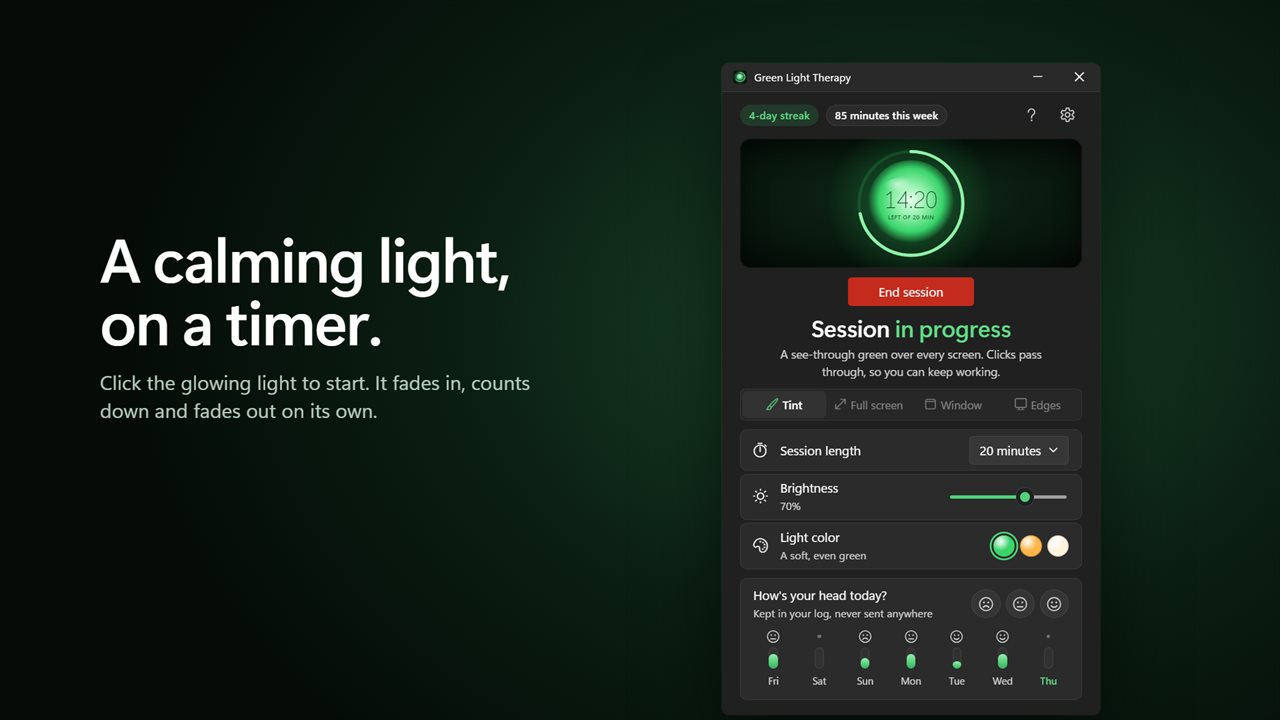
Click the glowing light to start a calming session.
See it in action
About Green Light Therapy
Green Light Therapy turns your screen into a soft, even green light for as long as you choose.
Click the light
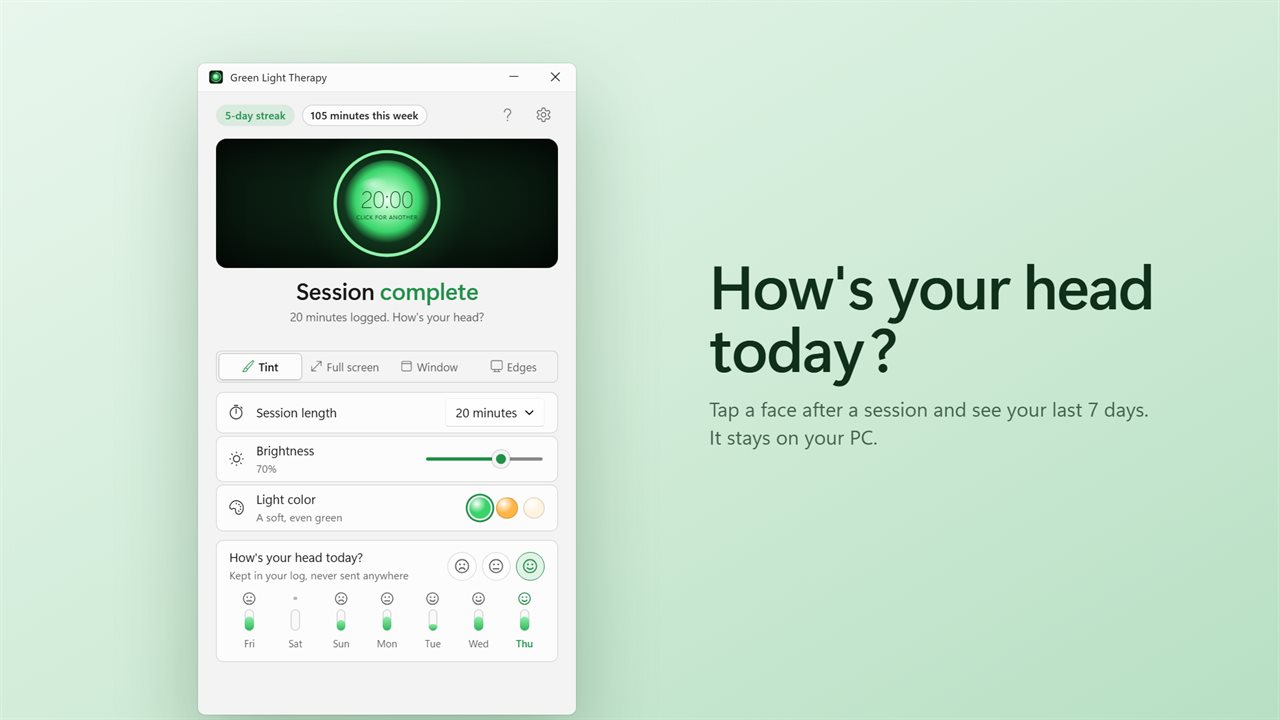
The glowing light in the window is the timer and the switch. Click it to start, click again to pause, and once more to carry on. The ring around it counts down the minutes left. Pick a session from 5 minutes to 90.
Four ways to sit with it
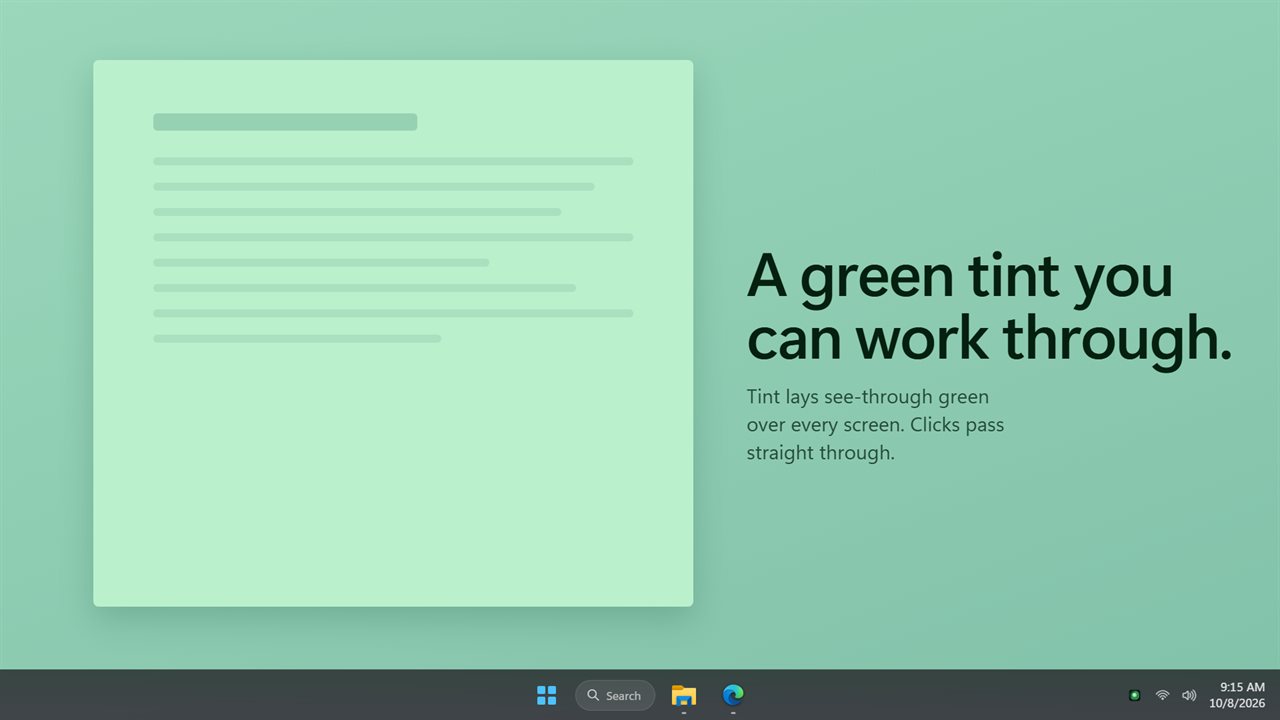
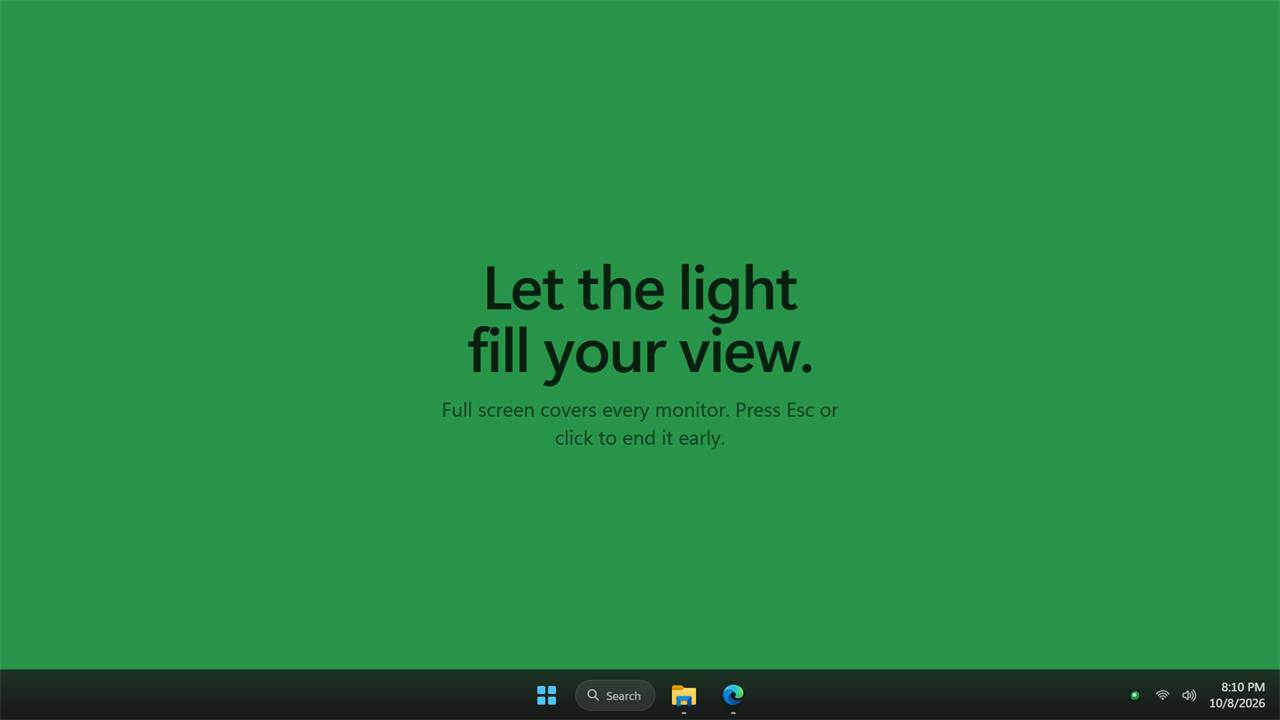
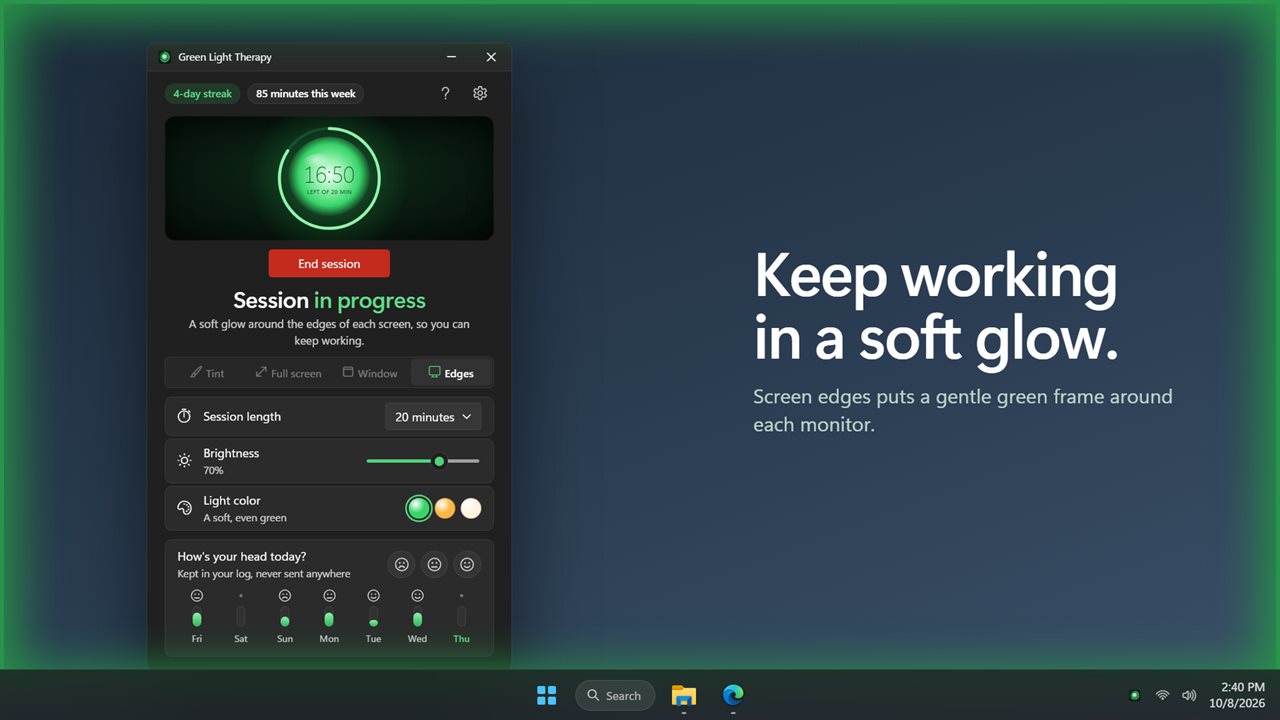
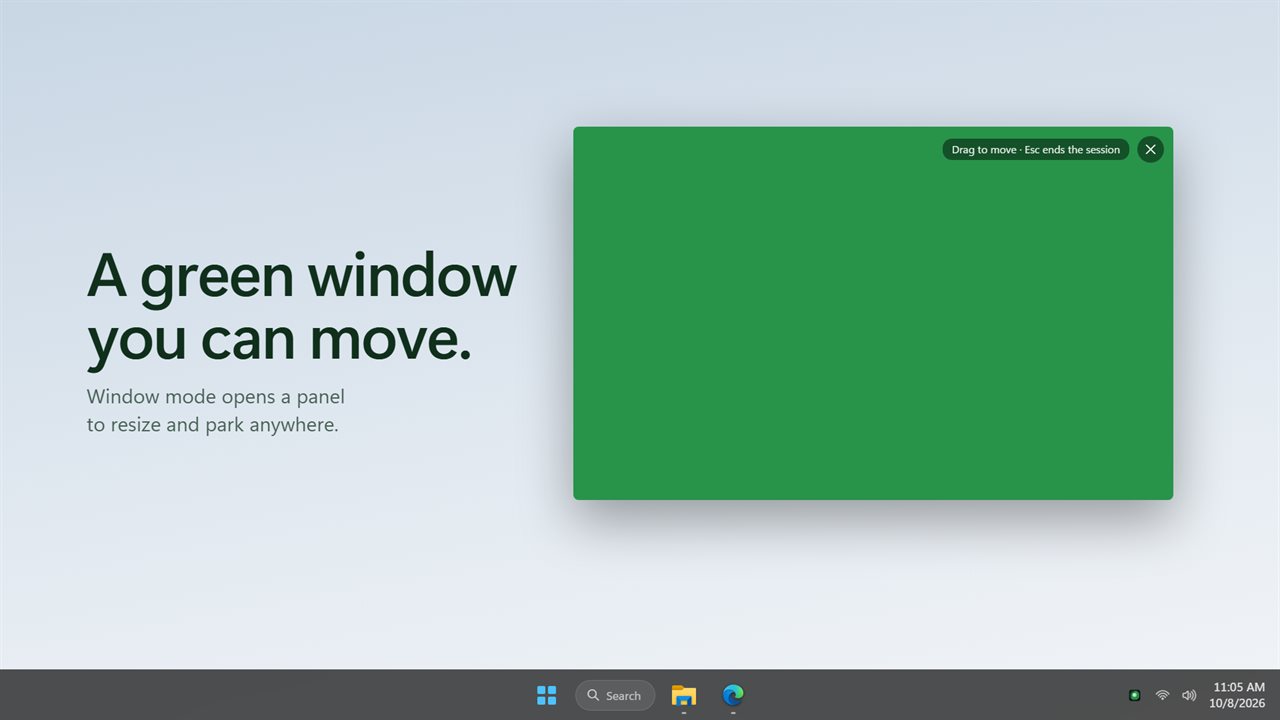
Tint lays a see-through green over every screen, as the previous version did, and your clicks pass straight through so you can keep working. Full screen fills every monitor with green: dim the room and let it fill your view. Press Esc or click the light to end it early. Window mode opens a green panel you can move and resize anywhere. Screen edges puts a gentle glow around the edges of each monitor, so you can keep working.
Gentle in, gentle out
Every session fades in over 10 seconds and fades out by itself at the end, so the light never snaps on or off.
Your light
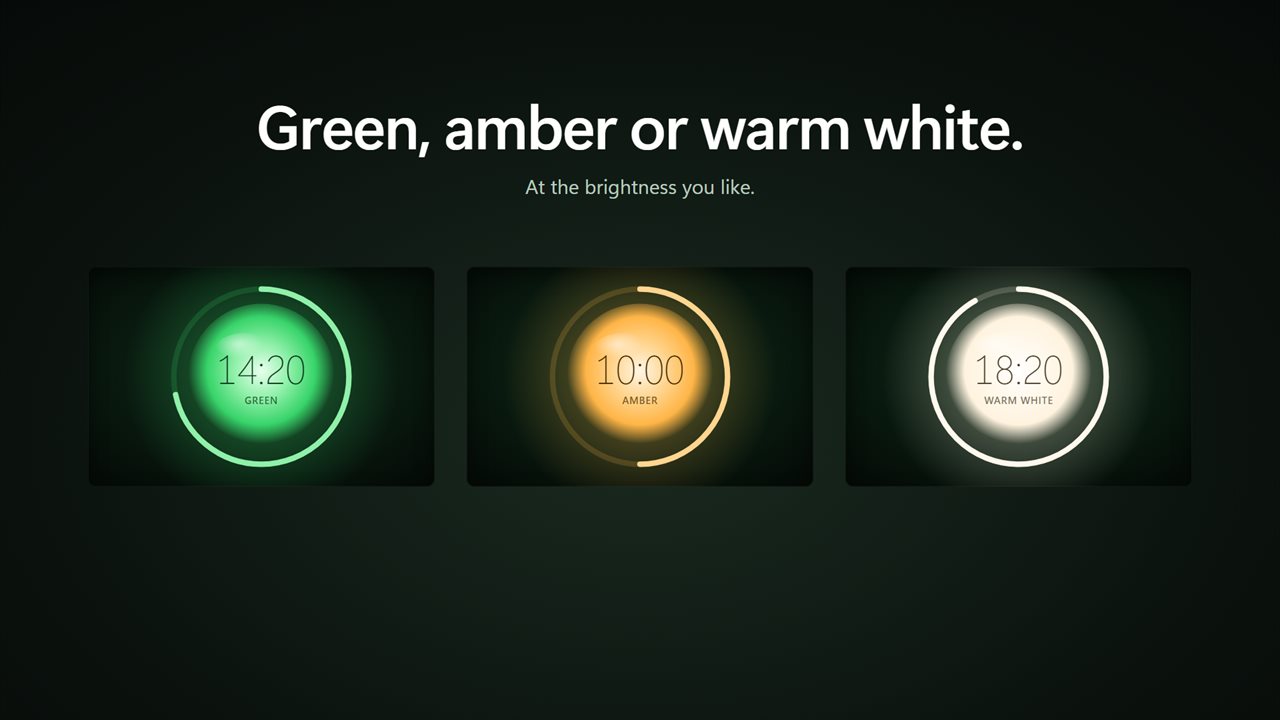
Set the brightness, and pick a soft green, a warm amber or a plain warm white.
A simple log
After a session, tap a face to note how your head feels today. The last 7 days show as a strip of faces and minutes, with your streak and your minutes this week. The log stays on your PC and is never sent anywhere.
Always close by
The app waits in the notification area, where you can start or stop a session with a right-click, and it can start with Windows. If you used the previous version, your tint strength and theme come with you, and the app opens in Tint.
Green Light Therapy is a relaxation tool, not a medical device.
Features
- A timed session of soft green light on your screen, from 5 minutes to 90
- The glowing light is the timer: click it to start, pause and carry on
- Tint lays a see-through green over every screen, and your clicks pass straight through
- Or full screen, a green panel window you can move and resize, or a glow around the screen edges
- Tint, full screen and screen edges cover every monitor
- The light fades in over 10 seconds and fades out on its own at the end
- Press Esc or click the light to end a full-screen session early
- Set the brightness, and choose green, amber or warm white
- Note how your head feels with one click, and see the last 7 days at a glance
- A streak and your minutes this week, kept on your PC and never sent anywhere
- Start or stop a session from the notification area
- Your tint strength and theme from the previous version carry over
- Starts with Windows if you like. Light and dark themes
Details
- Works on
- Windows 10 (1809 or later) and Windows 11
- Download
- About 3.2 MB
- Version
- 2.0.2, updated October 2026
- First released
- January 2023
- Price
- $1.99 once. No subscription.
- Category
- Health & fitness
What's new in 2.0.2
- New: timed sessions. The glowing light is the timer, and the light fades in and out on its own
- The see-through green tint is still here, now with a timer
- New: full screen, a movable green window, or a glow around the screen edges while you work
- New: brightness, and amber or warm white as well as green
- New: tap a face after a session and see your last 7 days
- Fixed: your brightness is remembered now, and it carries over from the previous version
Questions
Anything else? Ask us
Which versions of Windows does it run on?
Windows 10 (version 1809 or later) and Windows 11.
Is it a subscription?
No. Green Light Therapy is a one-time purchase of $1.99, and updates are included.
How do I get it?
EvlarSoft apps are moving to direct downloads from this site. Ask to be notified and we will email you as soon as Green Light Therapy is ready to download.
More from EvlarSoft
 Brightness Below MinimumSome screens are still too bright at their lowest setting.
 Screen Privacy BlackoutSomeone walks up behind you, and one shortcut puts every screen behind a shutter.
 Monitor InfoSee every display you have drawn to its true size, with its real name, resolution, refresh rate, screen size, color range, brightness and connection.