Key Press Holder
Holds a key down for you, for as long as you need, or lets go and presses it again on a cycle until you stop it. Any key, for seconds, minutes or hours.
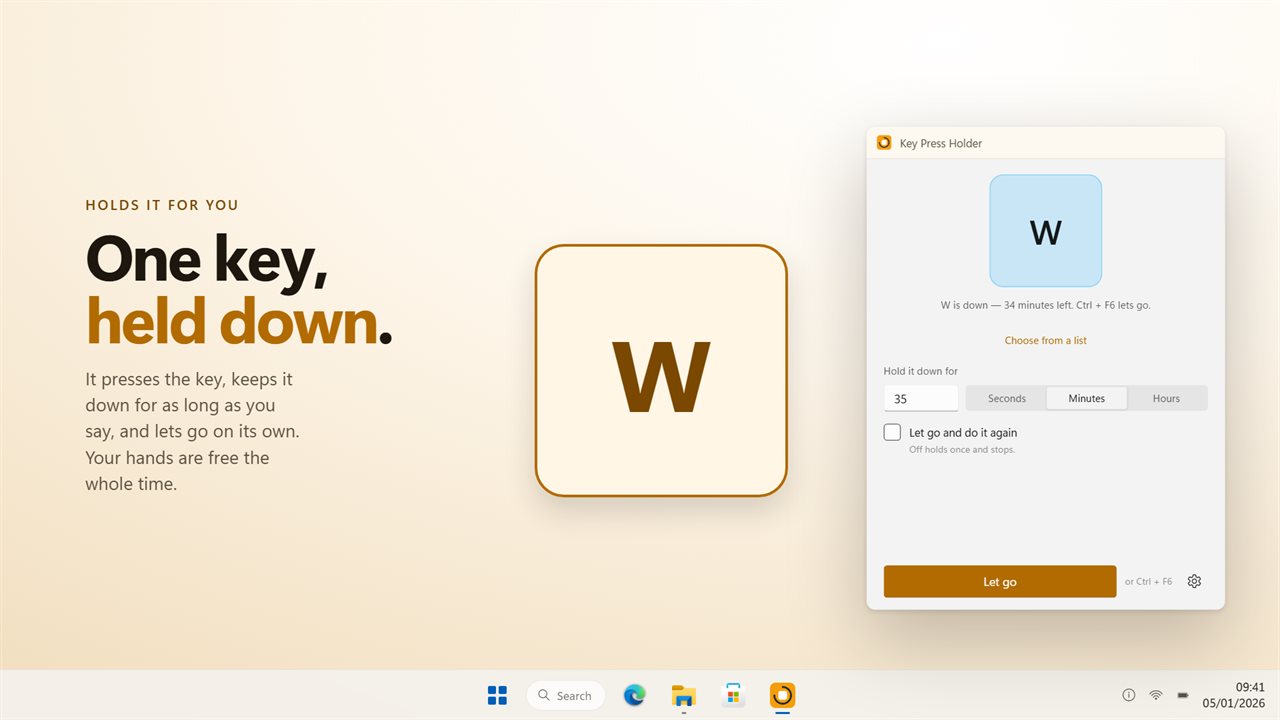
It presses the key, holds it for as long as you say, and lets go.
See it in action
About Key Press Holder
Some things need the key held, not tapped. Running forward in a game. A key repeat that has to keep going. A tool that stays open only while its key is down. Anything that comes apart the moment your finger lifts.
Key Press Holder presses the key and keeps it pressed, for exactly as long as you say.
Any key
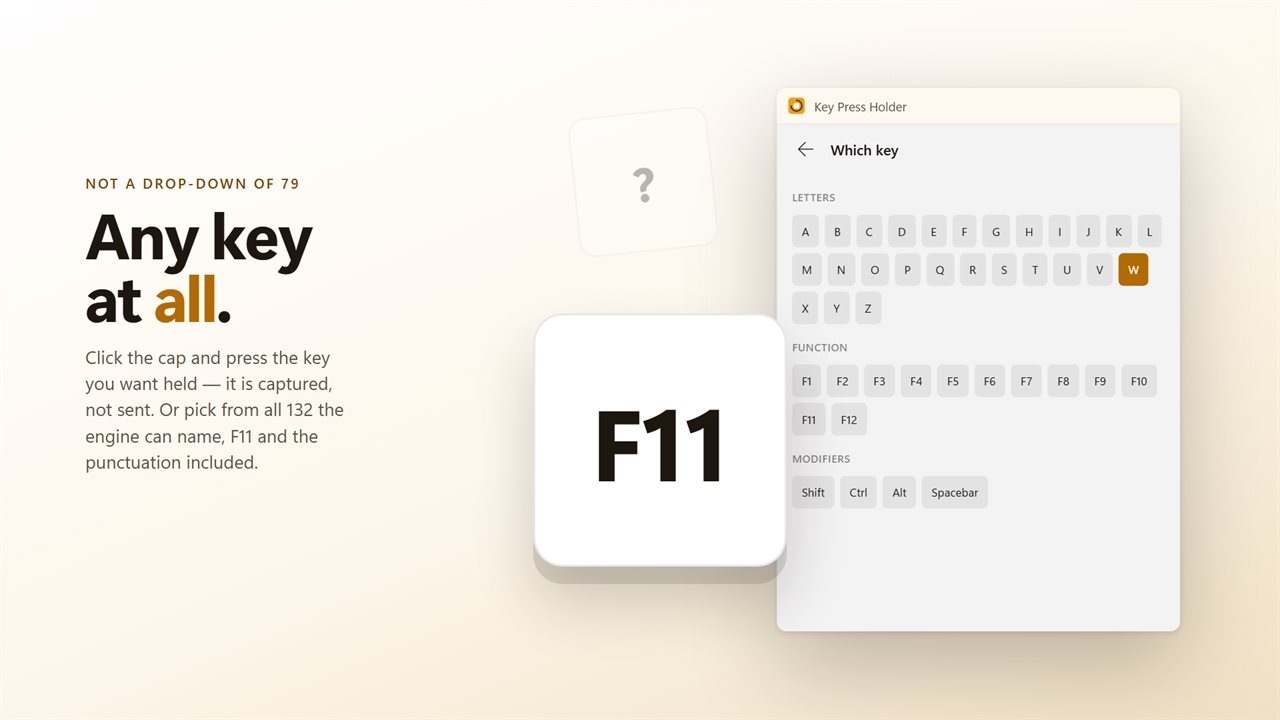
All 132 of them: the letters and digits, every function key, the modifiers, the arrows and the editing block, the keypad, the punctuation keys and the media keys. Click the keycap in the window and press the key you want — it is captured, not sent — or pick it from the list if it is easier.
The previous version offered 79, chosen from a drop-down, and F11 was not among them.
Set how long
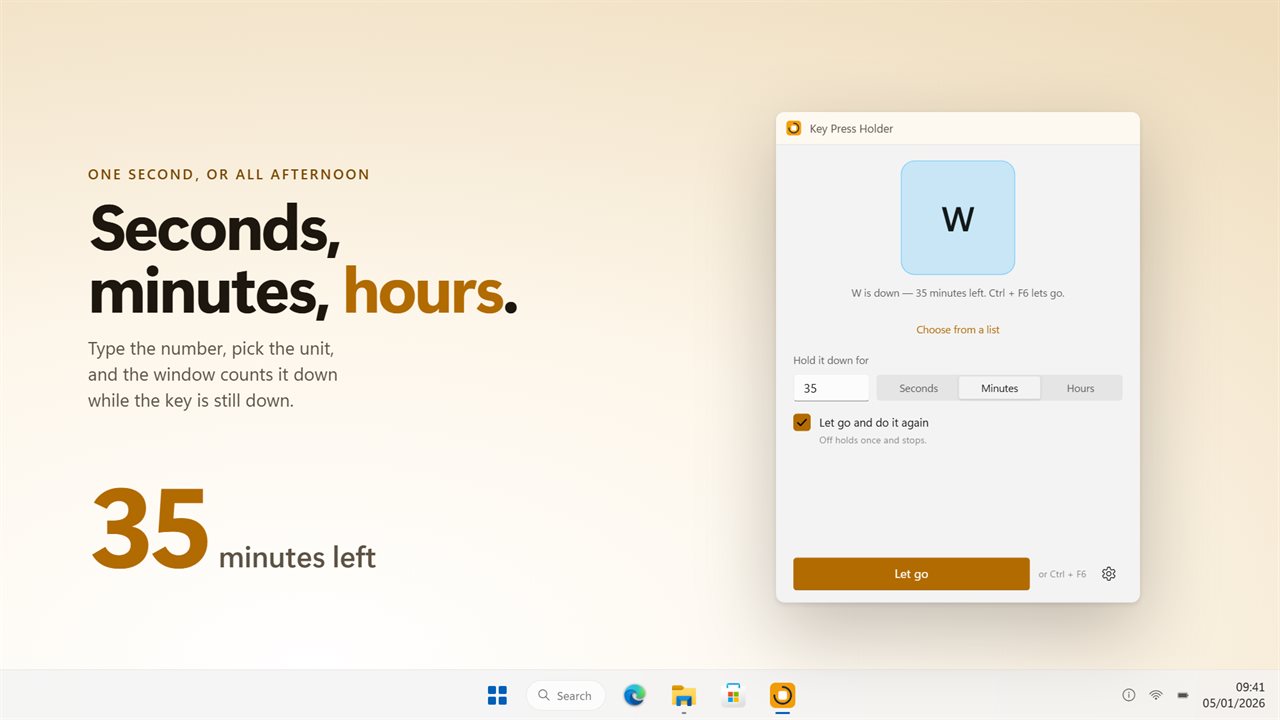
In seconds, minutes or hours. Thirty-five seconds for a stretch of running, ten minutes for something you would rather not sit through, hours if that is what the job takes. The window counts down while it holds, so how much longer is a glance rather than a guess.
You can see it working
The keycap in the window sits down while the key is down and comes back up when it is released. There is no reading a status line to find out whether it is doing anything.
Let go and do it again
Turn on repeat and it holds, releases, waits, and holds again until you stop it. The gap is yours to set.
The shortcut is the way out
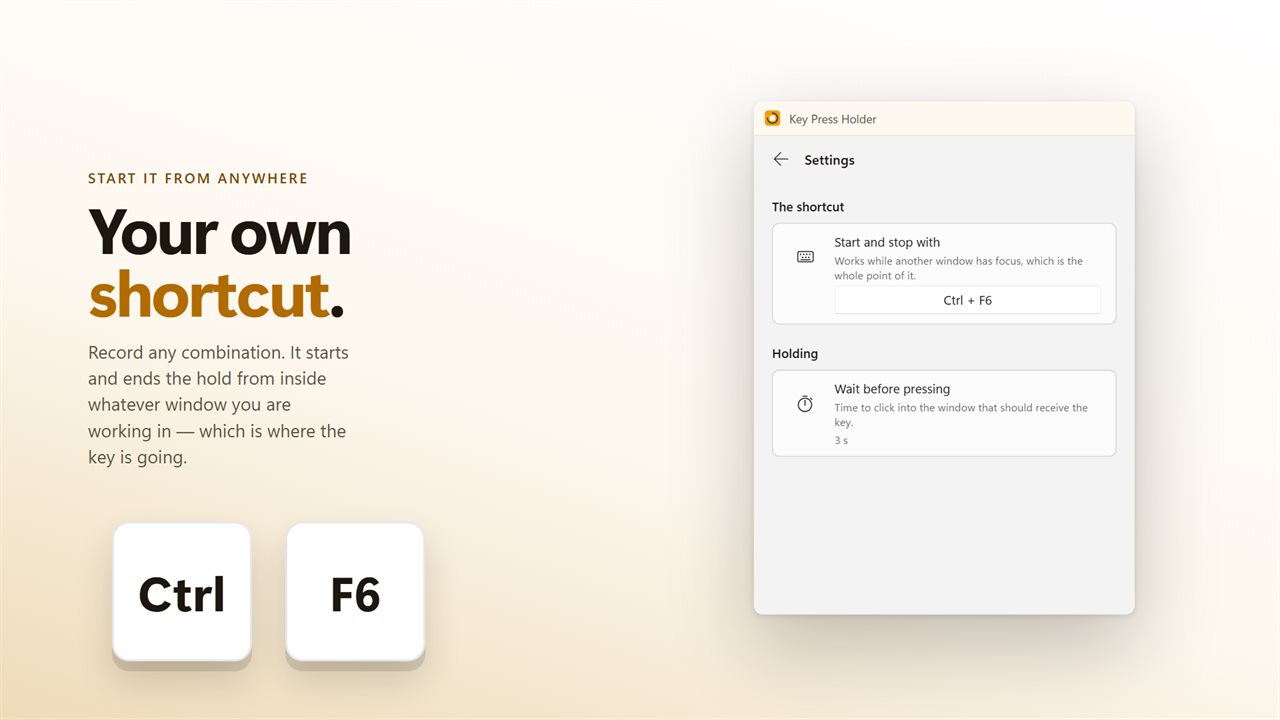
While the key is held it is going to whatever window has focus, which is not this one. So record a shortcut of your own: it starts the hold and ends it from inside any application, without clicking back to this window first.
Point first
It waits a few seconds before pressing, which is enough to click into the game or the document that should be getting the key.
Upgrading
Your key, duration and repeat settings from the previous version are carried across the first time it opens.
No account needed. No sign-in needed. No ads, and nothing held back behind an unlock.
Built for Windows 11, and at home on Windows 10.
Features
- Holds one key down for as long as you set, then lets go
- Seconds, minutes or hours — one second or the whole afternoon
- Any key on the keyboard: 132 of them, against 79 in the old list
- Choose the key by pressing it, instead of finding its name in a list
- The keycap in the window sits down while the key is down
- Let go, wait, and hold again on a cycle until you stop it
- Waits a few seconds before pressing, so you can click into the window that should get it
- A shortcut that starts and stops it from inside any window
- Shows how much of the hold is left as it counts down
- Sits in the tray and stays out of the way while it works
- Starts with Windows through the Startup page rather than a shortcut
- Your settings from the old version carry over on first launch
- No account needed, no ads, and nothing leaves your PC unless you turn on backup
Details
- Works on
- Windows 10 (1809 or later) and Windows 11
- Download
- About 2.6 MB
- Version
- 2.0.5, updated October 2026
- First released
- September 2023
- Price
- $1.99 once. No subscription.
- Category
- Utilities & tools
What's new in 2.0.5
- Every key on the keyboard — 132 of them, against 79 in the old list. The punctuation keys, the modifiers, Page Up and Page Down and the media keys are all in it
- F11 can be held. The old list printed F10 twice and never offered F11 at all
- Choose the key by pressing it, rather than hunting through a list
- Hold for seconds, minutes or hours, and the keycap in the window sits down while the key is down
- Let go, wait, and hold again until you stop it
- The shortcut starts and stops it from inside any window, which is what you need when the key is going to something else
- Your settings carry over on first launch
Questions
Anything else? Ask us
Which versions of Windows does it run on?
Windows 10 (version 1809 or later) and Windows 11.
Is it a subscription?
No. Key Press Holder is a one-time purchase of $1.99, and updates are included.
How do I get it?
EvlarSoft apps are moving to direct downloads from this site. Ask to be notified and we will email you as soon as Key Press Holder is ready to download.