Modern Volume Mixer
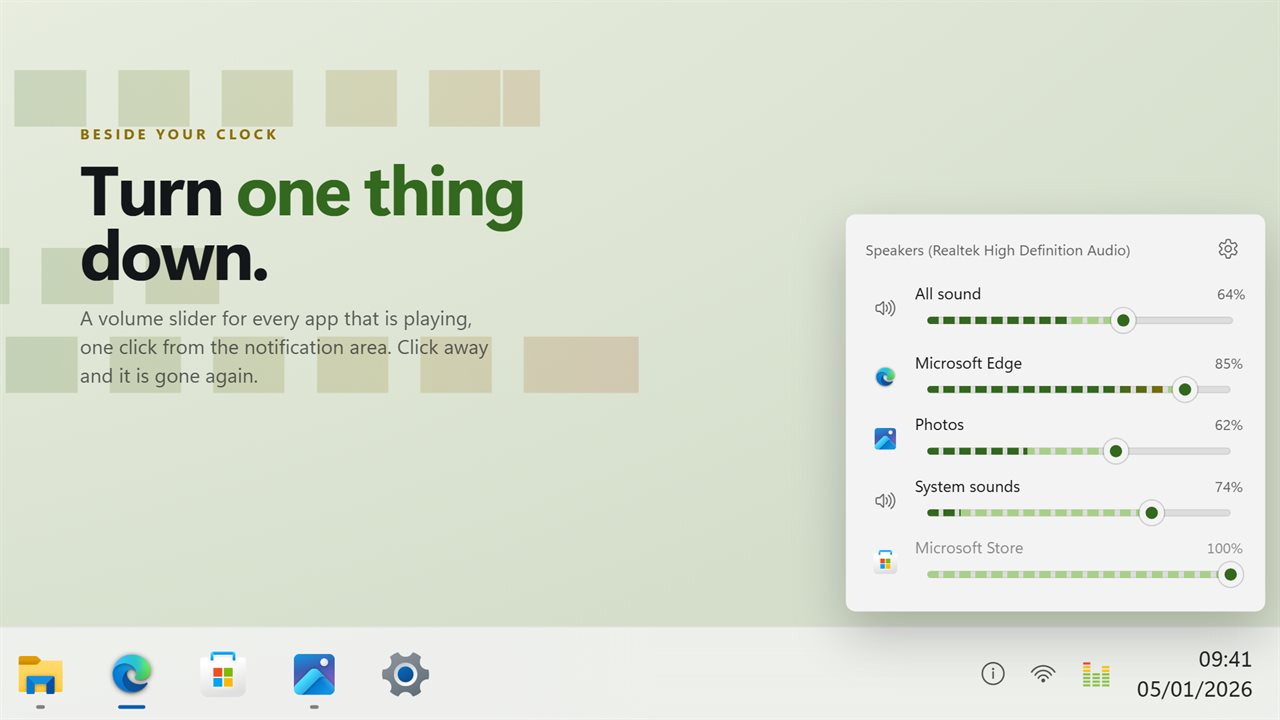
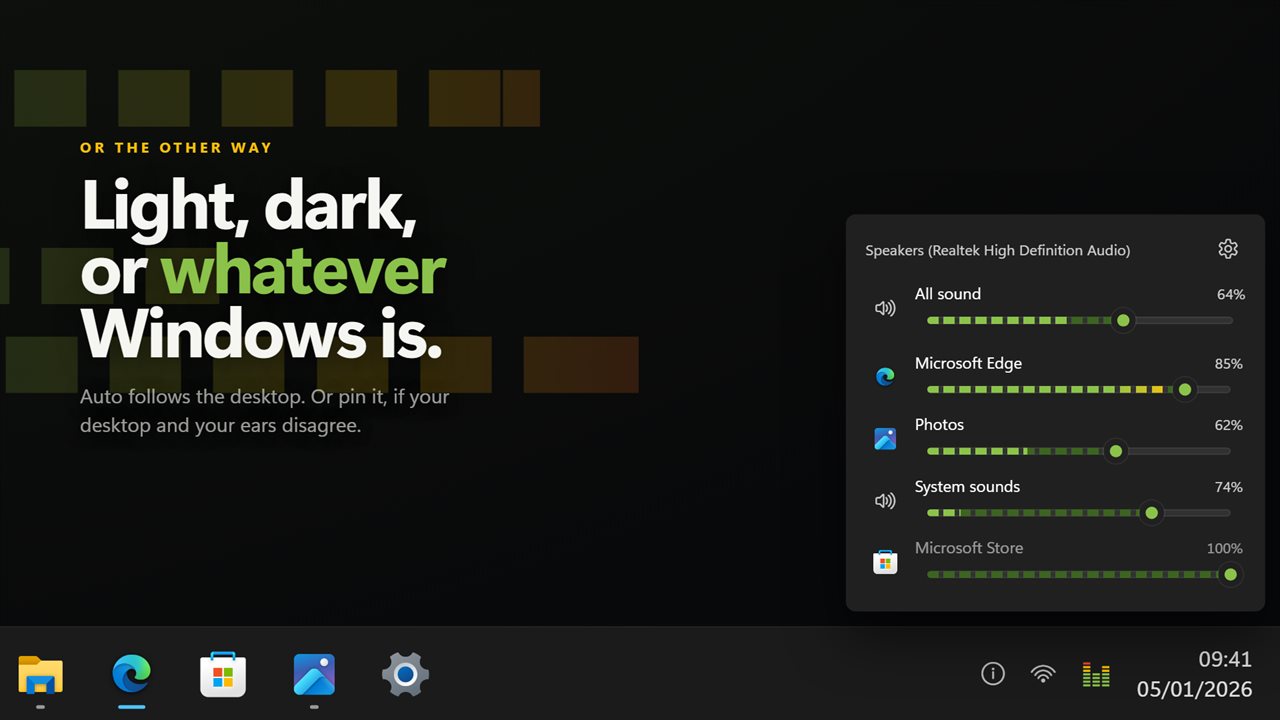
A volume slider for every app that is playing, one click from your clock. Click the tray icon, turn one thing down, click away. Each slider carries a live level bar, so you can see which app is making the noise, and its own icon and name so you can tell them apart. Mute one app without muting the rest, level everything again from the tray menu, and point it at any output rather than only the one Windows is using. It does nothing at all while it is closed.
A slider per app, one click from the notification area, gone again when you click away.
See it in action
About Modern Volume Mixer
Something is too loud and it is not the thing you are listening to. This puts a slider for every app one click from your clock.
A flyout, not a window
Click the icon in the notification area and it opens beside it — bottom right, or wherever your taskbar happens to be docked. Click anywhere else and it is gone again. It is not in your taskbar and not in Alt+Tab, because it is not that kind of window.
You can see which one is making the noise
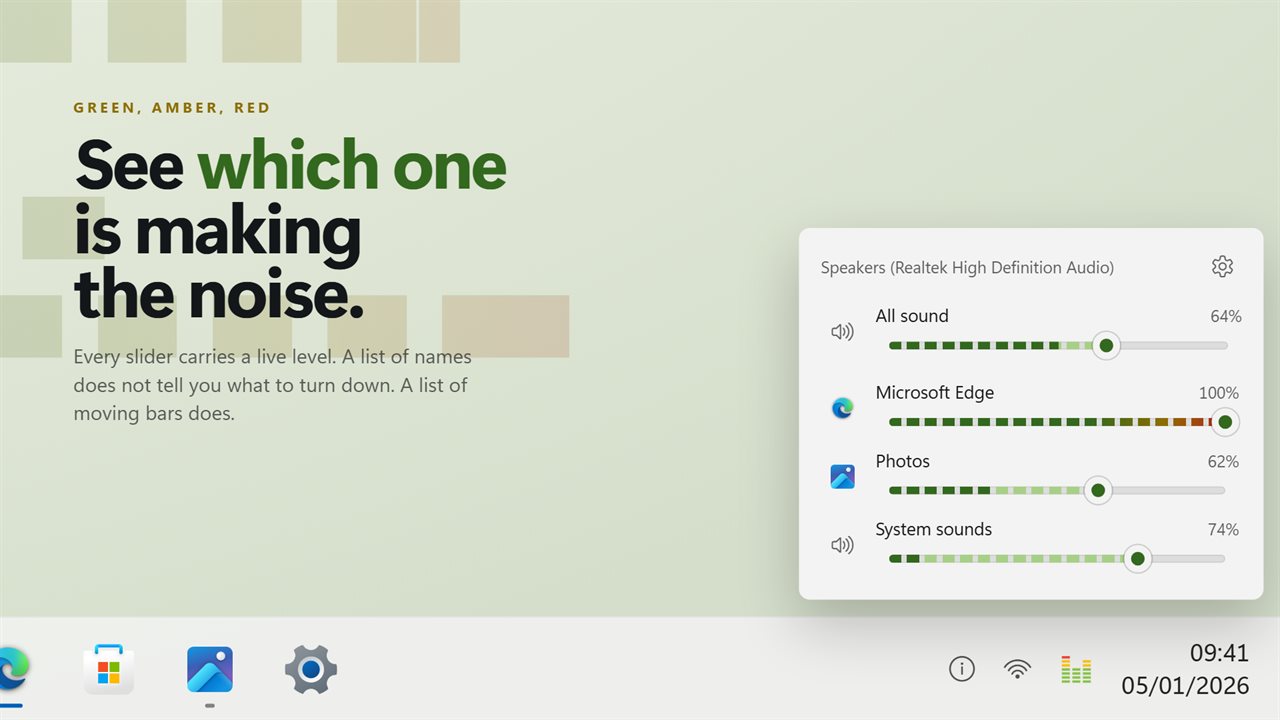
Every slider carries a live level bar that runs green, amber, red as it gets louder. A list of app names does not tell you which one to turn down; a list of moving bars does.
One app at a time
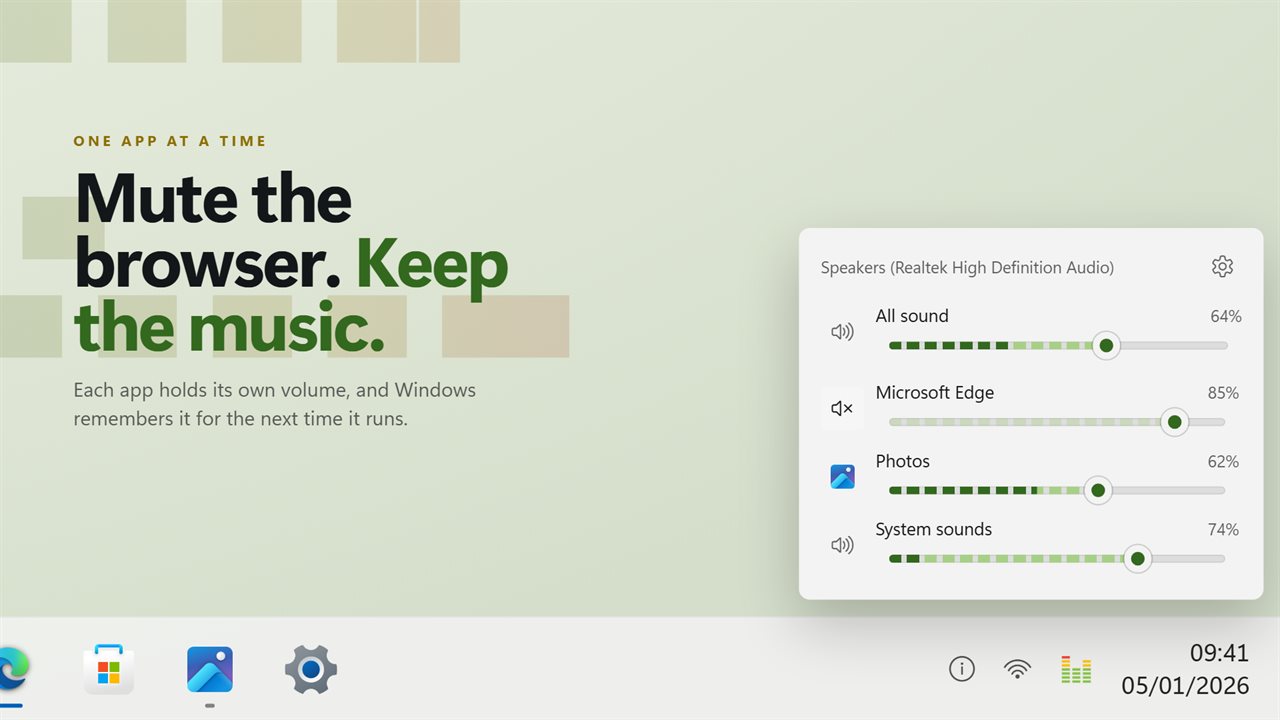
Mute the browser and leave the music. Turn a game down without touching a call. Each app keeps its own volume, and Windows remembers it for next time.
Named, and with its own icon
Apps are listed by the name on their window and drawn with their own icon, not by the executable. An app playing four sounds at once is one slider rather than four identical rows.
Put it back
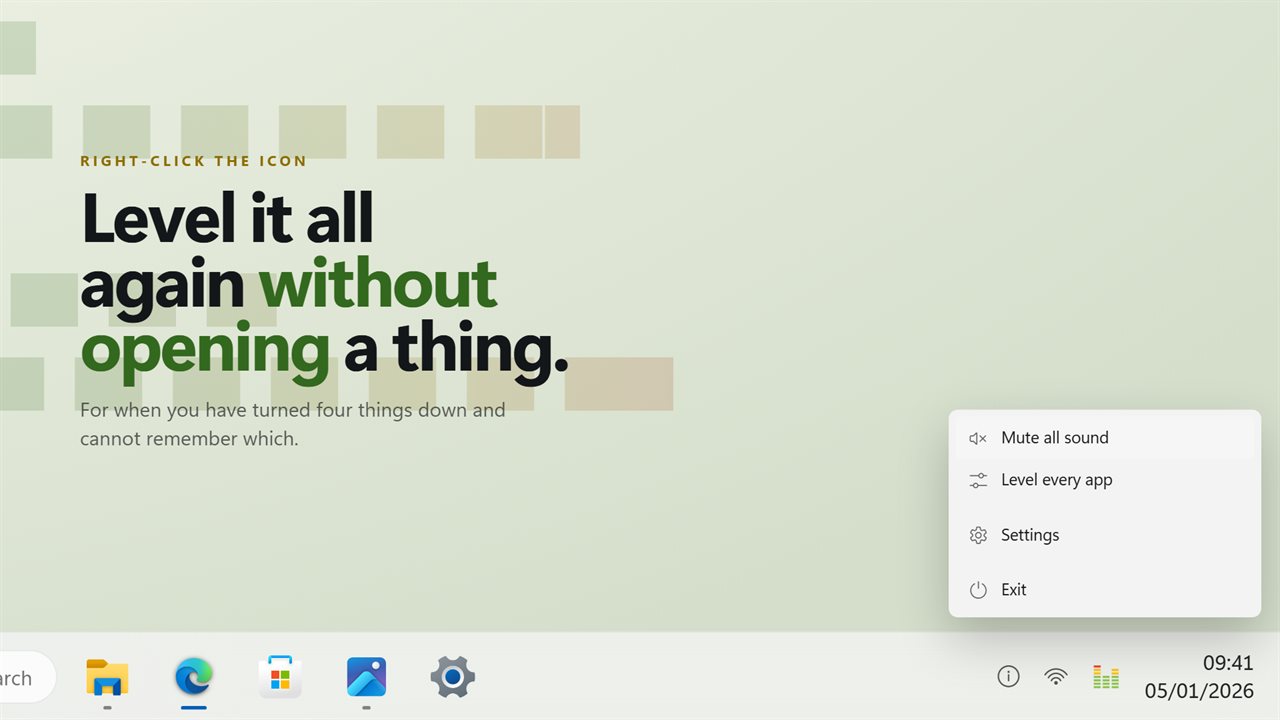
One item on the tray menu levels every app again — for when you have turned four things down and cannot remember which.
Any output, not just the default
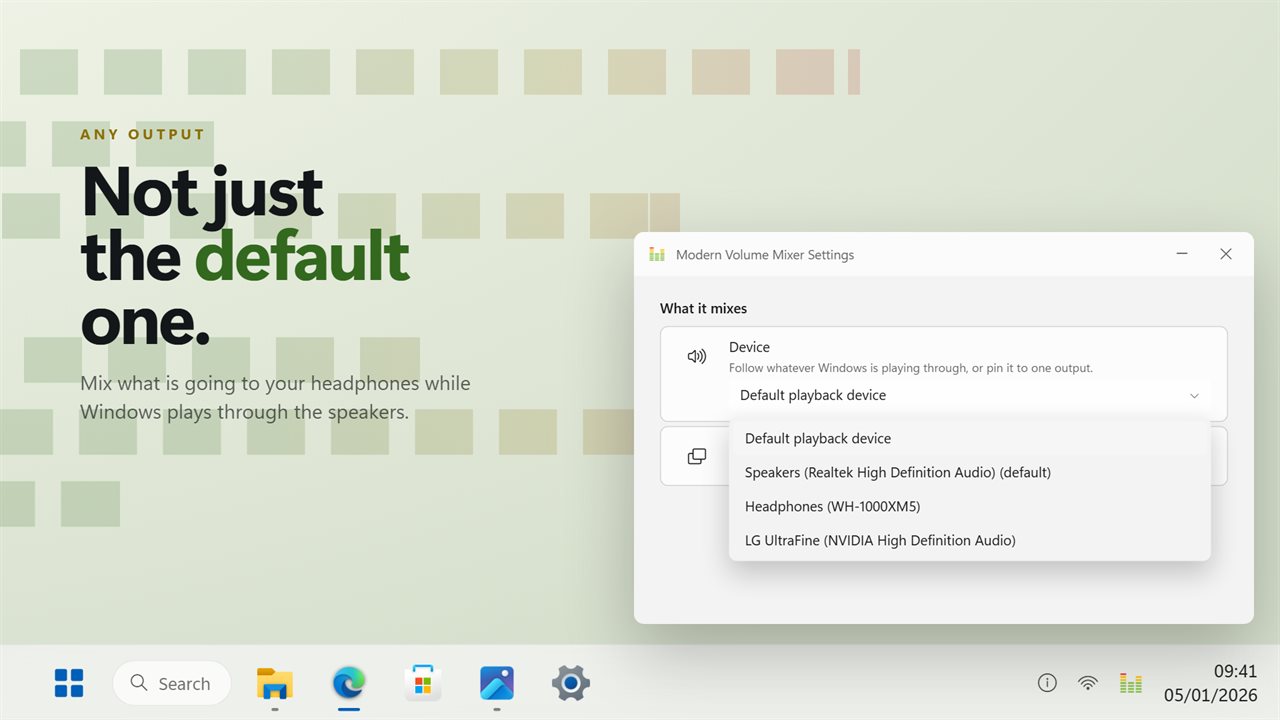
Every playback device on your PC is in the list. Mix what is going to your headphones while Windows plays through the speakers, or the other way round.
A mixing desk on your phone
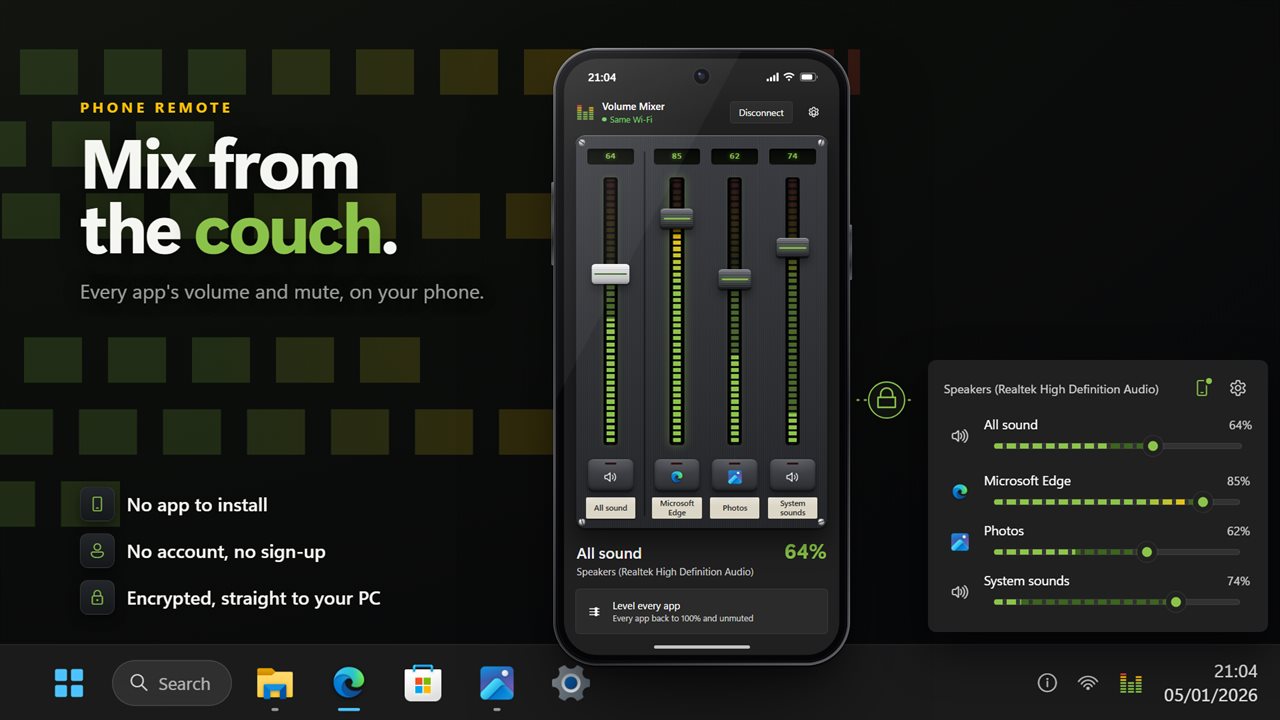
Scan the code in the flyout with your phone's camera, and every app gets a fader on your phone, with its own level lights and mute key. Turn the game down from the couch, or level every app at once. There is no app to install, no account and no sign-up. Your phone talks straight to your PC over an encrypted connection.
Out of the way
Nothing runs while the flyout is closed — it costs nothing at all until you click the icon. One switch starts it with Windows, through the Windows Startup page, so you can see it and turn it off there like any other startup app.
No account, no ads, and nothing leaves your PC unless you connect your phone or send feedback.
Features
- A volume slider per app, one click from the notification area
- Live level bars along every slider, so you can see what is making the noise
- Mute one app without muting everything else
- Master volume on the same panel, above the line
- Opens beside the tray icons, wherever your taskbar is docked
- Closes when you click away, like the volume flyout does
- One tray menu item levels every app again
- Apps are named and shown with their own icon
- Several streams from one app are one slider, not four
- Pick which output it mixes, instead of only the default one
- Light, dark, or whatever Windows is set to
- Starts with Windows, through the Startup page rather than a shortcut
- Nothing runs while it is closed
- Use your phone as a mixing desk: every app's volume and mute, and the master. No app to install and no account
- No account, no ads, and nothing leaves your PC unless you connect your phone or send feedback
Details
- Works on
- Windows 10 (1809 or later) and Windows 11
- Download
- About 2.5 MB
- Version
- 2.1.1, updated October 2026
- First released
- June 2022
- Price
- $1.99 once. No subscription.
- Category
- Utilities & tools
What's new in 2.1.1
- Self-contained, and puts an icon in the notification area before anything else
- Steady under load, redrawing in place rather than reopening
- Follows your default output as it changes, and can be pinned to a specific one
- Idle while closed
Questions
Anything else? Ask us
Which versions of Windows does it run on?
Windows 10 (version 1809 or later) and Windows 11.
Is it a subscription?
No. Modern Volume Mixer is a one-time purchase of $1.99, and updates are included.
How do I get it?
EvlarSoft apps are moving to direct downloads from this site. Ask to be notified and we will email you as soon as Modern Volume Mixer is ready to download.
More from EvlarSoft
 Volume LimiterSet how loud this PC can ever get.
 Audio Levels MonitorA level meter for whatever your PC is playing, or whatever your microphone is hearing — real dBFS, one bar per channel.
 Audio Input/Output LockWindows moves your default speakers and microphone on its own — a monitor wakes, a headset reconnects, a game exits — and there is no setting that stops it.