Mouse Disabler
Turn the mouse off in one click — every button, the wheel, and the pointer itself if you want. The keyboard always brings it back, so you are never stuck.
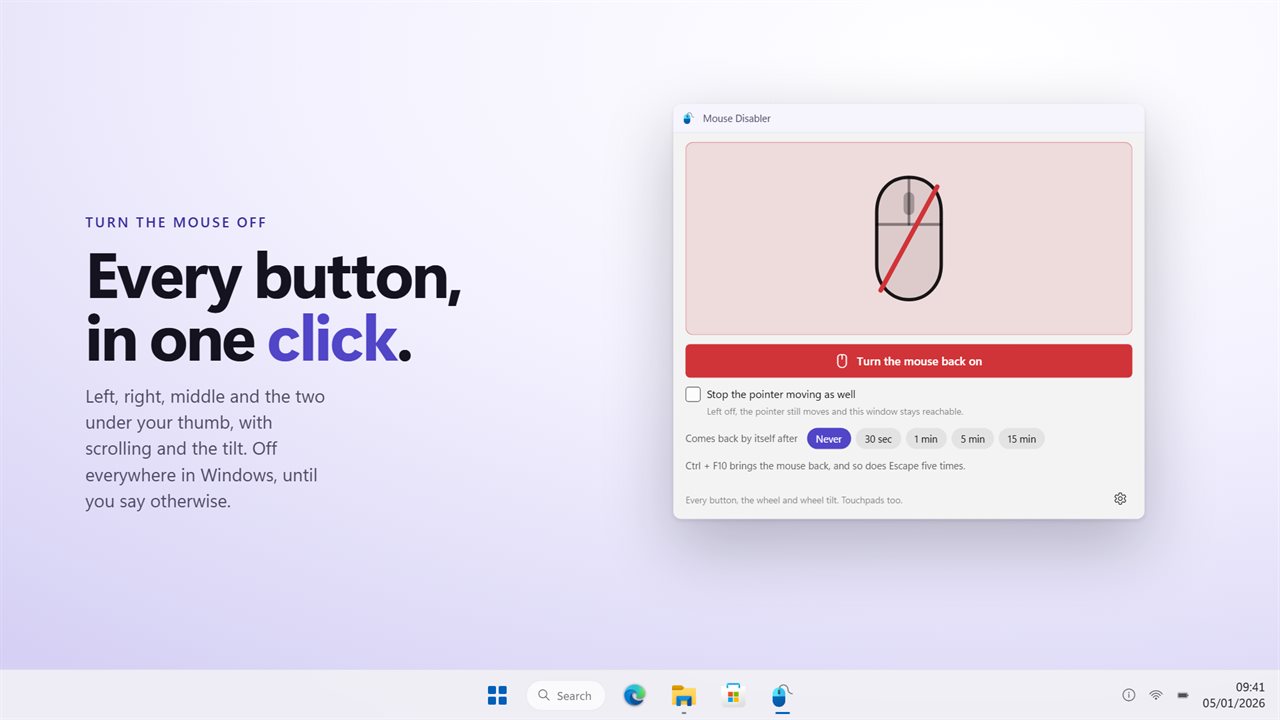
One button. Every mouse button, the wheel and the tilt stop at once.
See it in action
About Mouse Disabler
Sometimes the mouse needs to stop. Cleaning it without dragging files across the desktop. A child at the machine with a film on. A cat on the desk. A touchpad your palm keeps brushing while you type.
Mouse Disabler turns it off.
One button
Press Turn the mouse off and every button stops working — in the browser, the editor, the game. Left, right, middle, and Back and Forward on the thumb side. Scrolling and tilting the wheel go with them. The mouse drawn in the window is struck through, so there is never any doubt whether it worked.
The pointer is a separate choice
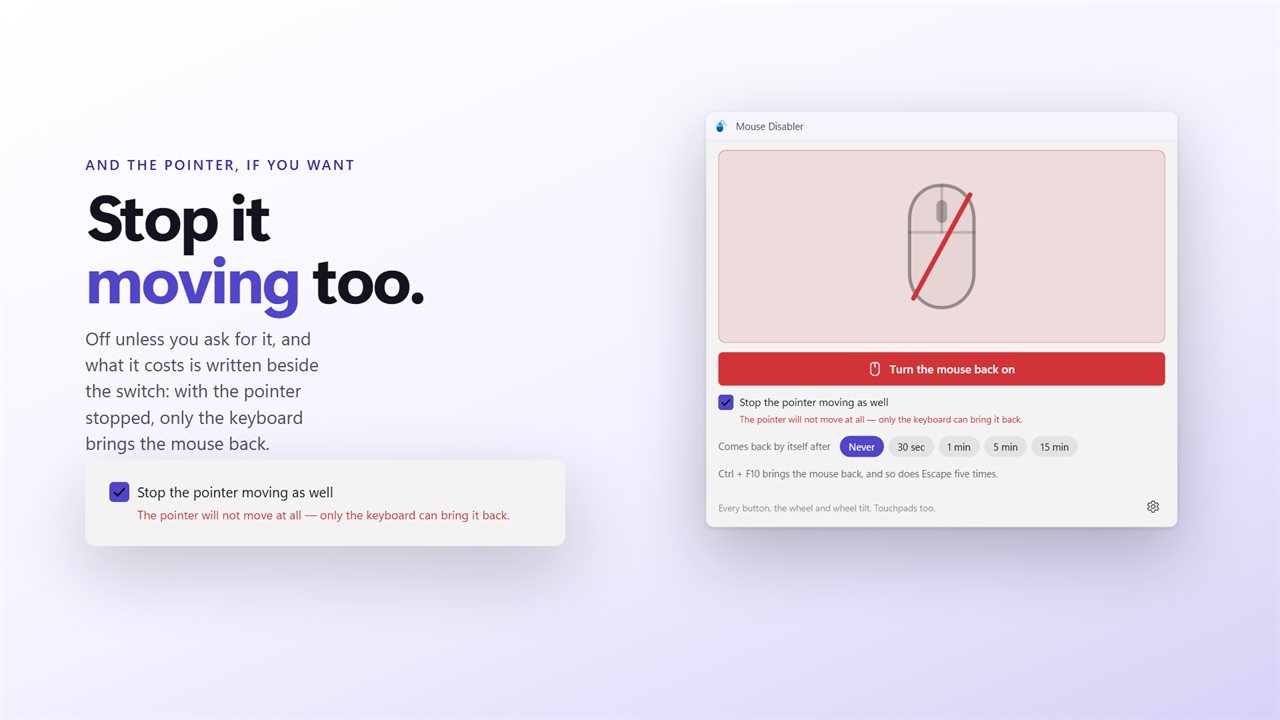
By default the pointer still moves. It cannot click anything, but you can see it, and the window with the button in it is still there to look at.
Stop the pointer moving as well is a switch of its own, and the app says plainly what it costs before you use it: with it on, only the keyboard can bring the mouse back. That is a real thing to want — a keyboard-only machine, a screen being wiped — and it is deliberately not the default.
The way back is always a key
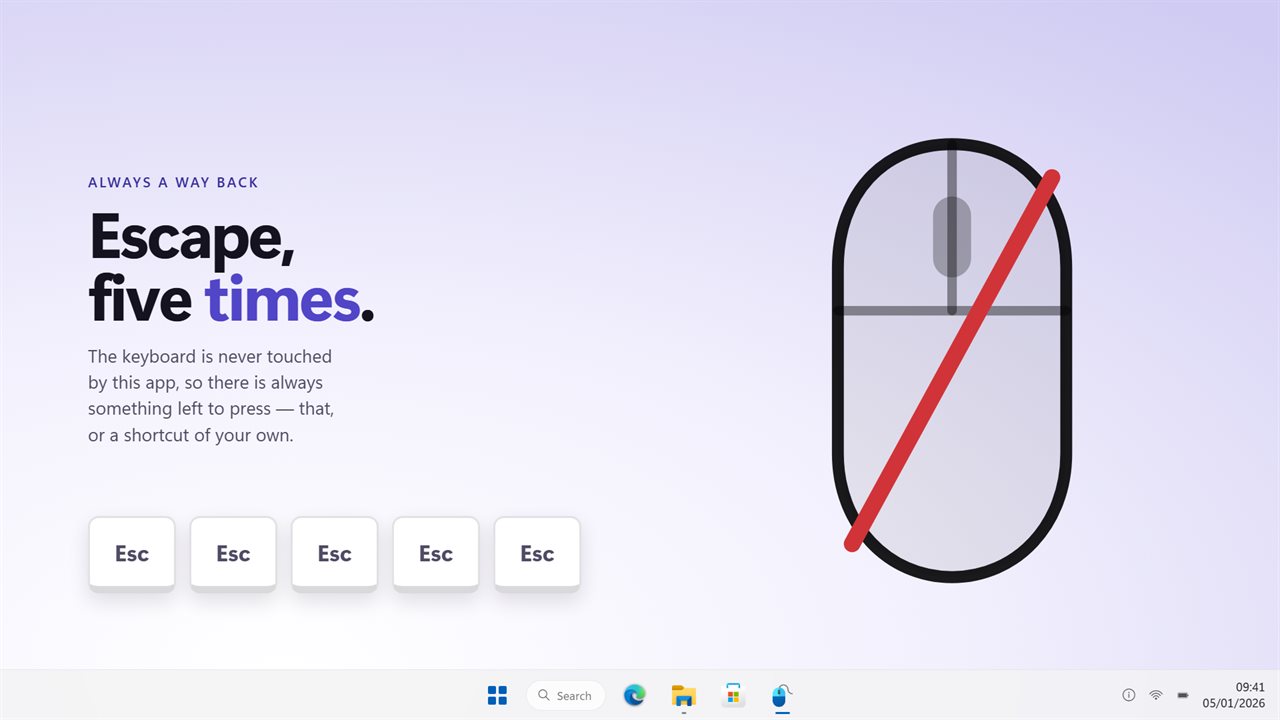
The keyboard is never touched by this app, so there is always something left to press.
All three are live at the same time, whether the pointer is stopped or not.
- A shortcut of your own — Ctrl and F10 to begin with — turns the mouse off and back on from inside any window.
- Press Escape five times and the mouse comes straight back. This cannot be switched off or changed.
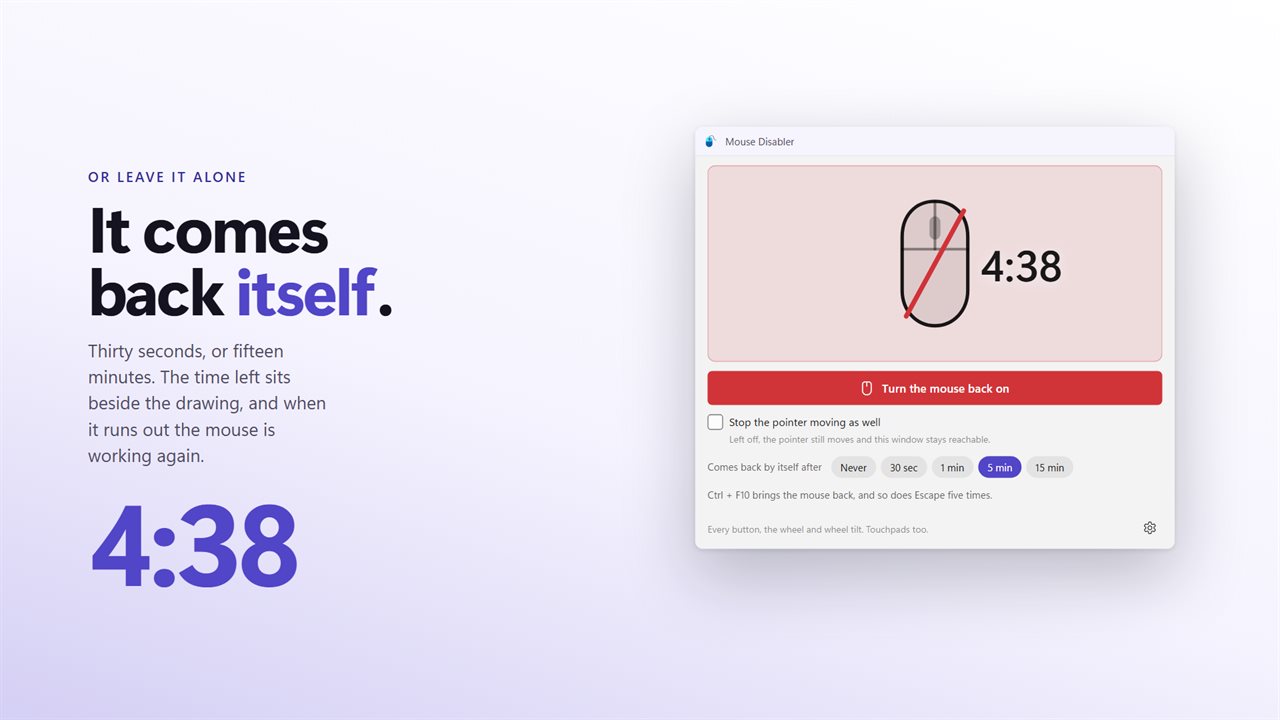
- Set a countdown of 30 seconds, 1 minute, 5 minutes or 15 minutes and the mouse returns by itself when it runs out.
Everything that points
A laptop touchpad is a mouse as far as Windows is concerned, so it stops too, and so does a second mouse plugged in beside the first. Worth knowing before you buy: this turns off the mouse, not one mouse.
On from sign-in
Turn on Start with Windows and Turn the mouse off as soon as the app opens, and the mouse is off from the moment you sign in. Start with Windows goes through the Startup page in Windows Settings, so you can see it there and switch it off there.
Nothing to undo
No driver is disabled, nothing is written to the registry, and no device is removed. Close the app and the mouse is back. There is nothing left behind to repair.
No account. No sign-in. No ads, and nothing held back behind an unlock.
Built for Windows 11, and at home on Windows 10.
Features
- Turns off all five buttons at once, the two on the thumb side included
- Scrolling and wheel-tilt go with them
- Stopping the pointer moving is a separate switch, off by default, with what it costs written beside it
- Off everywhere in Windows, not just in one application
- The keyboard is never touched, so there is always a way back
- A shortcut of your own turns the mouse off and on from inside any window
- Escape five times gives the mouse back, and cannot be turned off
- Comes back by itself after 30 seconds, 1 minute, 5 minutes or 15 minutes
- Touchpads too, and any second mouse plugged in
- Turn the mouse off the moment the app opens
- Starts with Windows through the Startup page, so it is off from sign-in
- Sits in the tray, and the tray icon works without opening the window
- Nothing is disabled at the driver level and nothing needs a reboot to undo
- No account, no ads, and nothing that leaves your PC
Details
- Works on
- Windows 10 (1809 or later) and Windows 11
- Download
- About 2.9 MB
- Version
- 2.0.1, updated October 2026
- First released
- April 2023
- Price
- $1.99 once. No subscription.
- Category
- Utilities & tools
What's new in 2.0.1
- Three ways to get the mouse back, all live at once: a keyboard shortcut, Escape five times from any window, and a countdown that ends it on its own after up to 15 minutes
- Stopping the pointer moving is now a switch of its own, off unless you ask for it, with what it costs written next to it
- Back and Forward — the two under your thumb — go off with the rest, alongside scrolling and wheel-tilt
- The drawing of the mouse shows the state, so it is obvious the app is doing something
- It sits in the tray, starts with Windows, and can turn the mouse off the moment it opens
Questions
Anything else? Ask us
Which versions of Windows does it run on?
Windows 10 (version 1809 or later) and Windows 11.
Is it a subscription?
No. Mouse Disabler is a one-time purchase of $1.99, and updates are included.
How do I get it?
EvlarSoft apps are moving to direct downloads from this site. Ask to be notified and we will email you as soon as Mouse Disabler is ready to download.
More from EvlarSoft
 Mouse Click HolderHolds the mouse button down for you, for as long as you need.
 Click CounterClick Counter keeps a running total of every click your mouse makes — left, right, middle, back, forward and wheel — across every application and every game.
 MechanicalKeysGive any keyboard the sound of a mechanical one.