NoRecycle
Pull the lever and deleted files skip the Recycle Bin on the drives you choose. Push it back and the bin returns. Set the Recycle Bin to clear items older than a few days, or to stay under a size you pick, so it never fills your drive.
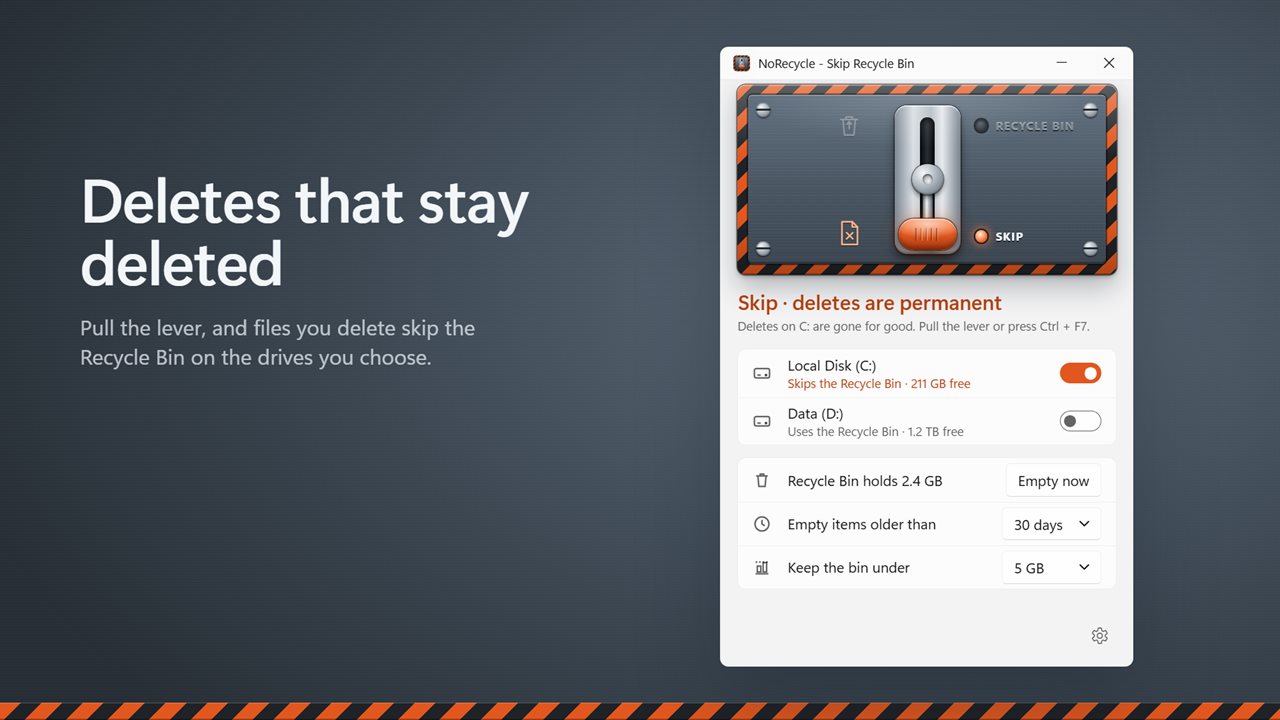
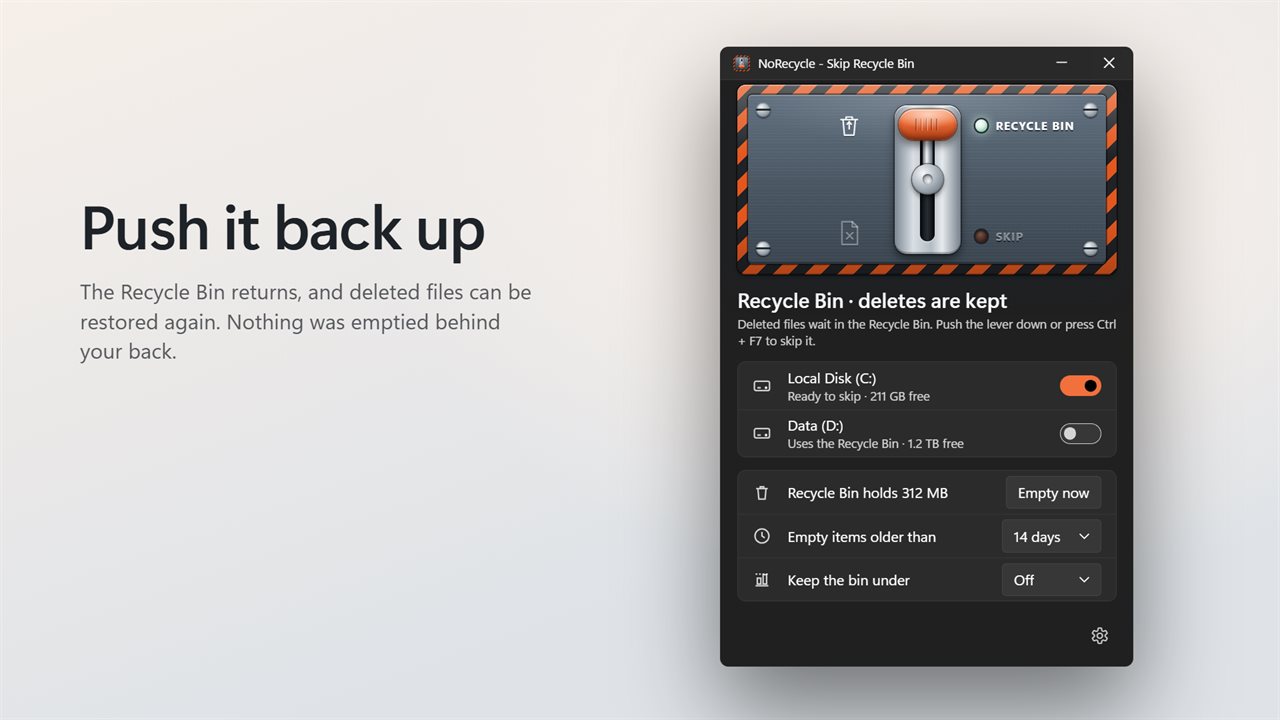
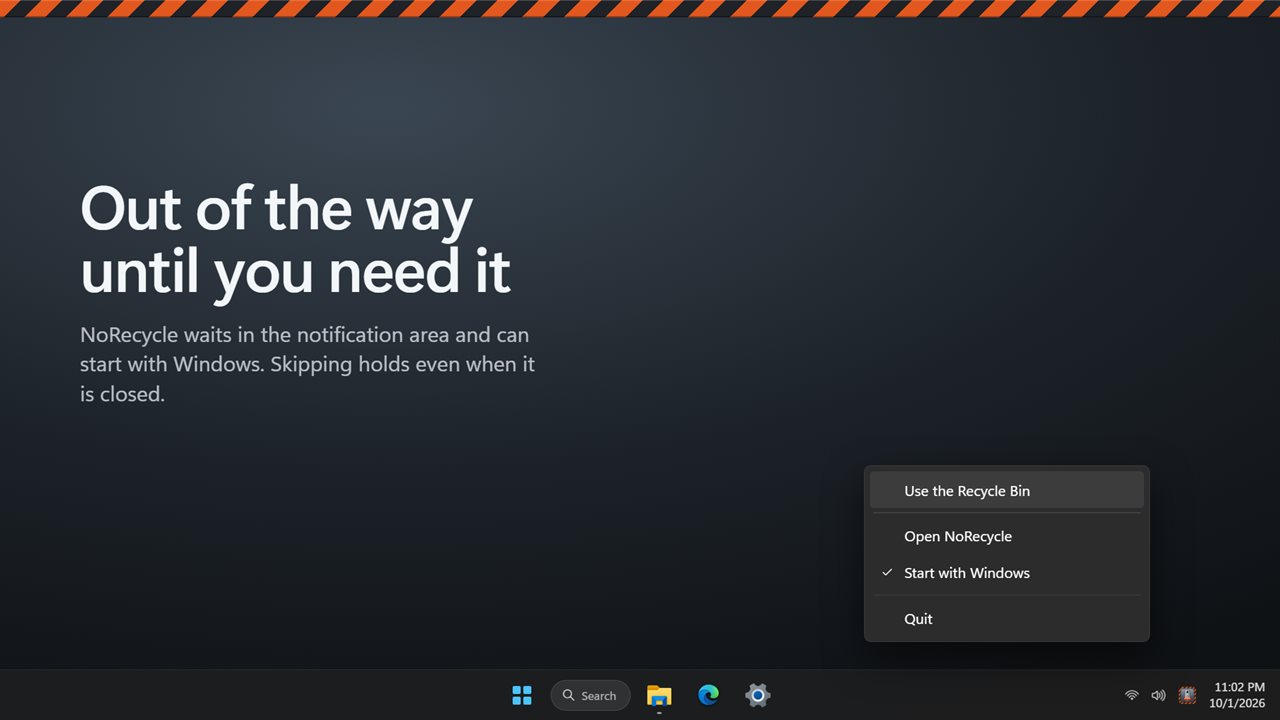
Pull the lever, and deletes skip the Recycle Bin.
See it in action
About NoRecycle
Some deletes should be final. NoRecycle gives you a big lever that decides where deleted files go.
One lever
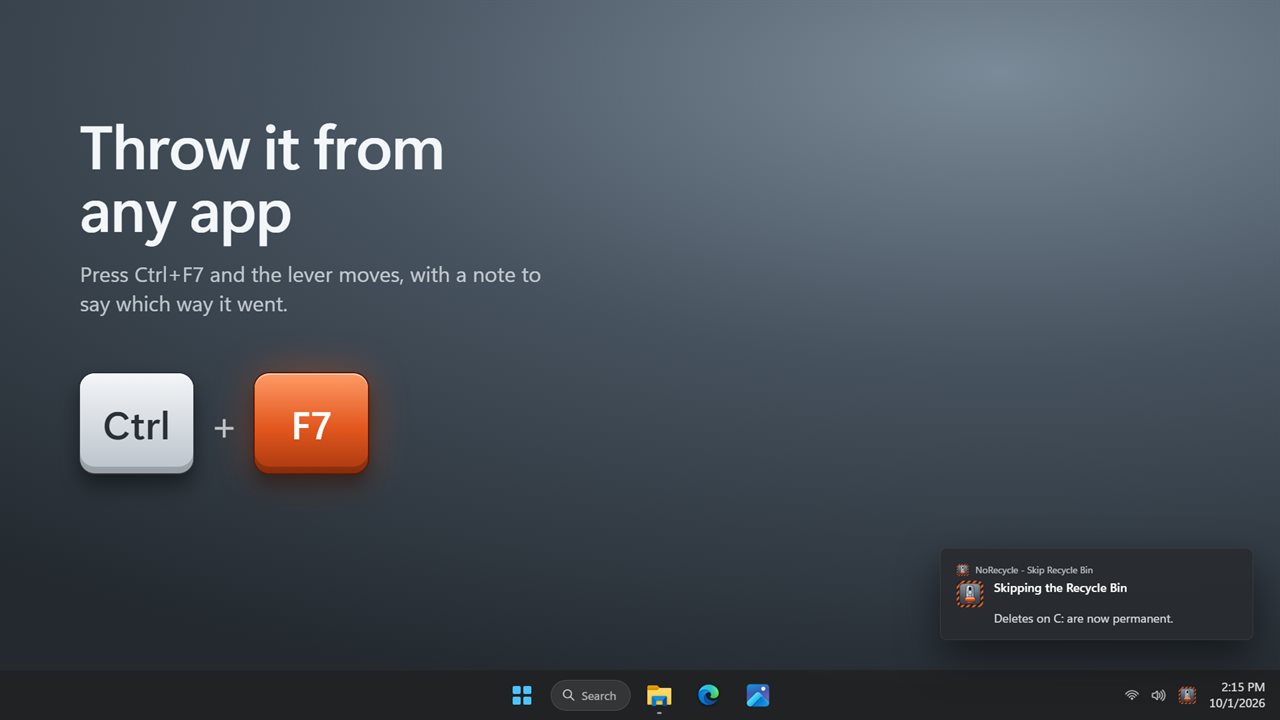
Pull the lever down and files you delete on your chosen drives skip the Recycle Bin and are gone for good. Push it up and the Recycle Bin is back, so deleted files can be restored again. Press Ctrl+F7 from any app to throw it without opening the window, or pick your own shortcut. A notification tells you which way it went.
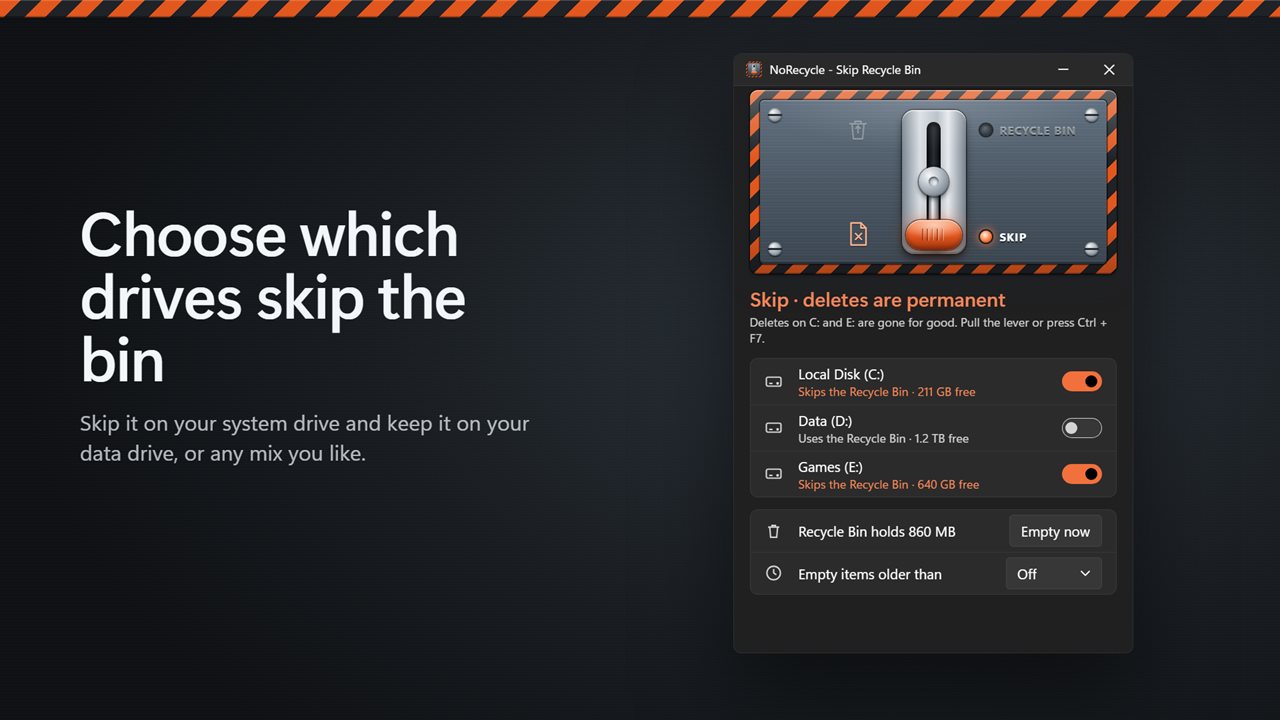
Your drives, your call
Every drive with a Recycle Bin gets its own switch. Skip the bin on your fast system drive and keep it on your data drive, or the other way around. Hover a drive to see how much its Recycle Bin holds.
It stays set
The choice is saved in Windows itself, so it keeps working with NoRecycle closed and after a restart. Your Recycle Bin is never emptied behind your back.
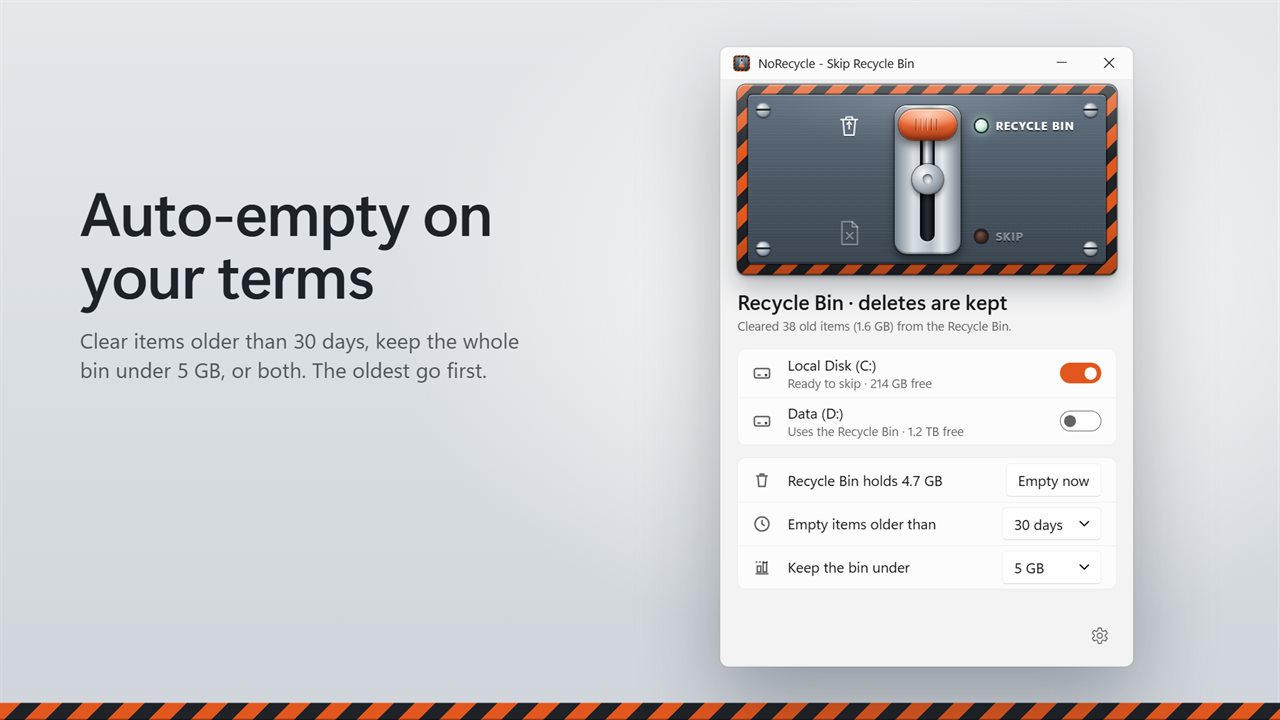
Auto-empty on your terms
Keep the Recycle Bin from piling up. Empty items older than 1, 3, 7, 14, 30, 60 or 90 days, keep the whole bin under 1 to 50 GB, or both. The oldest items go first, so whatever you deleted this morning is still there to restore. Or empty everything at once with one click.
Out of the way
NoRecycle waits in the notification area and can start with Windows. Light and dark themes, or match Windows.
Features
- Pull one lever to make deleted files skip the Recycle Bin, and push it back to bring the bin back
- Choose which drives skip the bin, one switch per drive
- Skipping keeps working with NoRecycle closed, and stays set after a restart
- Throw the lever from any app with Ctrl+F7, or pick your own shortcut
- A notification confirms which way the lever went
- See how much the Recycle Bin holds, on every drive and in total
- Empty the Recycle Bin with one click, after a confirmation
- Empty only items older than 1, 3, 7, 14, 30, 60 or 90 days
- Keep the bin under 1, 2, 5, 10, 20 or 50 GB, removing the oldest items first
- Waits in the notification area and can start with Windows
- Light and dark themes, or match Windows
Details
- Works on
- Windows 10 (1809 or later) and Windows 11
- Download
- About 3.0 MB
- Version
- 2.0.2, updated October 2026
- First released
- May 2023
- Price
- $1.99 once. No subscription.
- Category
- Utilities & tools
What's new in 2.0.2
- New: choose which drives skip the Recycle Bin, one switch per drive
- New: empty items older than a number of days, or keep the bin under a size you choose. The oldest items go first
- New: see how much the Recycle Bin holds, and empty it with one click
- Skipping now stays set after you close the app or restart your PC
- NoRecycle no longer empties your whole Recycle Bin in the background. It switches the bin off for the drives you choose instead
- Ctrl+F7 still throws the lever, and you can now pick another shortcut
Questions
Anything else? Ask us
Which versions of Windows does it run on?
Windows 10 (version 1809 or later) and Windows 11.
Is it a subscription?
No. NoRecycle is a one-time purchase of $1.99, and updates are included.
How do I get it?
EvlarSoft apps are moving to direct downloads from this site. Ask to be notified and we will email you as soon as NoRecycle is ready to download.
More from EvlarSoft
 Fast File Splitter and JoinerSplit a file, or join the parts back up, without reading anything first.
 Batch Smart File RenamerRename a whole folder with six rules that work together: add text, remove text, replace, change case, number in sequence, and add a date.
 Find Any FileSearch your PC the way you'd ask a person.