Evlar PDF Editor
Change the words in a PDF, not just draw on it. Sign, fill in forms, redact with proof that it worked, and make scanned pages searchable.
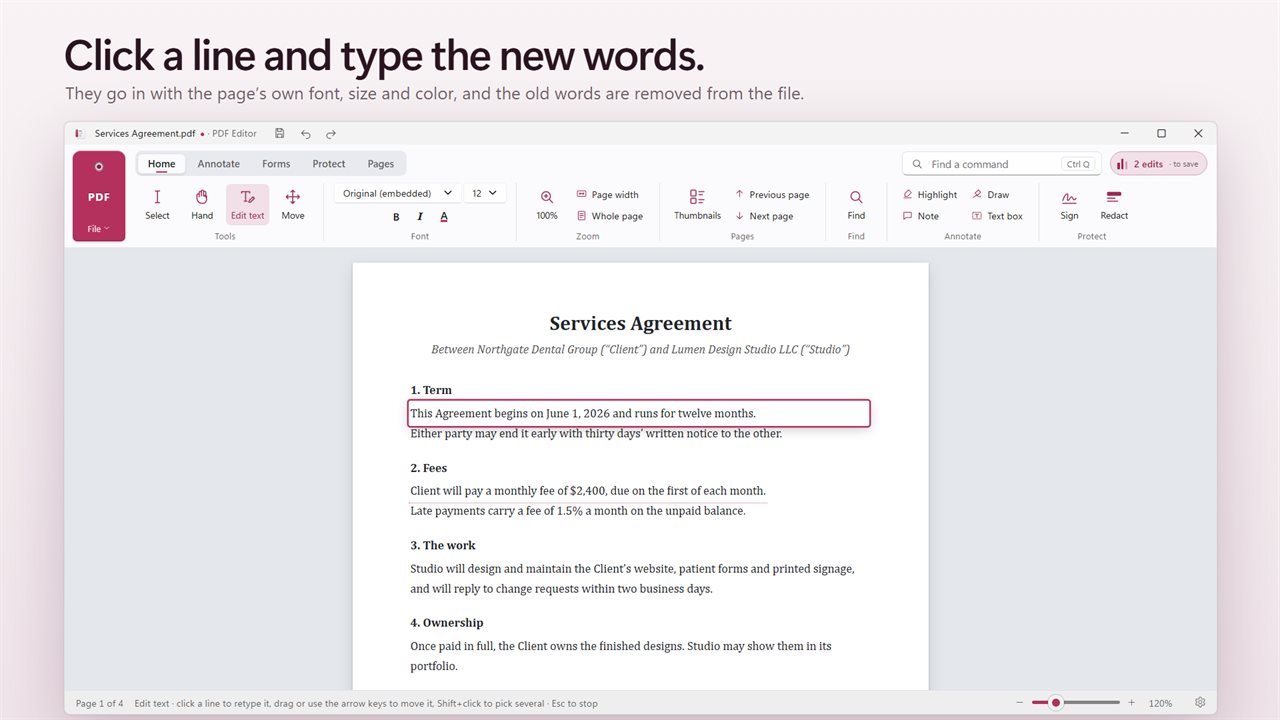
Click a line and type the new words, in the page's own font.
See it in action
About Evlar PDF Editor
A PDF editor that changes the words, not just the look of them.
Edit text
Click a line and retype it. The new text goes in with the document's own font, size and color, on the same line, and the old text is removed from the file rather than hidden under a white box.
Redact, with proof
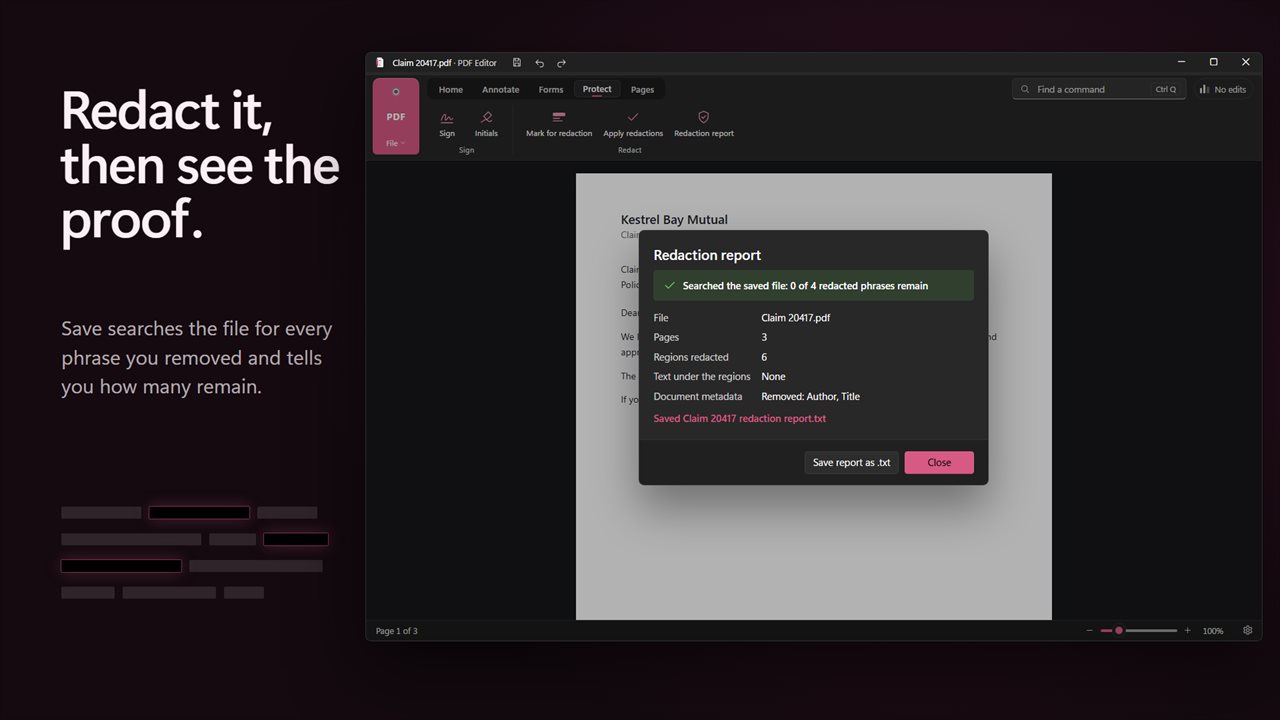
Mark names, account numbers and anything else for redaction and apply it. When you save, Evlar PDF Editor searches the saved file for every phrase you redacted and tells you how many remain, which should be none. It clears the file's details too, like author and title, since those often carry the very name you removed. Save the report to keep with the file.
Scanned pages
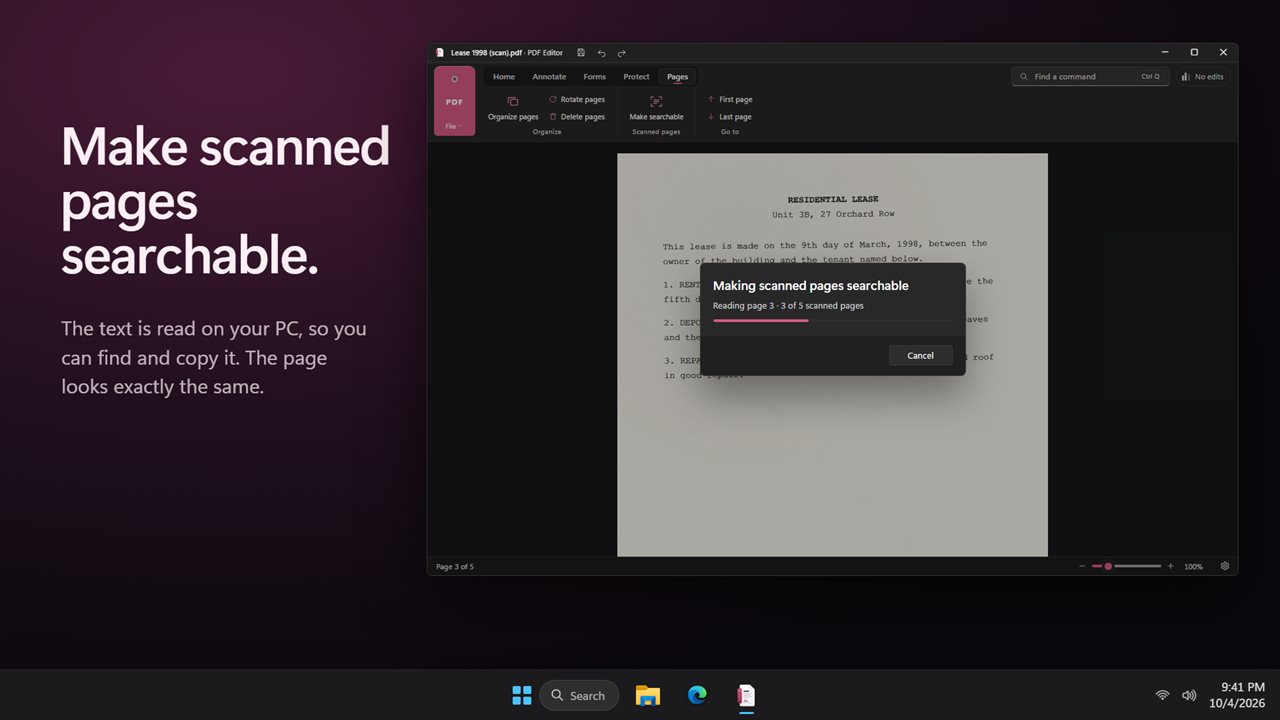
Make a scanned PDF searchable. The text is read on your PC and added invisibly behind each page, so you can find and copy it while the page looks exactly the same.
Sign and fill
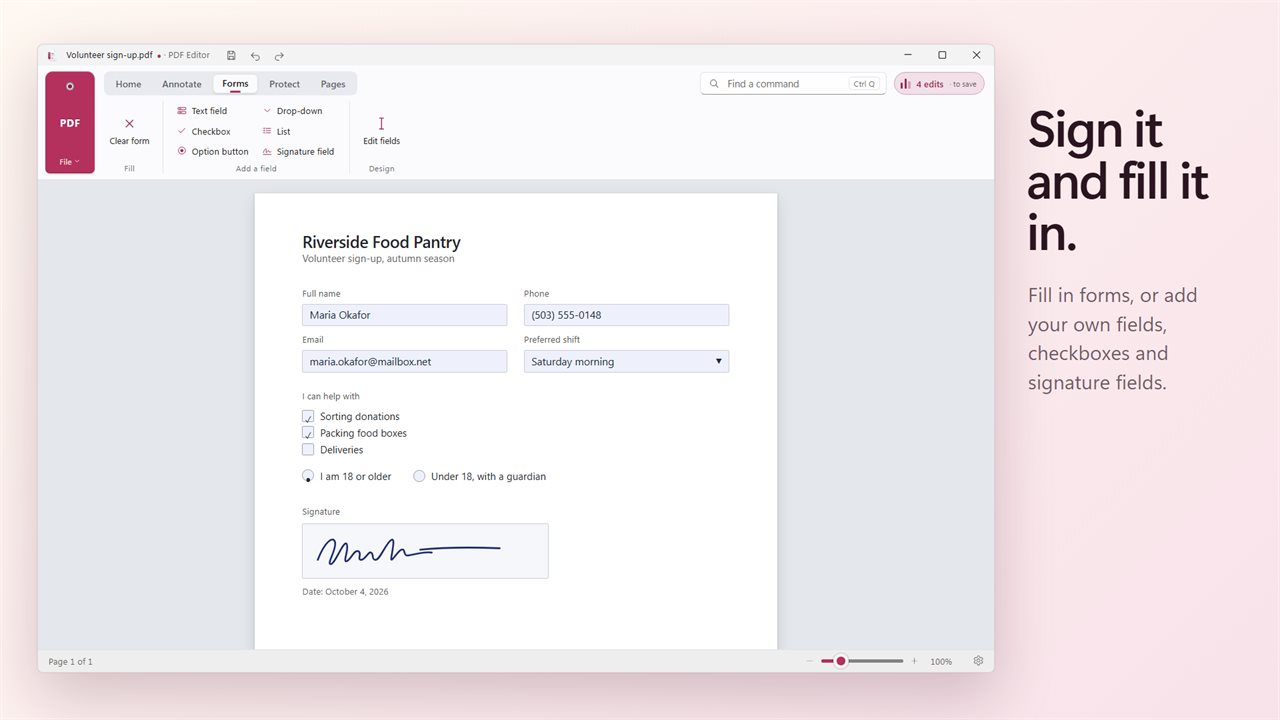
Sign and initial documents. Fill in forms, or design your own with text fields, checkboxes, option buttons, drop-downs, lists and signature fields.
Mark up and organize
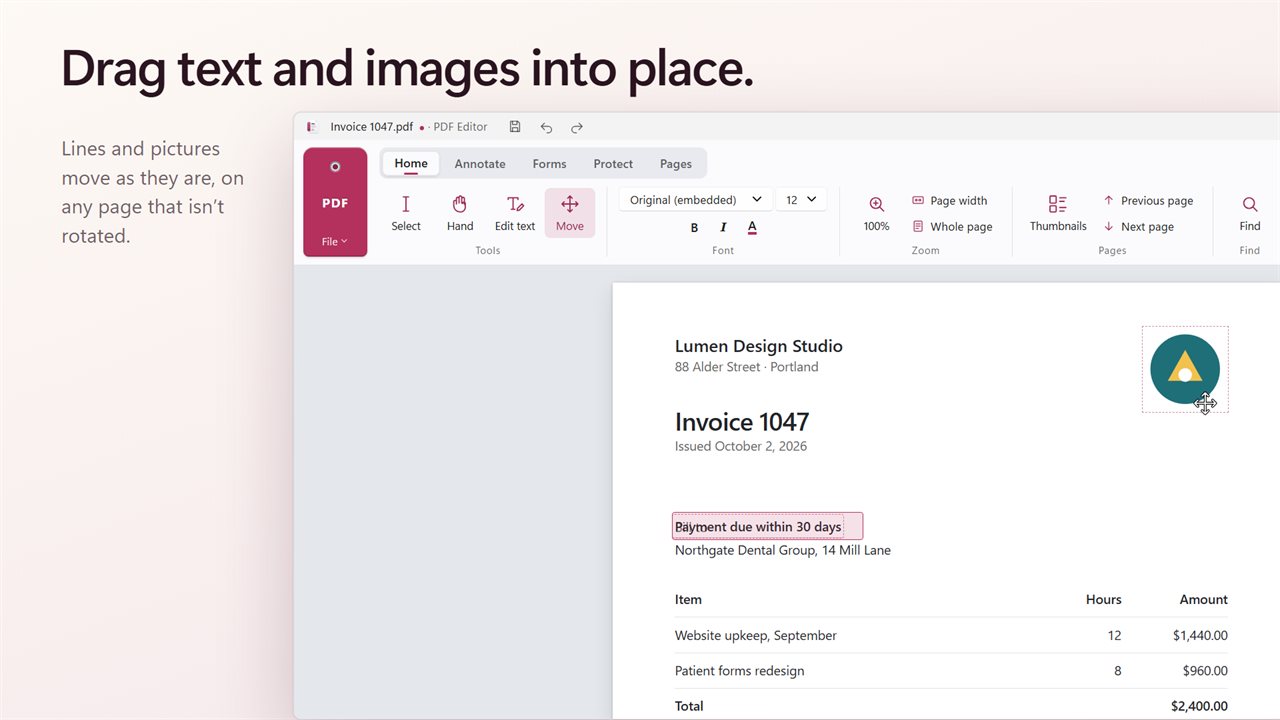
Highlight, underline and strike through text. Add notes, text boxes, drawings, shapes, arrows and stamps. Rotate, reorder and delete pages.
Know what you are saving
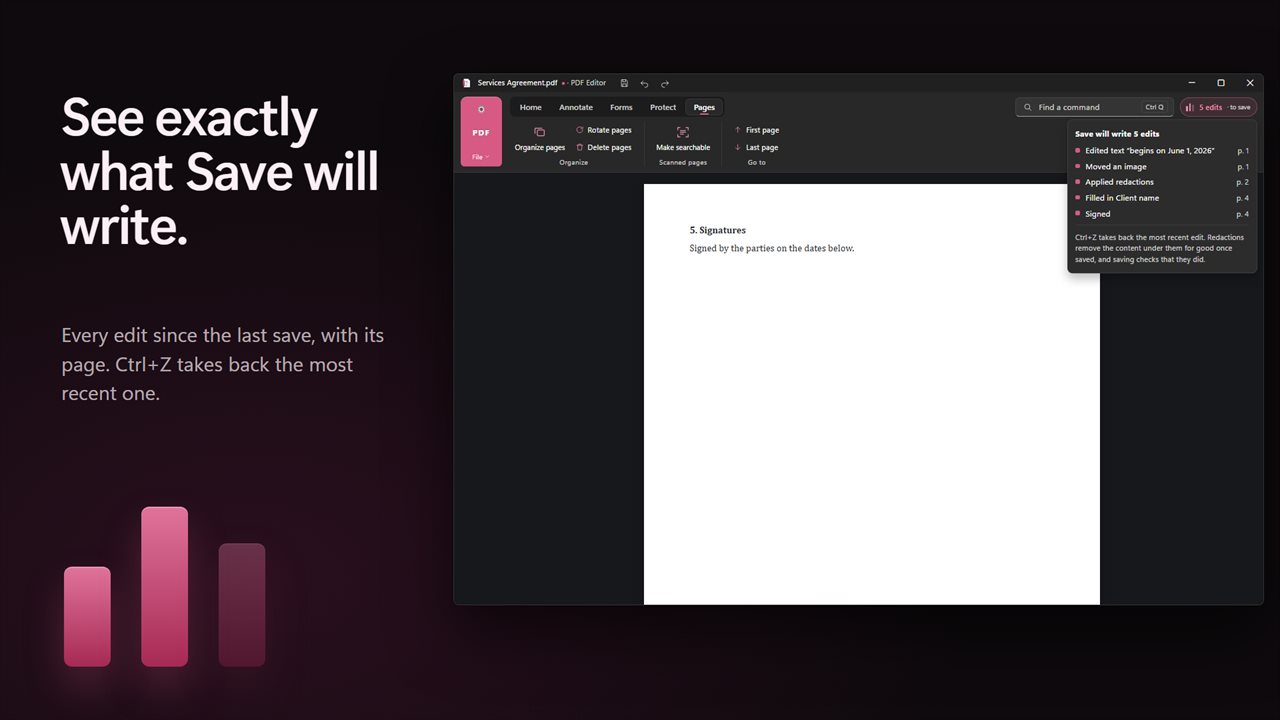
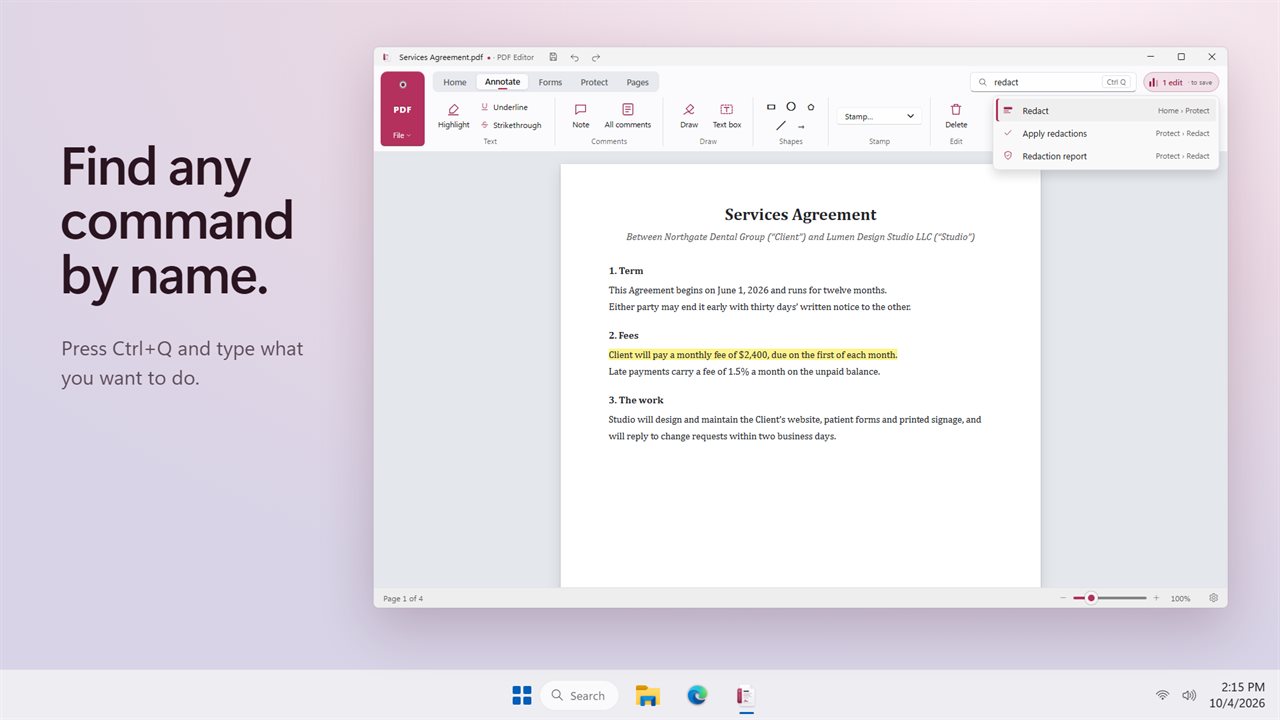
The Changes list shows each edit since the last save. Press Ctrl+Q to find any command by name.
Private by design
Everything happens on your PC. No account, no upload, and it works offline.
Features
- Edit the text of a PDF in place, in the document's own font, size and color
- Edited text is truly replaced, not covered with a white box
- Redact names, numbers and anything else, then get proof: the saved file is searched to show nothing remains
- Redaction also clears the file's details, like author and title, and you can save a report to keep with the file
- Make scanned pages searchable, so you can find and copy their text
- Sign and add initials
- Fill in forms, or add your own text fields, checkboxes, option buttons, drop-downs, lists and signature fields
- Highlight, underline and strike through text
- Add notes, text boxes, drawings, shapes, arrows and stamps
- Rotate, reorder and delete pages
- Find text, page thumbnails, zoom and print
- A Changes list that shows exactly what Save will write
- Find any command by name with Ctrl+Q
- Works offline. Your documents never leave your PC
Details
- Works on
- Windows 10 (1809 or later) and Windows 11
- Download
- About 58.7 MB
- Version
- 2.0.2, updated October 2026
- First released
- October 2022
- Price
- $2.99 once. No subscription.
- Category
- Productivity
Questions
Anything else? Ask us
Which versions of Windows does it run on?
Windows 10 (version 1809 or later) and Windows 11.
Is it a subscription?
No. Evlar PDF Editor is a one-time purchase of $2.99, and updates are included.
How do I get it?
EvlarSoft apps are moving to direct downloads from this site. Ask to be notified and we will email you as soon as Evlar PDF Editor is ready to download.