PDF File Locker
A password on, or a password off. PDF File Locker does the two things people actually need and asks nothing else: drop in as many documents as you like, type one password, and lock or unlock the lot in a single pass. It reads the queue before it runs, so you know which files are already protected rather than finding out one at a time. Locking uses AES-256. Nothing is uploaded — the documents never leave your PC.
A password on, or a password off. The two things people need, and nothing else to decide.
See it in action
About PDF File Locker
A password on, or a password off. That is the whole app.
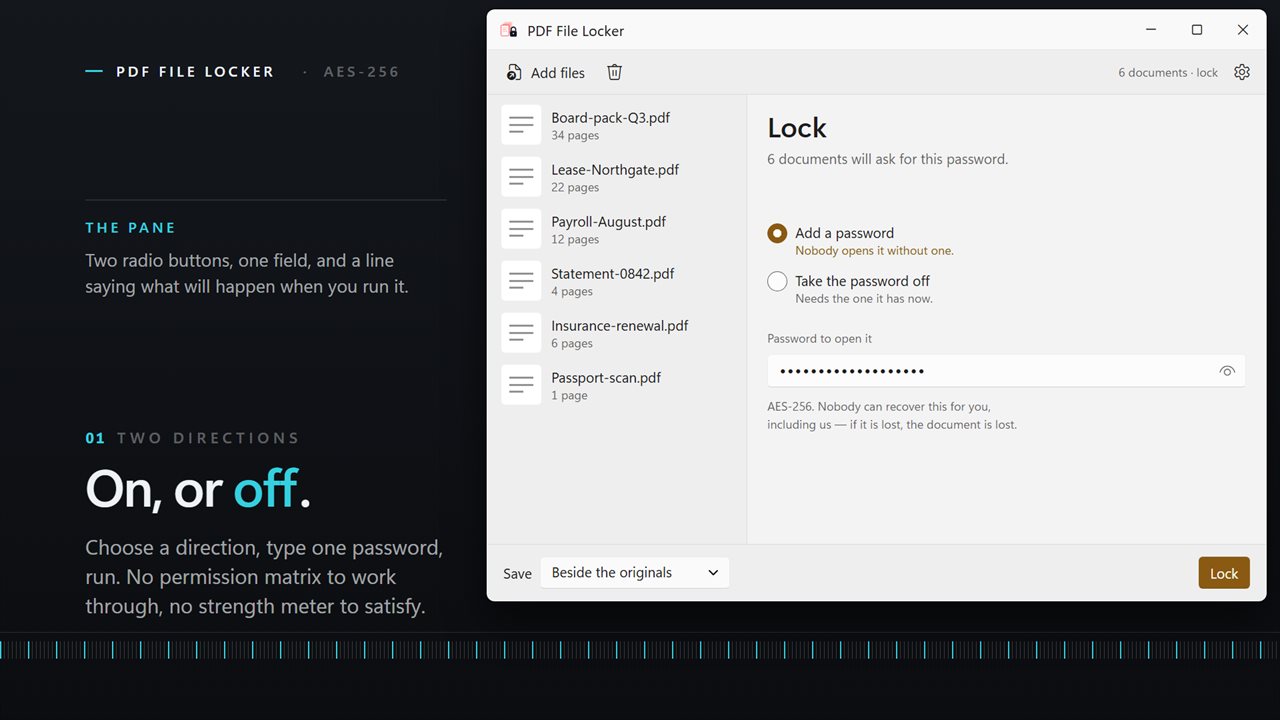
PDF File Locker does the two things people actually come looking for and puts nothing else on the screen. There is no permission matrix to work through and no strength meter to satisfy. Choose a direction, type one password, and run.
Both directions
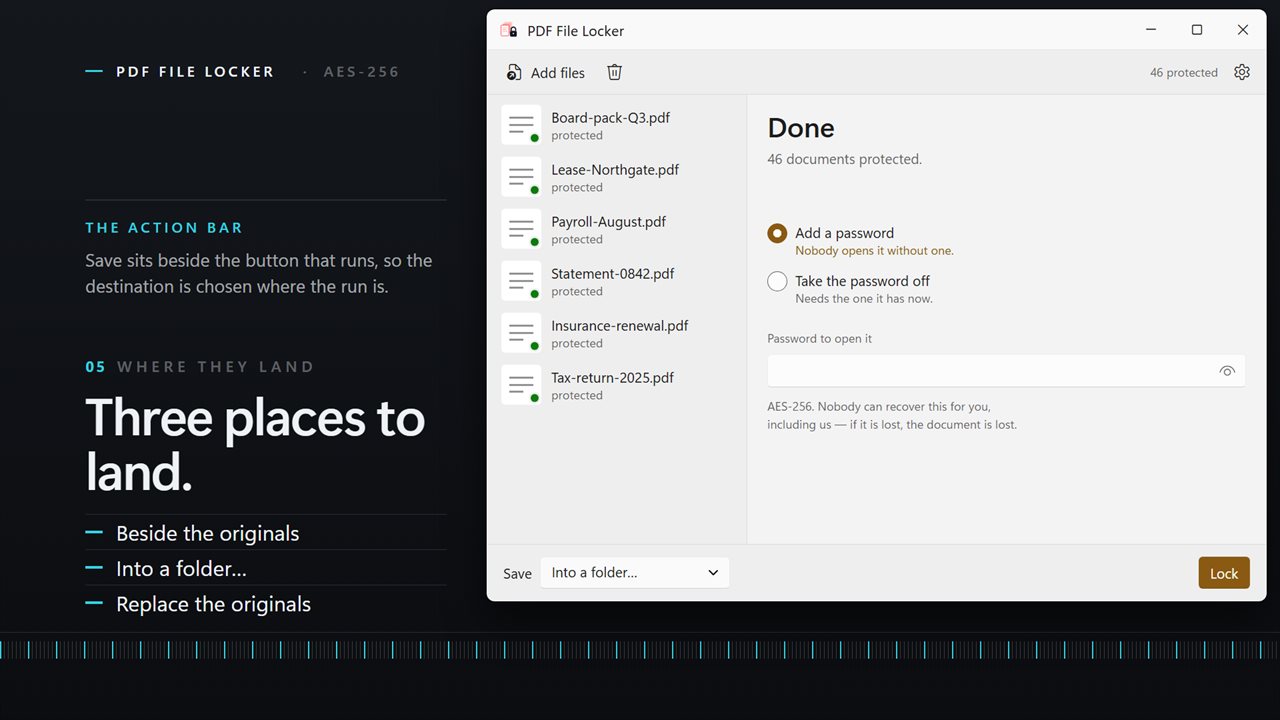
Most PDF lockers only lock. This one also opens: give it the password and it writes out documents with the protection removed, so a file you can open but cannot forward is a file you can fix. It is the same queue and the same button either way.
It reads the pile first
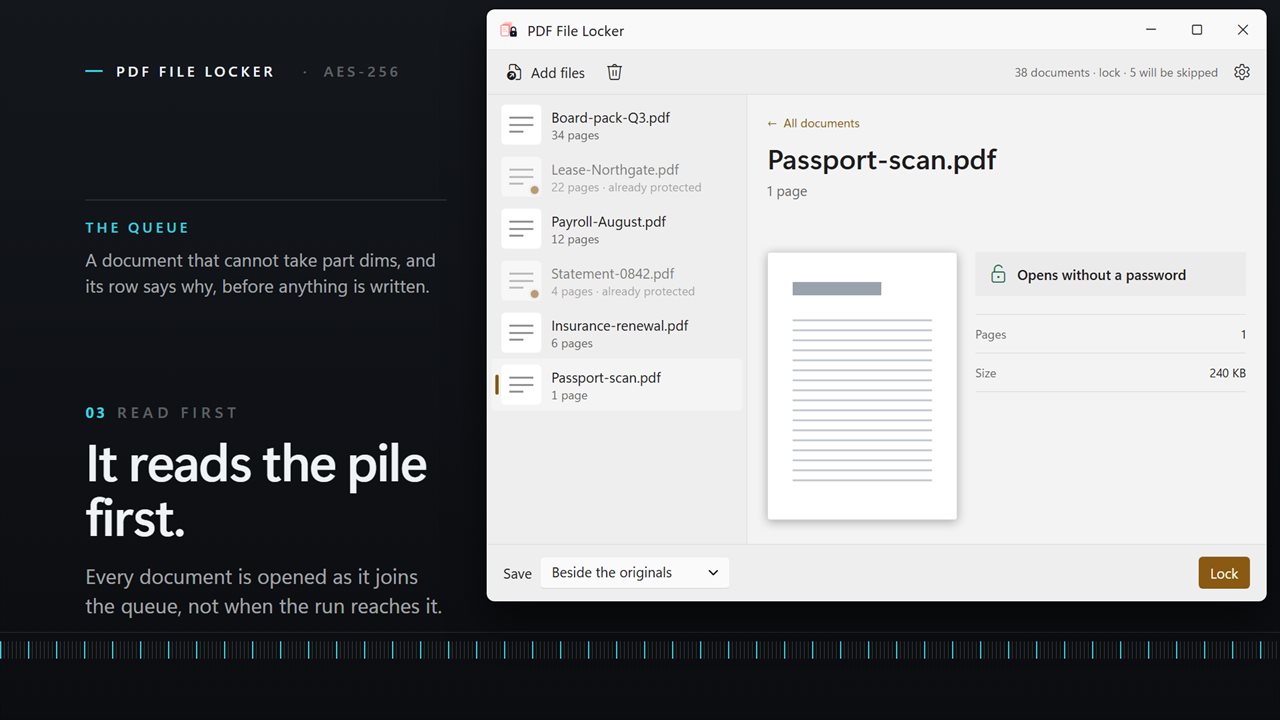
Every document is checked as it joins the queue, and the ones that cannot take part are marked before you press anything. Locking a set that already contains protected files, or unlocking a set that contains unprotected ones, is the ordinary way to waste a run — so those rows say "already protected" or "not protected" up front rather than failing at the end.
AES-256
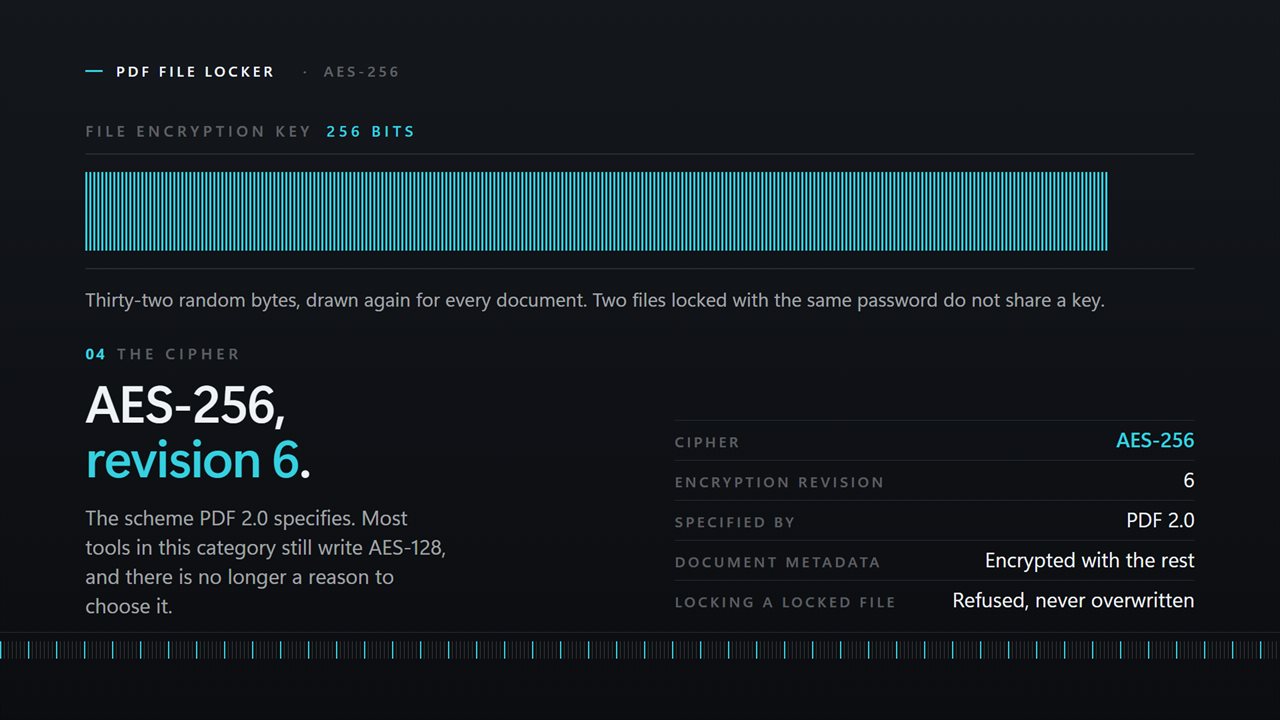
Documents are locked with AES-256 at encryption revision 6, the scheme PDF 2.0 specifies. Every reader shipped in the last decade opens it. The older AES-128 that most tools in this category still write is not offered, because there is no longer any reason to choose it.
A batch, not a file
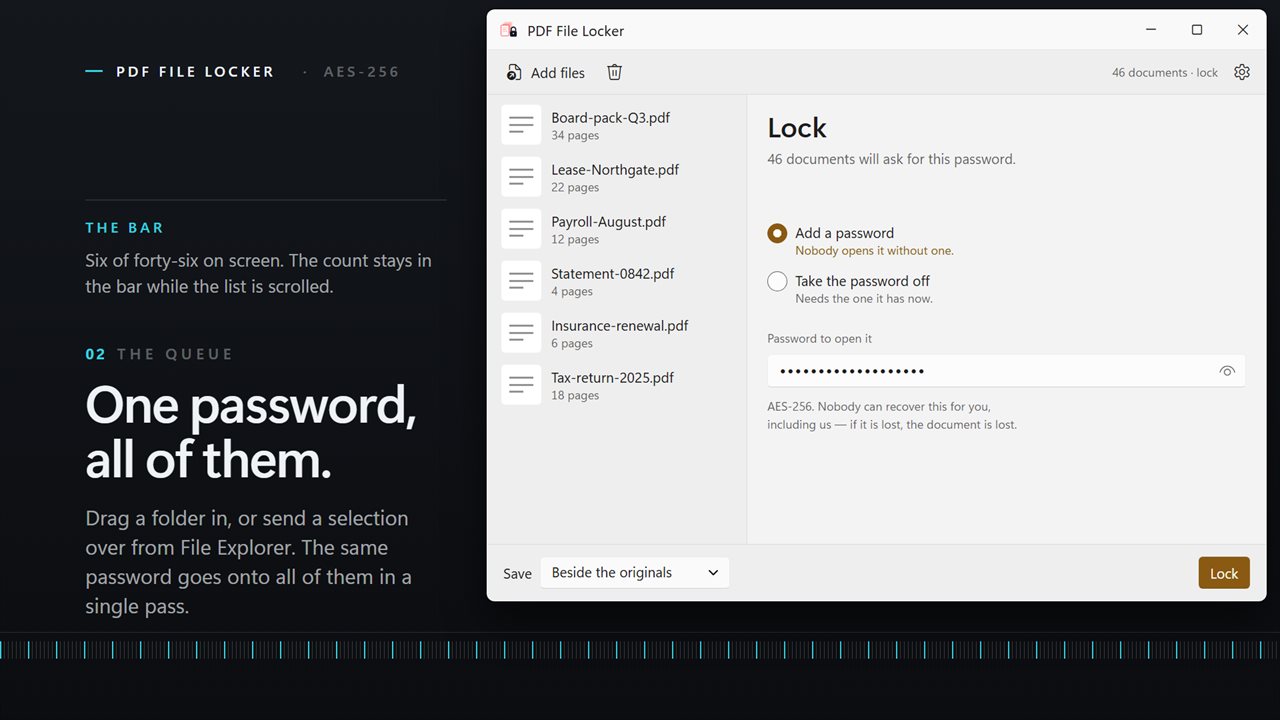
Drag a folder in, or select a dozen documents in File Explorer and send them here with Open with. One password goes onto all of them. The queue shows each document with its page count and size, and a preview of the first page beside it so you can see what you are about to lock.
Where the results go
Write locked copies beside the originals, send them into a folder of their own, or replace the originals in place. Anything that could not be processed is named individually with the reason, so a run of two hundred never leaves you guessing which three did not make it.
On your PC, only
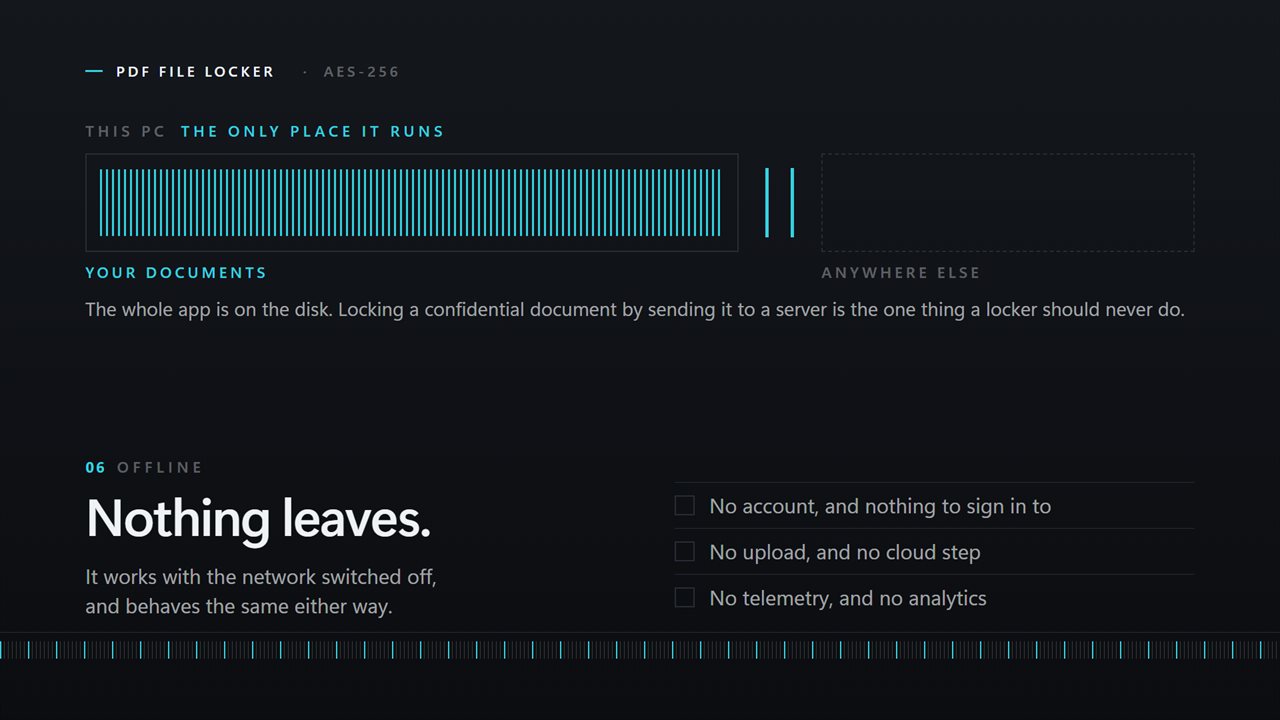
A tool that puts passwords on confidential documents has no business sending them anywhere. There is no account, no sign-in, no upload and no telemetry. It works with the network off.
Features
- Puts a password on a PDF, and takes one off again — both directions in one app
- Locks with AES-256, the encryption every reader made in the last decade opens
- Reads the queue first: says which documents are already protected before you run
- One password across the whole batch, however many documents are in it
- Nothing to configure — a password on, or a password off
- Takes a whole folder at once — drag them in, or right-click a selection in File Explorer
- Write the results beside the originals, into a folder you choose, or over the files themselves
- Names every document it could not process, and why, instead of quietly skipping it
- Cancel mid-run; everything already finished stays finished
- Runs entirely on your PC — no account, no upload, no server processing
Details
- Works on
- Windows 10 (1809 or later) and Windows 11
- Download
- About 16.4 MB
- Version
- 3.0.5, updated October 2026
- First released
- June 2022
- Price
- $2.49 once. No subscription.
- Category
- Productivity
What's new in 3.0.5
- Now takes a whole batch. Earlier versions worked on one document at a time; drop in a folder and it locks or unlocks all of it in one pass
- Added unlocking. The app could only ever put a password on; it now takes one off as well
- Locking moved from AES-128 to AES-256
- The queue now says which documents are already protected before you run, rather than failing on them at the end
- Anything that could not be processed is named with the reason instead of being skipped silently
- A redesigned interface that follows your Windows light or dark theme
Questions
Anything else? Ask us
Which versions of Windows does it run on?
Windows 10 (version 1809 or later) and Windows 11.
Is it a subscription?
No. PDF File Locker is a one-time purchase of $2.49, and updates are included.
How do I get it?
EvlarSoft apps are moving to direct downloads from this site. Ask to be notified and we will email you as soon as PDF File Locker is ready to download.