Quick ISO
A folder becomes an ISO in one press. Drop a folder on the window and Quick ISO fills in the rest — the file name, a volume label the format actually accepts, and somewhere to save it — then waits for a single click. All three are on screen and all three can be changed, but none of them has to be. The result is an ordinary disc image: Windows mounts it on a double-click, and long file names survive because Joliet is written alongside. Nothing is uploaded.
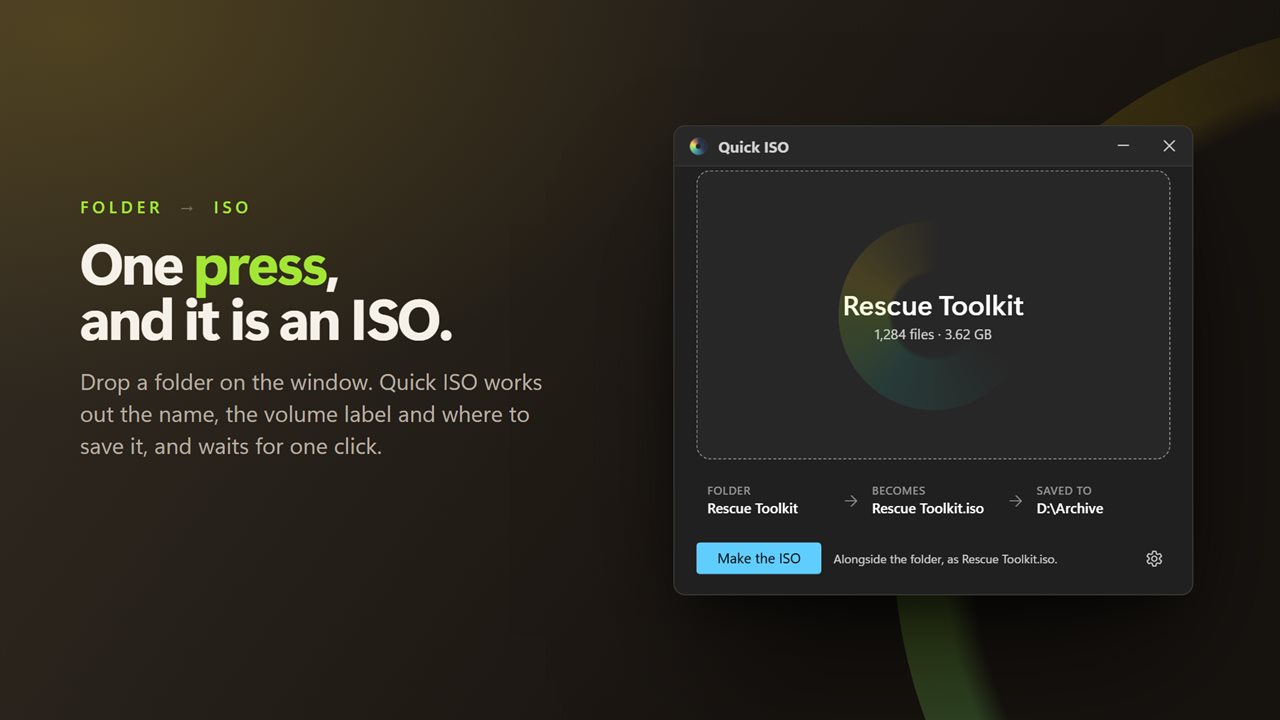
One press, and it is an ISO. Drop a folder and the rest is already filled in.
See it in action
About Quick ISO
Most ISO tools ask you six questions to answer one.
Quick ISO asks none of them.
One press
Drop a folder on the window, or click to choose one. The name of the image, the volume label and the place it will be saved are filled in immediately, and the button is ready. That is the whole app.
Nothing is hidden by that. All three decisions are on screen, on one line, and any of them can be changed with a click. They just do not have to be.
While it writes
The ring fills and the figure counts up, out of the size it worked out before it started. A folder of forty thousand files tells you how far along it is instead of spinning at you.
A folder handed over from a shortcut — or from anything that passes one — opens ready, with the press already waiting.
What it fills in
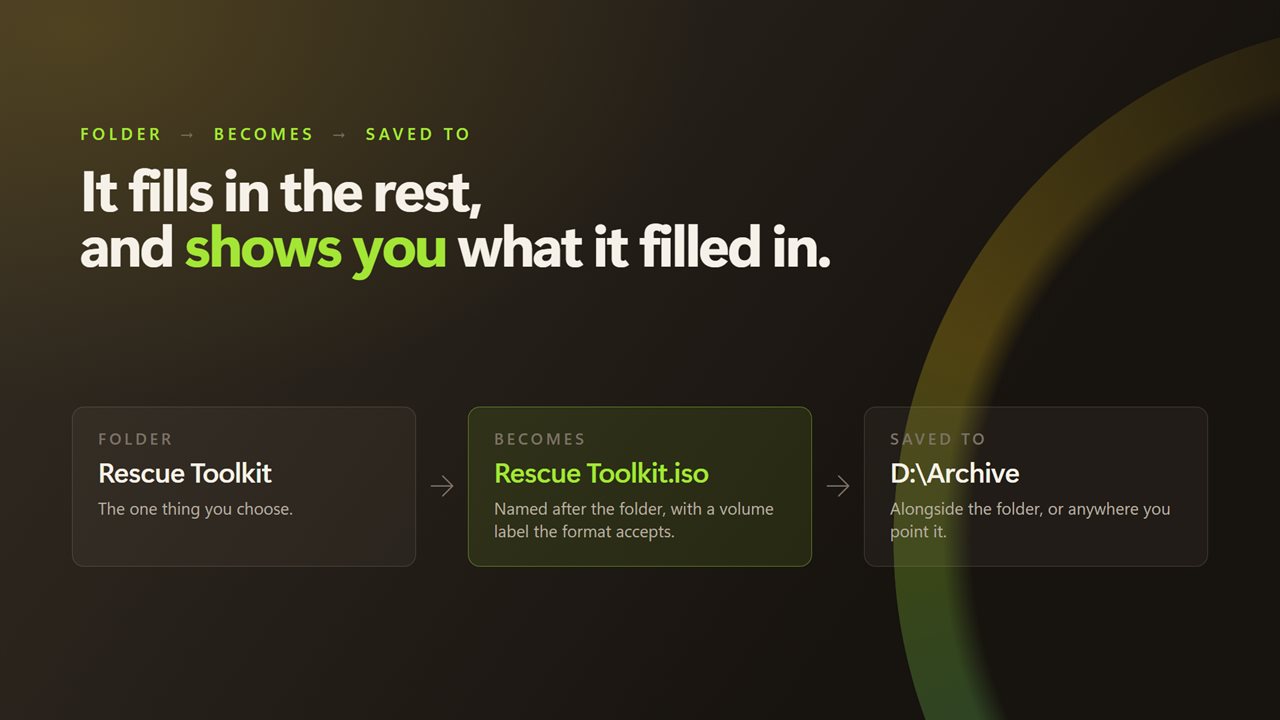
The file name comes from the folder. The volume label — the name Windows shows when the image is mounted — is derived from it too, and kept inside what ISO 9660 actually allows, so your choice is not silently rewritten later. The destination is alongside the folder by default, or wherever you last pointed it.
A real disc image
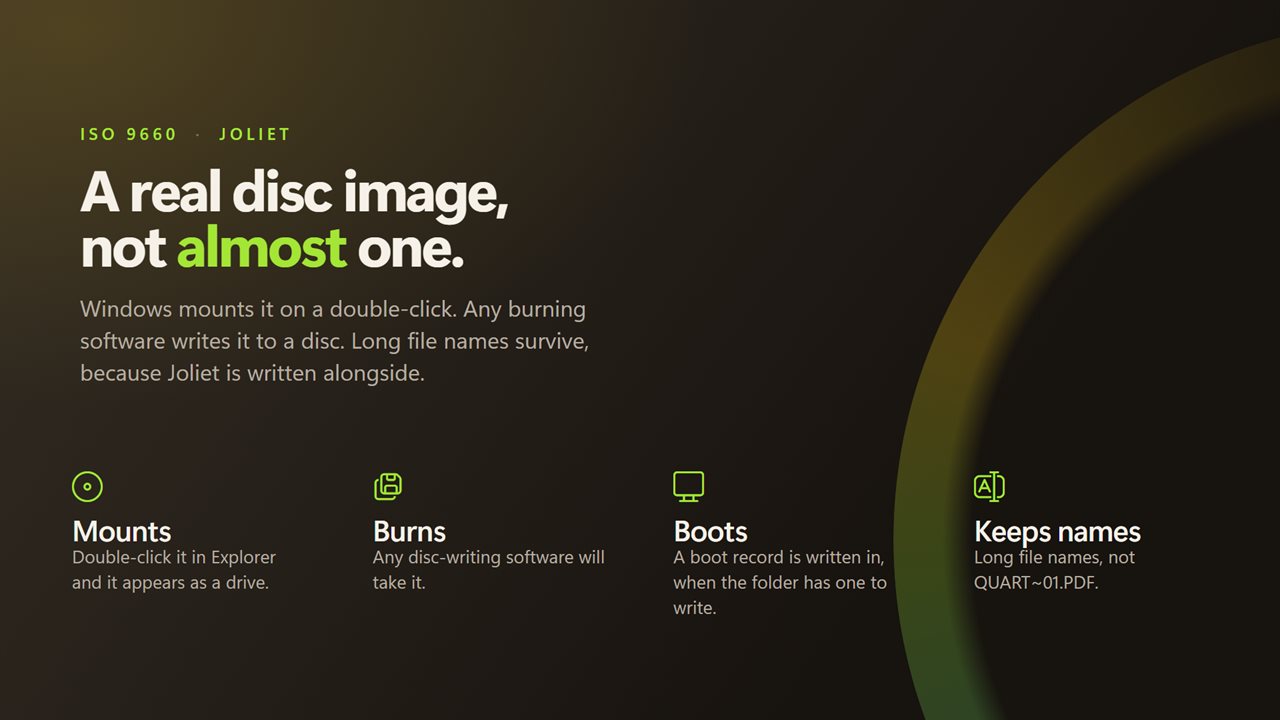
ISO 9660 with Joliet written alongside. Windows mounts it on a double-click and it appears as a drive. Any disc-writing software will take it.
Joliet matters more than it sounds. Without it, ISO 9660 cuts every name down to eight characters and three, in capitals, so "Quarterly Report 2026.pdf" arrives as QUART~01.PDF. With it, the names you had are the names you get.
Bootable, when the folder is
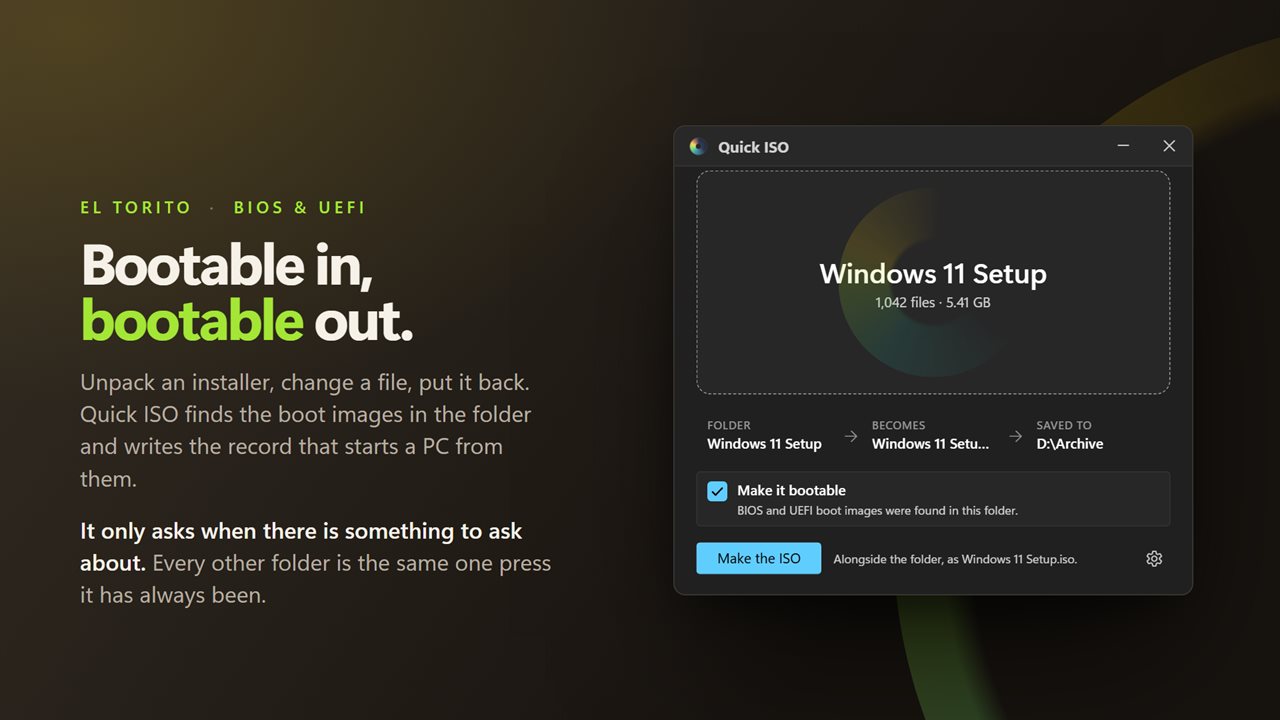
Unpack an installer, change something, put it back. Quick ISO looks through the folder for the files a firmware starts from — the ones oscdimg, isolinux and GRUB write — and if it finds any, it offers to write the El Torito boot record that makes them start a PC. BIOS and UEFI both.
It is one checkbox, already ticked, and it is only there when the folder actually holds a boot image. A folder of photos is never asked the question.
No limits
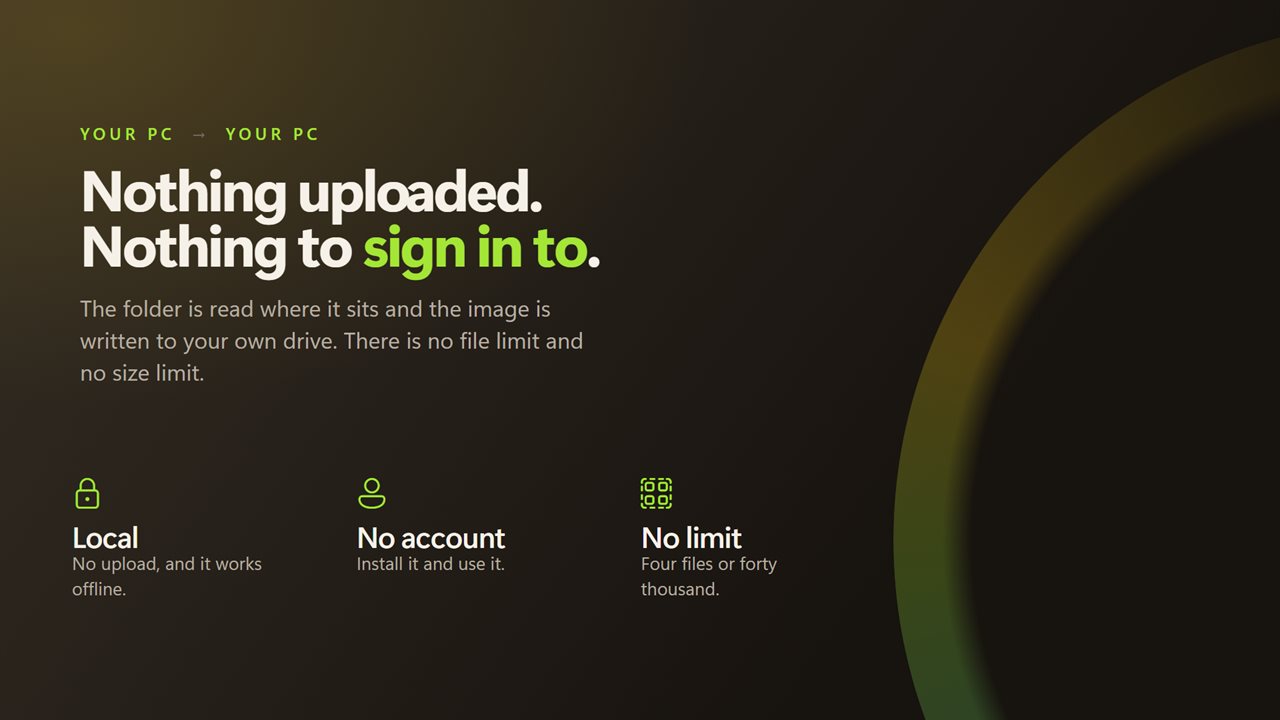
No cap on the number of files, no cap on the size of the folder, and no prompt at four hundred. A folder of four and a folder of forty thousand are the same one press.
On your PC
The folder is read where it sits and the image is written to your own drive. There is no account, nothing is uploaded, and it works with no connection at all.
Features
- Drop a folder on the window and press once
- No wizard, no pages, nothing to configure
- Works out the file name, the volume label and where to save
- Shows all three, and lets you change any of them
- Saves alongside the folder, or anywhere you point it
- Shows how far along it is while it writes, not a spinner
- Hand it a folder from a shortcut and it opens ready to go
- Writes real ISO 9660, so the image mounts in Windows and burns to a disc
- Keeps a bootable folder bootable — a BIOS and UEFI boot record is written in
- Joliet names, so long file names survive instead of becoming 8.3
- No file count limit and no size limit
- Runs on your PC — nothing is uploaded and no account is needed
Details
- Works on
- Windows 10 (1809 or later) and Windows 11
- Download
- About 3.5 MB
- Version
- 2.1.1, updated October 2026
- First released
- December 2022
- Price
- $1.99 once. No subscription.
- Category
- Utilities & tools
What's new in 2.1.1
- A folder holding boot images now becomes a disc that starts a PC. Quick ISO finds them and writes the El Torito boot record, for BIOS and UEFI both
- One checkbox, already ticked, and it only appears when the folder actually has a boot image in it. Nothing changes for any other folder
- The size shown before writing now includes the boot record, so the figure is the one the write finishes on
Questions
Anything else? Ask us
Which versions of Windows does it run on?
Windows 10 (version 1809 or later) and Windows 11.
Is it a subscription?
No. Quick ISO is a one-time purchase of $1.99, and updates are included.
How do I get it?
EvlarSoft apps are moving to direct downloads from this site. Ask to be notified and we will email you as soon as Quick ISO is ready to download.
More from EvlarSoft
 NoRecyclePull the lever and deleted files skip the Recycle Bin on the drives you choose.
 File Hash ValidatorPaste the checksum a download page gave you and find out whether the file you got is the file they published.
 Duplicate File FinderFind duplicate photos and files by what is inside them, not by their names, and free the space they waste.