Quick Reminder Alerts
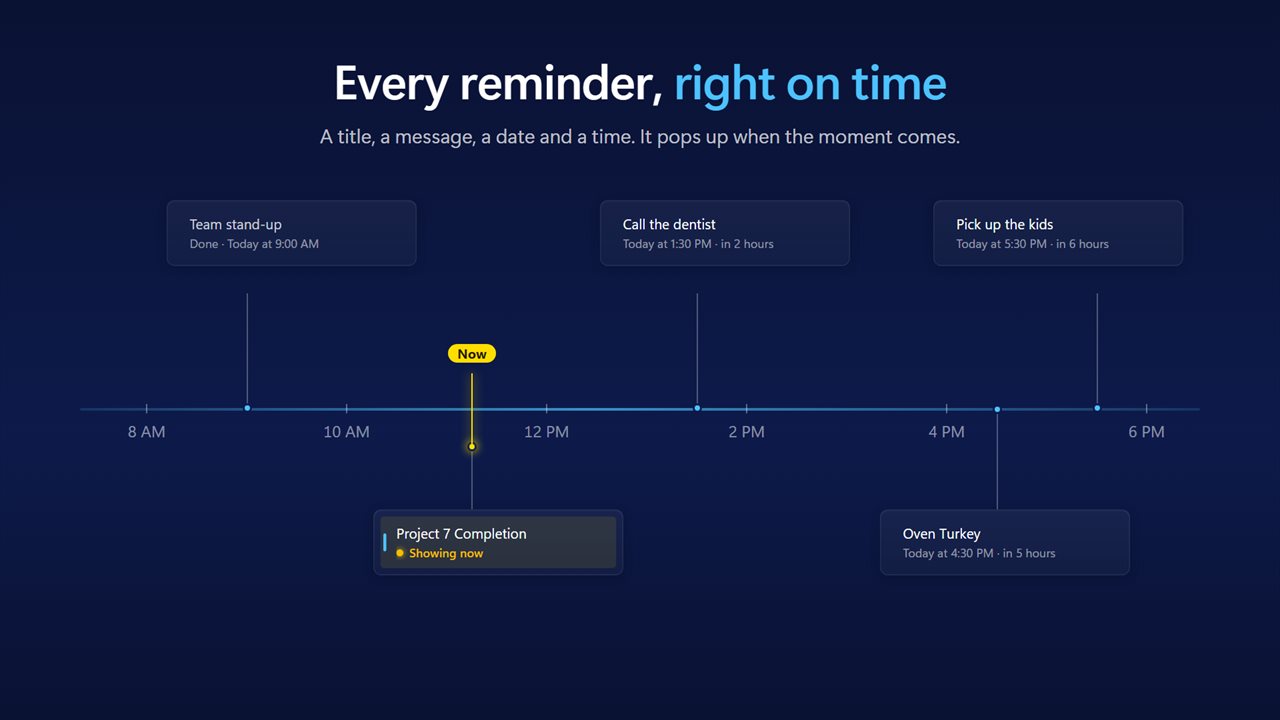
Quick Reminder Alerts keeps every reminder in one simple list: a title, a message, a date and a time. When the moment comes it pops up and waits until you snooze or dismiss it, and it tells you plainly when a reminder is late rather than letting it slip by.
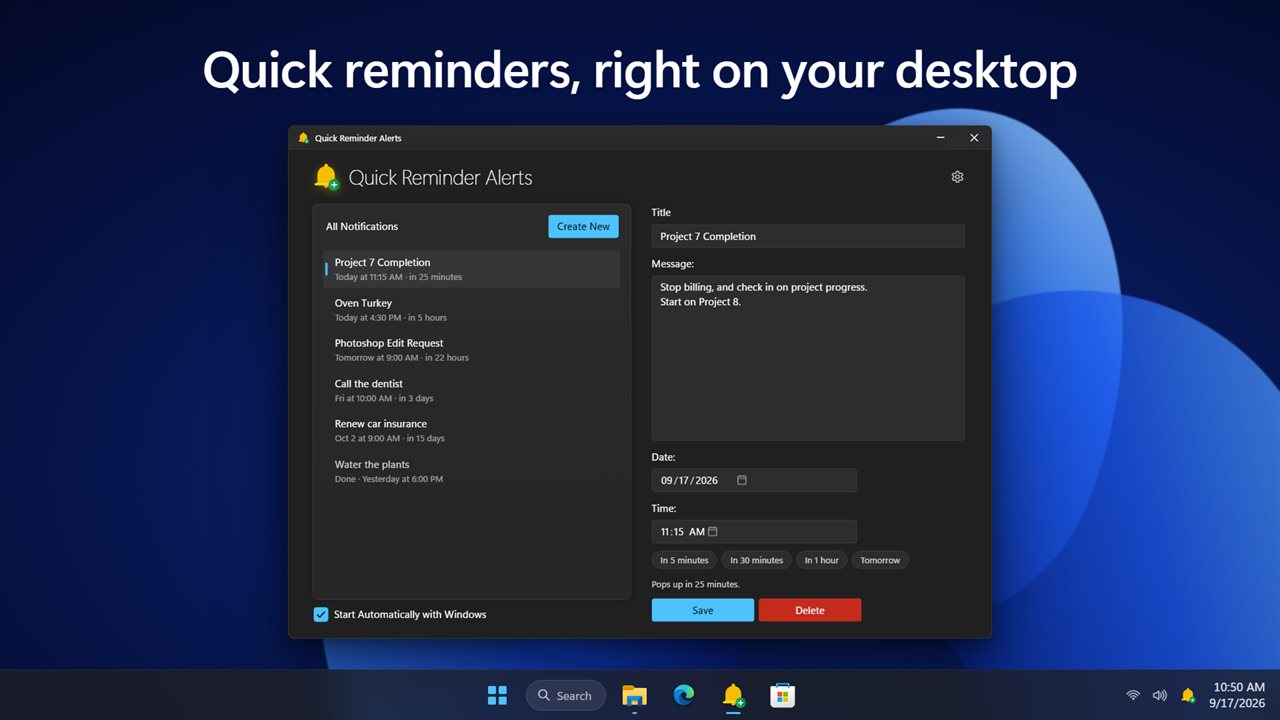
All your notifications in one list, with the details beside it.
See it in action
About Quick Reminder Alerts
A reminder is only any use if it reaches you. Quick Reminder Alerts does that one job simply.
All your notifications in one list
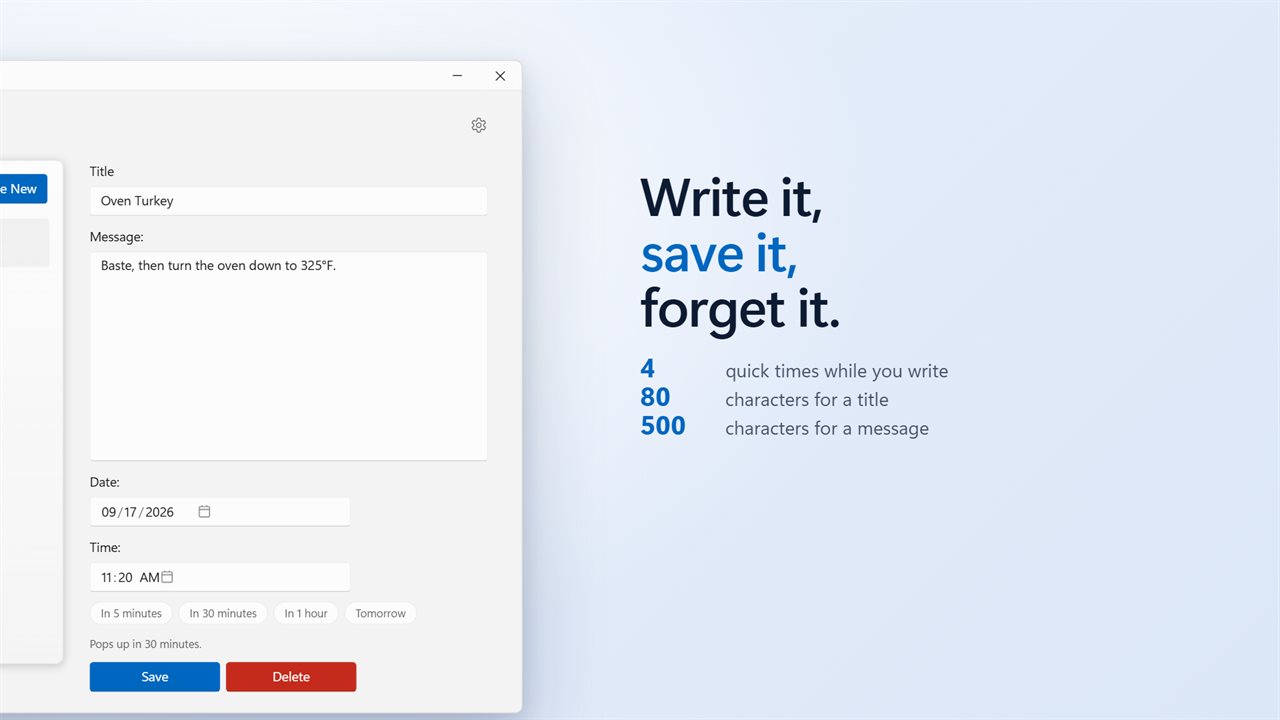
Press Create New, give it a title, a message, a date and a time, and press Save. Every reminder sits in the list with when it is due and how long until then. Pick one to change it, or Delete it when you no longer need it. While you write, four quick times fill in the moment for you: in 5 minutes, in 30 minutes, in 1 hour, or tomorrow.
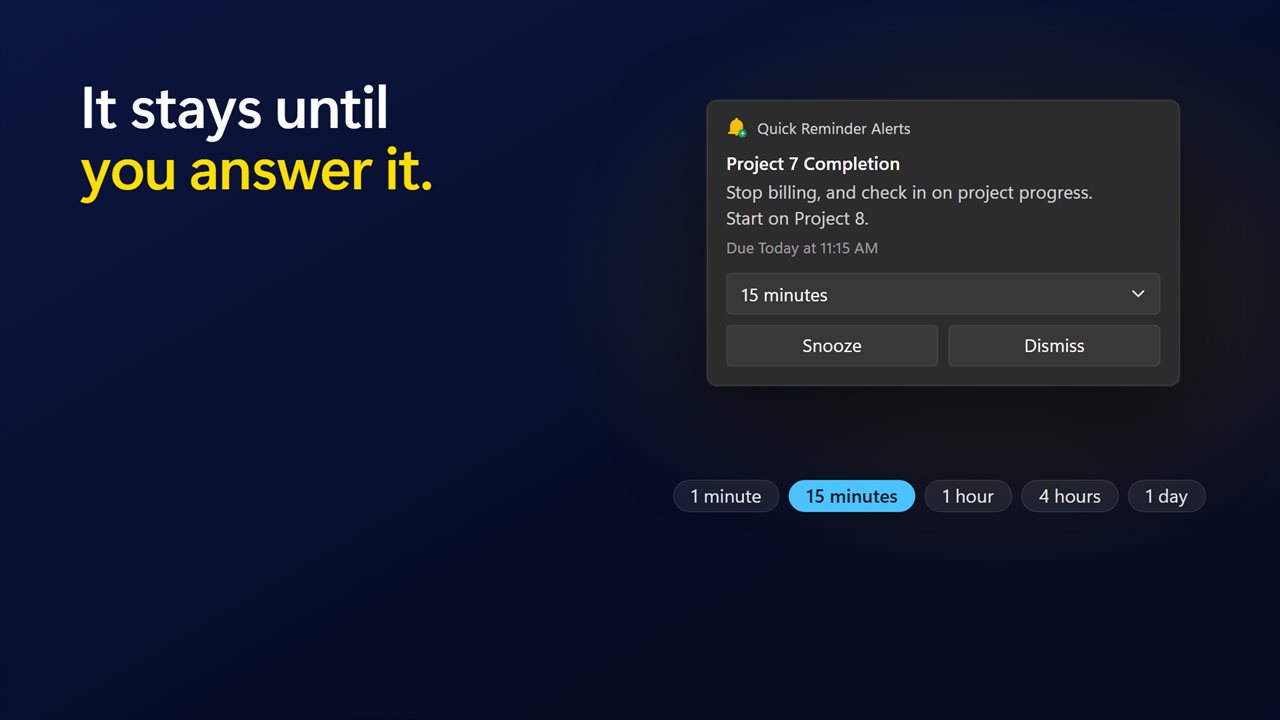
It pops up, and it waits
When the moment comes the window comes to the front and the reminder pops up with a short chime. It does not disappear after a few seconds. It waits until you press Dismiss, or Snooze it for 1 minute, 15 minutes, 1 hour, 4 hours or 1 day.
Late is said out loud
If your PC was asleep, or the app was closed, the reminder pops up the moment it can and says how late it is. One reminder, once — never a stream of them.
It is there when you are not looking
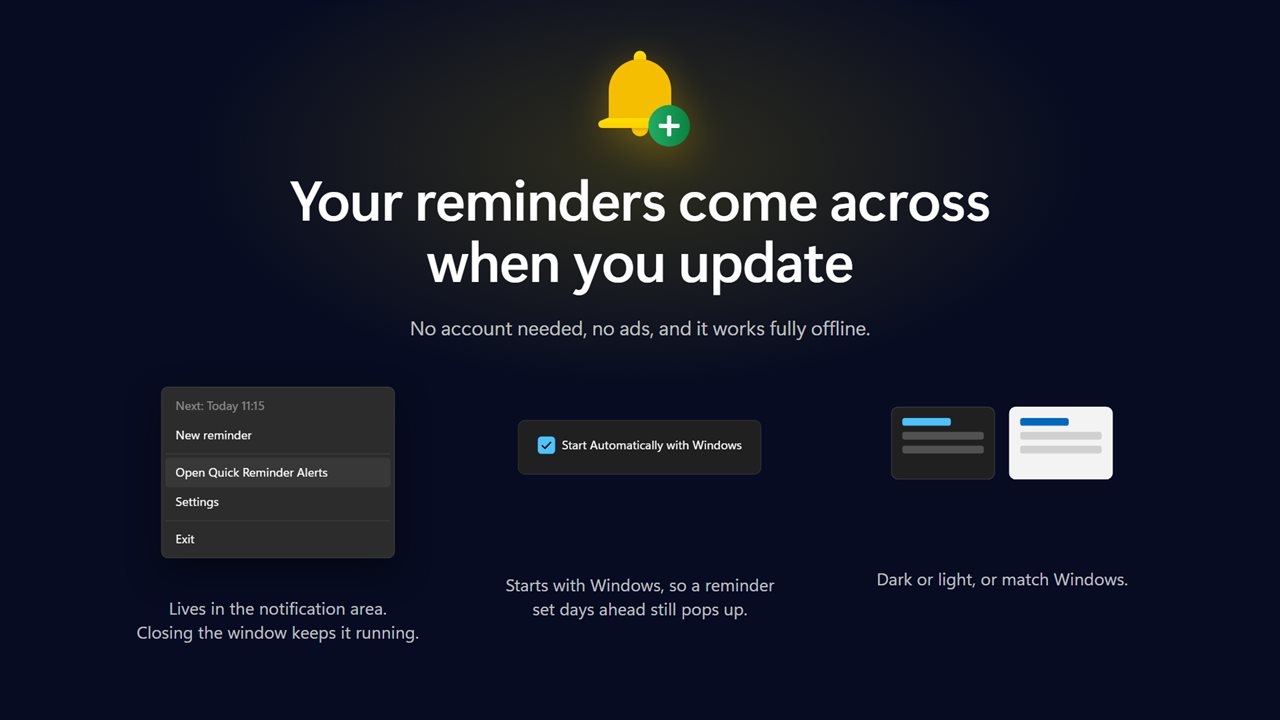
The app lives in the notification area, and its menu shows what is due next. Closing the window does not stop your reminders. Tick Start Automatically with Windows and reminders you make days ahead still pop up.
If you are mid-game or mid-presentation you can have reminders held until you are back. You can also have each one raise a Windows notification.
Your reminders stay yours
Up to 500 reminders, a title of 80 characters and a message of 500. Everything is written to a file on this PC the moment you change it, and your reminders from the previous version come across when you update. It works fully offline and needs no account. An optional EvlarSoft ONE sign-in backs up your reminders and settings so you can carry them to another PC, and feedback is sent only when you press Send. There is no advertising.
Features
- All your notifications in one list, with a title, a message, a date and a time
- Create New, fill in the details and Save — or Delete what you no longer need
- The reminder pops up and stays on screen until you Snooze or Dismiss it
- Snooze for 1 minute, 15 minutes, 1 hour, 4 hours or 1 day
- A reminder that came due while your PC was asleep pops up as soon as it can, and says how late it is
- Four quick times while you write: in 5 minutes, in 30 minutes, in 1 hour, or tomorrow
- Each reminder in the list shows when it is due and how long until then
- Sits in the notification area, with what is due next on its menu
- Closing the window does not stop your reminders
- Start Automatically with Windows, right from the main window
- Hold a reminder while a game or a presentation is full screen, and get it the moment you are back
- Up to 500 reminders, each with a title of 80 characters and a message of 500
- Optionally also raises a Windows notification, for when you are in another app
- Reminders from the previous version come across on update
- Optional EvlarSoft ONE sign-in backs up your reminders and settings, to carry them to another PC
- Dark or light, or match Windows. Works offline with no account needed, and no ads
Details
- Works on
- Windows 10 (1809 or later) and Windows 11
- Download
- About 2.6 MB
- Version
- 2.0.7, updated October 2026
- First released
- January 2023
- Price
- One-time purchase. No subscription.
- Category
- Productivity
What's new in 2.0.7
- Your reminders come across from the previous version
- The reminder pops up in the app and stays until you Snooze or Dismiss it
- A reminder that came due while your PC was asleep now pops up as soon as it can, and says how late it is
- The list shows when each reminder is due
- New: four quick times while you write, a light theme, and a Settings page
- The window can be resized, and remembers the size
- Support and the privacy policy are reachable from Settings
Questions
Anything else? Ask us
Which versions of Windows does it run on?
Windows 10 (version 1809 or later) and Windows 11.
Is it a subscription?
No. Quick Reminder Alerts is a one-time purchase, and updates are included.
How do I get it?
EvlarSoft apps are moving to direct downloads from this site. Ask to be notified and we will email you as soon as Quick Reminder Alerts is ready to download.