Screen to GIF Recorder
Drag a box over anything on your screen, press Record, and get a GIF. Trim it on a film strip, cut frames, set the speed and size, then paste it into a chat or save it as a GIF or MP4.
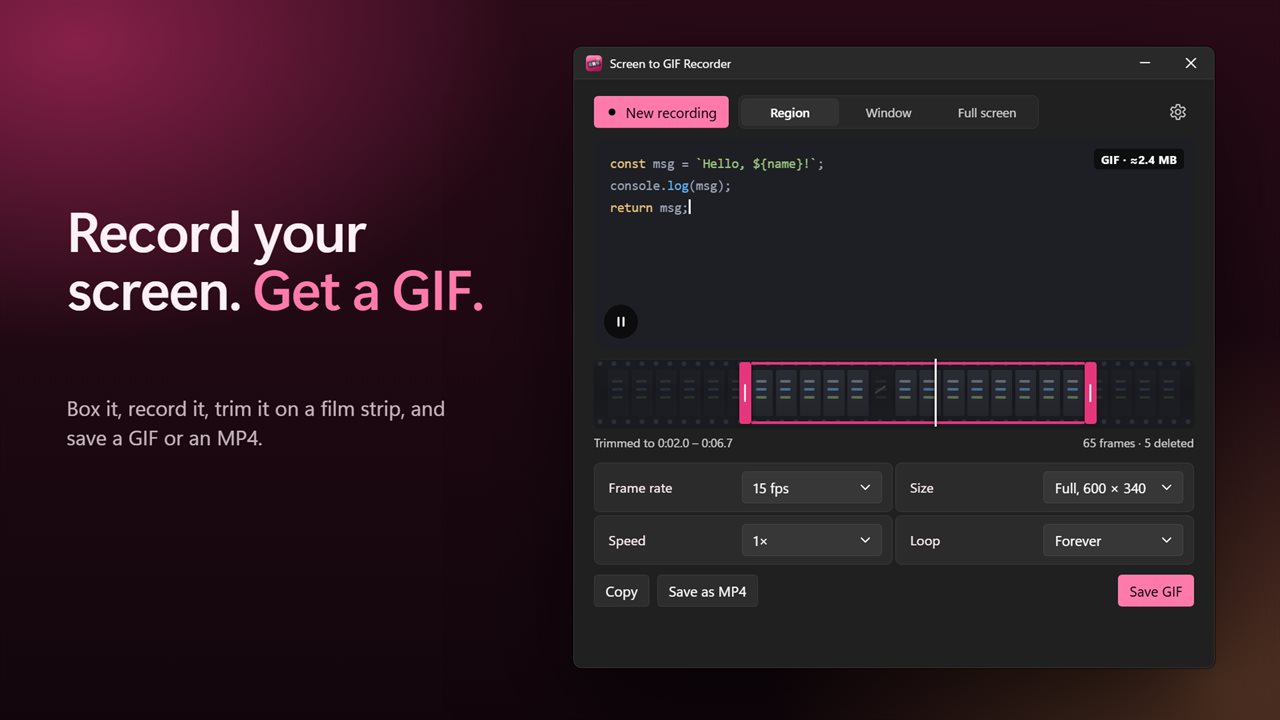
Record your screen, trim it, and save a GIF.
See it in action
About Screen to GIF Recorder
Screen to GIF Recorder turns any part of your screen into a GIF in a few seconds.
Box it, record it
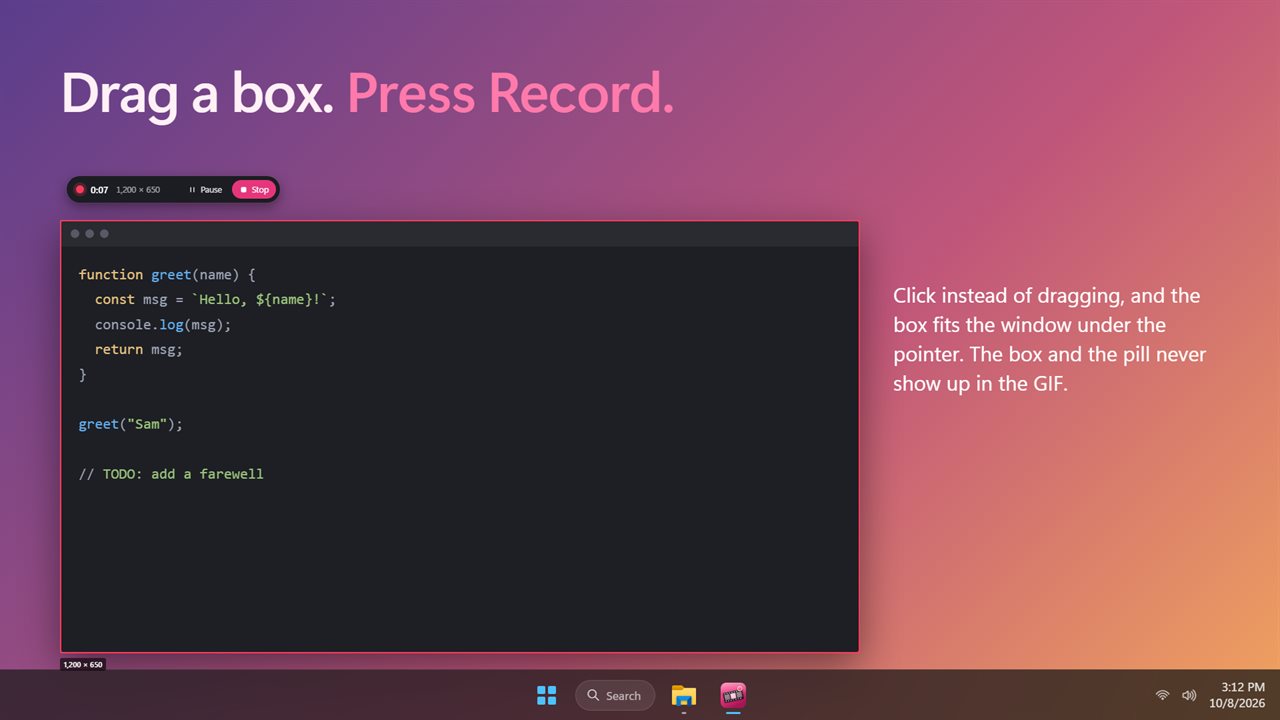
Click New recording, then drag a box over whatever you want to show: a bug, a quick how-to, a moment from a game. Click instead of dragging and the box fits the window under the pointer. You can also record a single window or a whole screen, on any monitor. Move the box by its border and resize it by its handles. It stays where you left it, so your next take lines up with the last.
A slim pill while you record
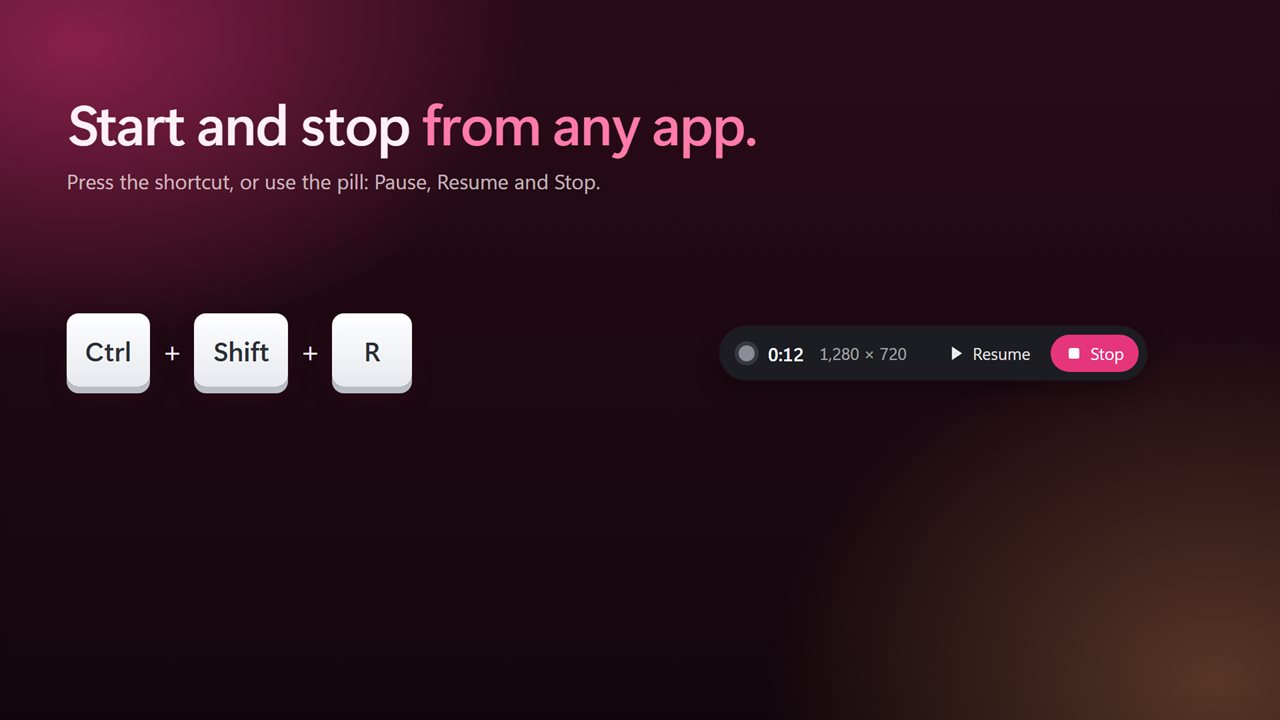
A small pill counts the seconds, with Pause, Resume and Stop. Ctrl+Shift+R starts and stops from any app, or pick your own shortcut. The box and the pill never appear in the recording.
Trim on a film strip
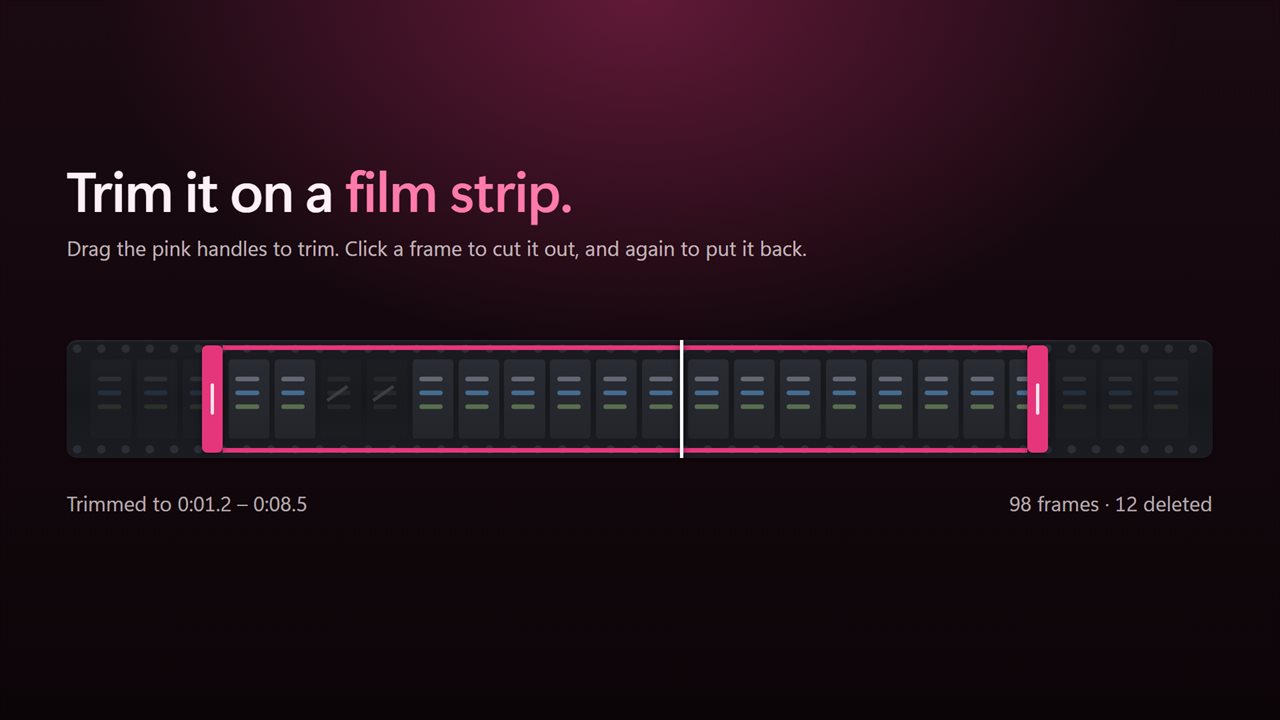
Your take plays back as soon as you stop. Drag the pink handles on the film strip to trim the start and end, scrub along it to find a moment, and click a frame to cut it out. Click it again to put it back.
Tune it
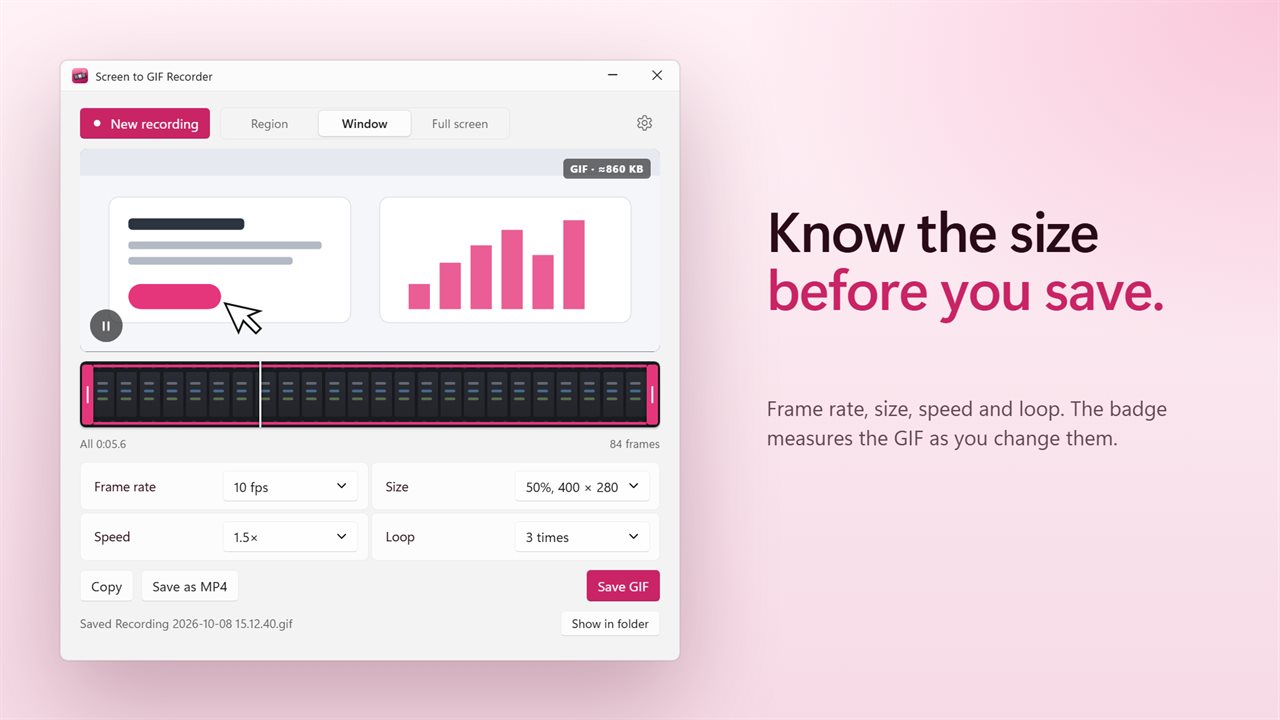
Choose the frame rate, from 5 to 30 frames a second, and the size, from full down to a third. Play it at half speed up to 2x, and loop it forever, once or three times. A badge shows roughly how big the GIF will be as you go.
Share it
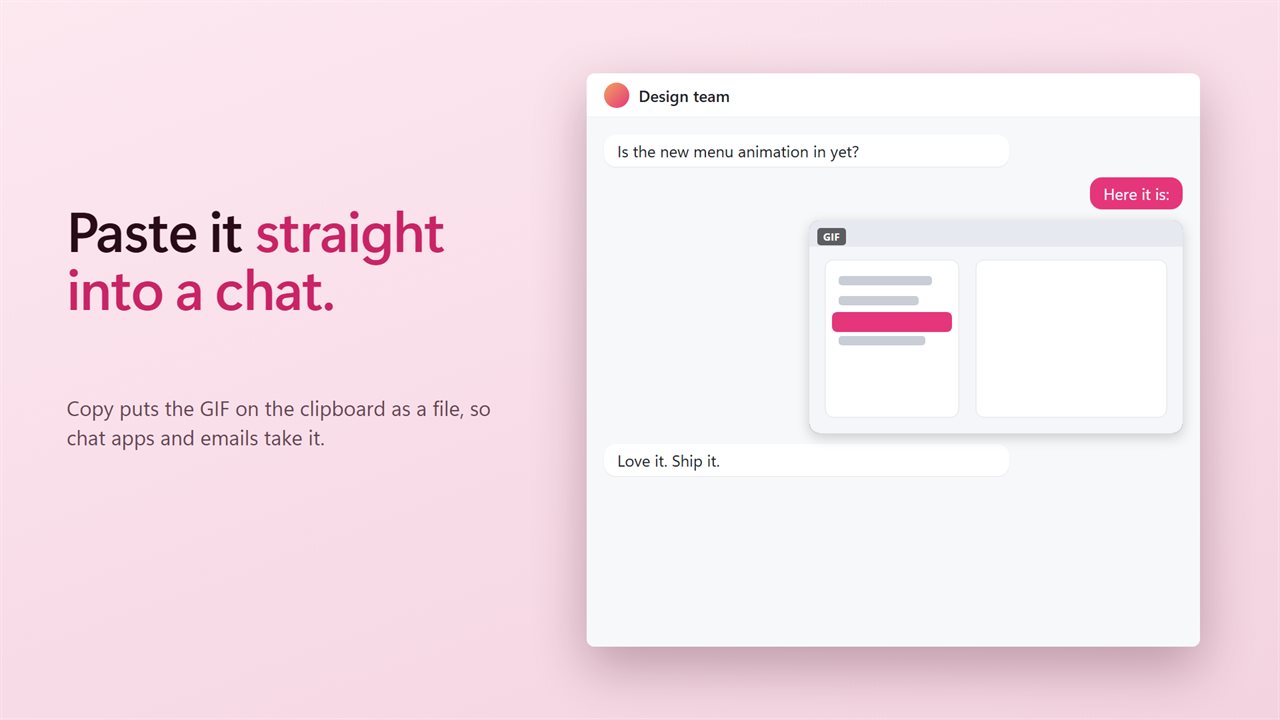
Copy puts the GIF on the clipboard as a file, so it pastes straight into chat apps, emails and folders. Or save it as a GIF, or as an MP4 video for anywhere that prefers video.
Private
Everything happens on your PC. Nothing is uploaded, and there is no account.
Features
- Drag a box over anything on screen and record it as a GIF
- Or record one window, or a whole screen, on any monitor
- Click instead of dragging to fit the box to the window under the pointer
- Move and resize the box by its border and handles before you record
- The box stays where you left it, so the next take lines up with the last
- A slim pill counts the time, with Pause, Resume and Stop
- Start and stop from any app with a shortcut, Ctrl+Shift+R unless you pick another
- The box and the pill never show up in your recording
- Record at 10, 15, 24 or 30 frames a second, with or without the pointer
- Watch your take play back the moment you stop
- Drag the pink handles on the film strip to trim the start and the end
- Click a frame on the strip to cut it out, and click again to put it back
- Frame rate from 5 to 30 frames a second, and the size from full down to a third
- Play it at half speed, normal, 1.5x or 2x
- Loop forever, play once, or play three times
- See roughly how big the GIF will be as you change the settings
- Copy puts the GIF on the clipboard as a file, so you can paste it into a chat
- Save as a GIF, or as an MP4 video
- Everything happens on your PC. Nothing is uploaded
- Light and dark themes, or match Windows
Details
- Works on
- Windows 10 (1809 or later) and Windows 11
- Download
- About 74.3 MB
- Version
- 2.0.3, updated October 2026
- First released
- January 2023
- Price
- $1.99 once. No subscription.
- Category
- Entertainment
What's new in 2.0.3
- Record a box, a window or a whole screen, with Pause and Stop
- Trim on a film strip and cut out frames
- Set the frame rate, size, speed and loop
- Copy the GIF into a chat, or save it as a GIF or MP4
Questions
Anything else? Ask us
Which versions of Windows does it run on?
Windows 10 (version 1809 or later) and Windows 11.
Is it a subscription?
No. Screen to GIF Recorder is a one-time purchase of $1.99, and updates are included.
How do I get it?
EvlarSoft apps are moving to direct downloads from this site. Ask to be notified and we will email you as soon as Screen to GIF Recorder is ready to download.