SWF Player
Play the Flash games, cartoons and lessons you saved as .swf files. Flash Player ended in 2020; SWF Player opens your .swf files again, offline, with a controller, full screen and video recording.
Play the Flash games and cartoons you kept as .swf files.
See it in action
About SWF Player
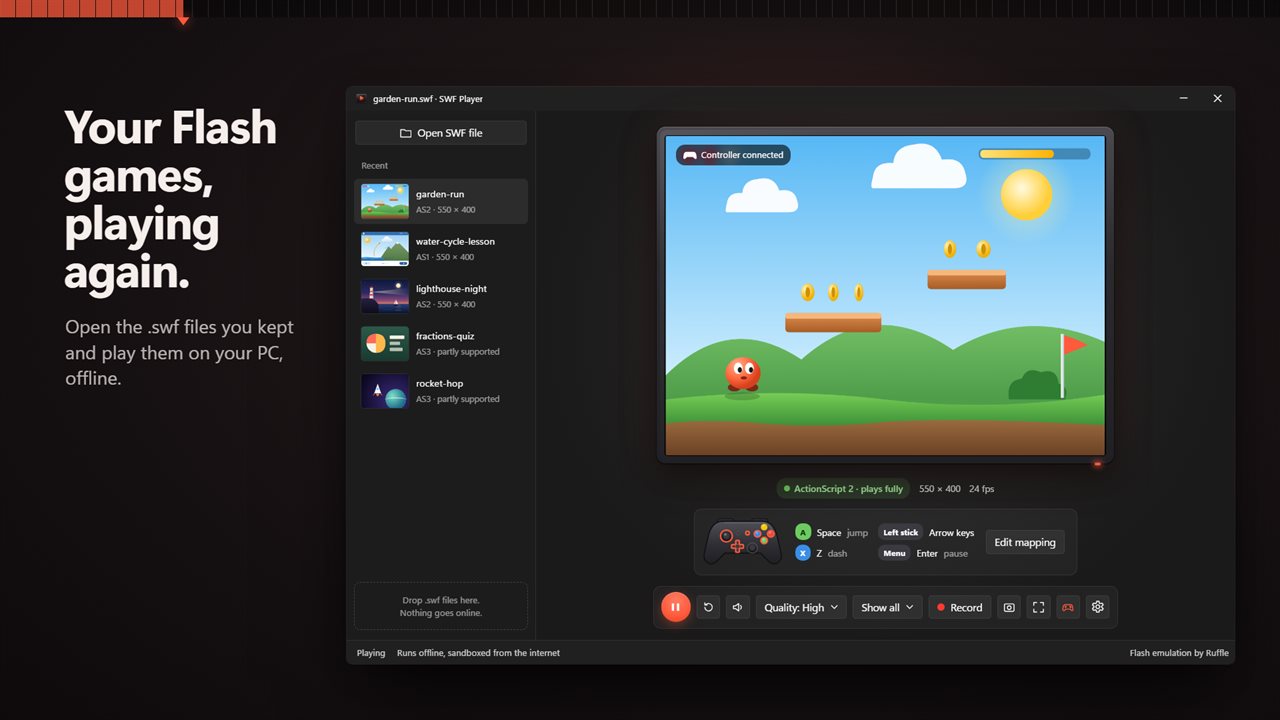
Flash Player ended in 2020, and the .swf files people kept stopped opening. SWF Player plays them again on Windows, from your own PC, with nothing to install in a browser.
Your old flash files, playing
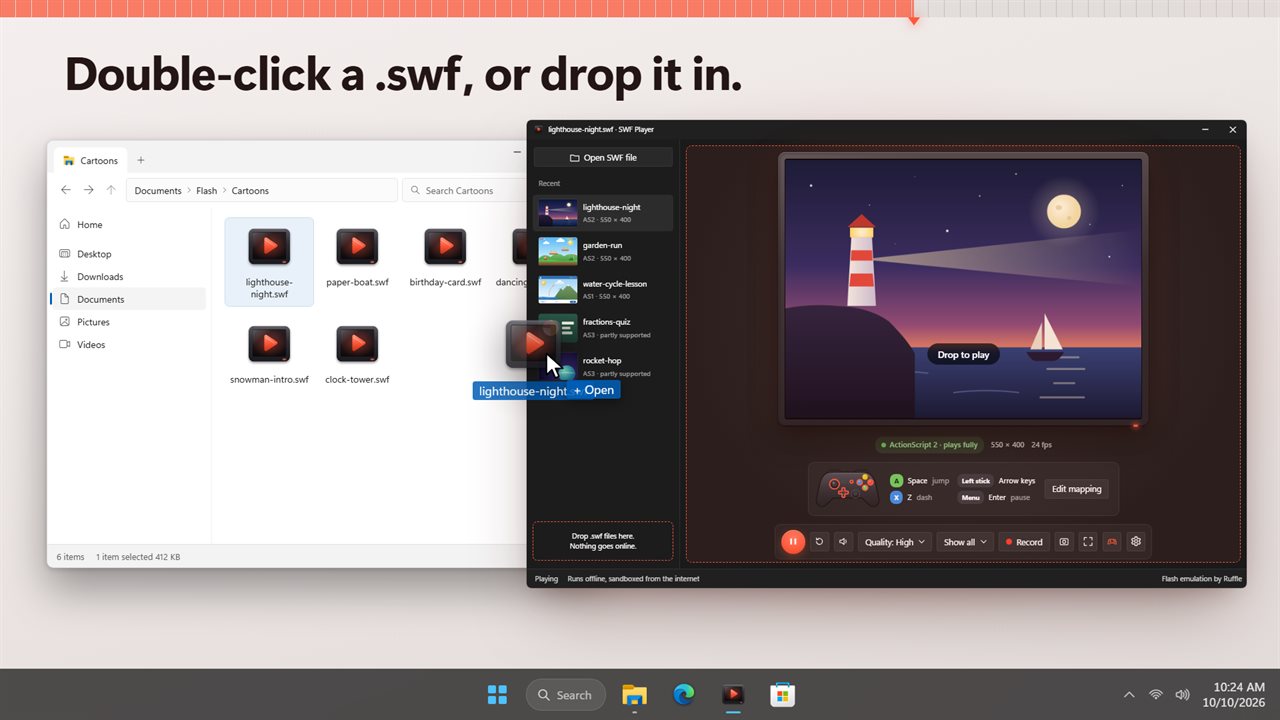
Open a .swf file, drop one on the window, or double-click it in File Explorer. Games, cartoons and e-learning lessons start straight away. Games that save their progress keep it, and the player shows how many save slots a game has used.
Play with a controller
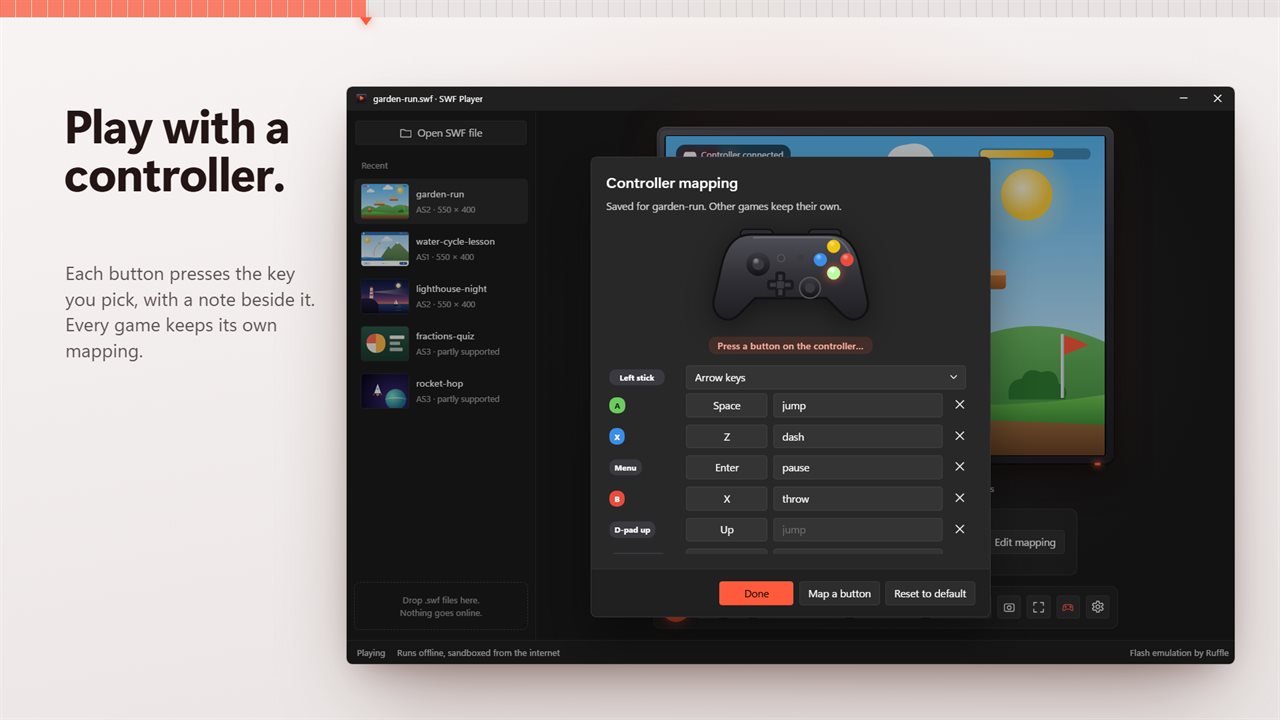
Connect a game controller and its buttons press keys in the game: Space to jump, Z to dash, the left stick as the arrow keys or W A S D. Change any button, write a note beside it like "jump", and the mapping is saved for that game. Other games keep their own.
The way you want to watch it
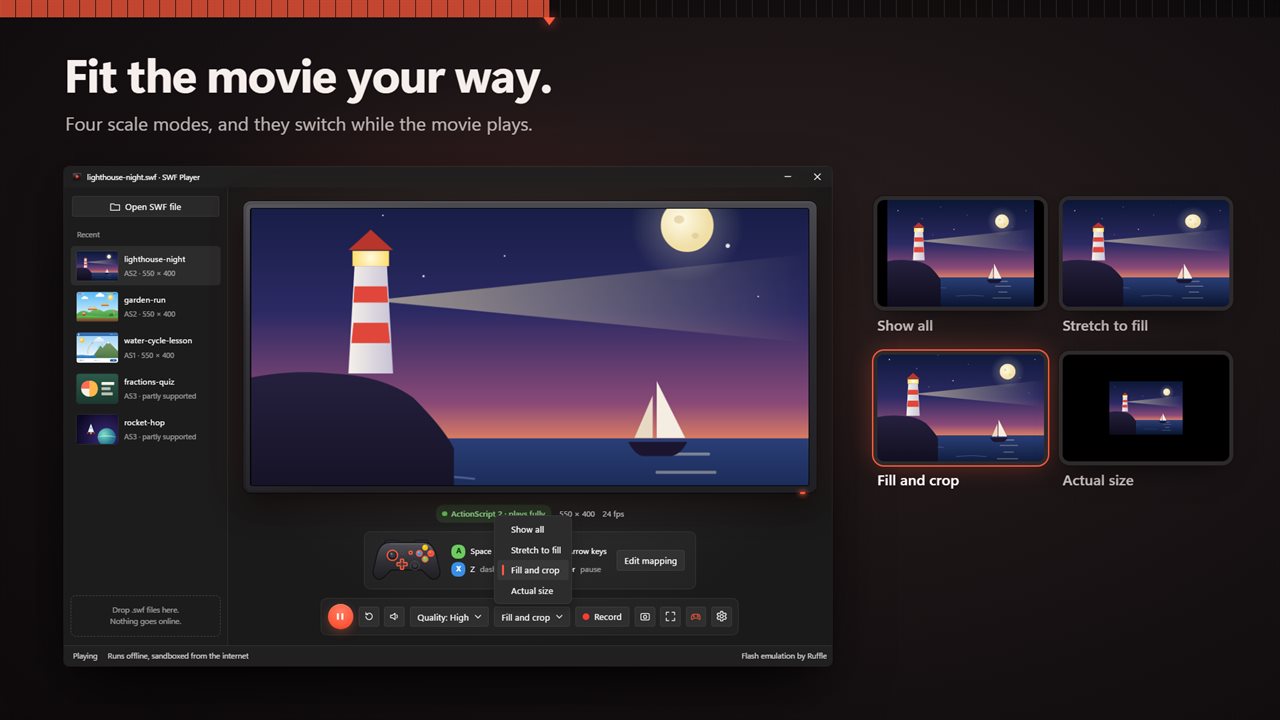
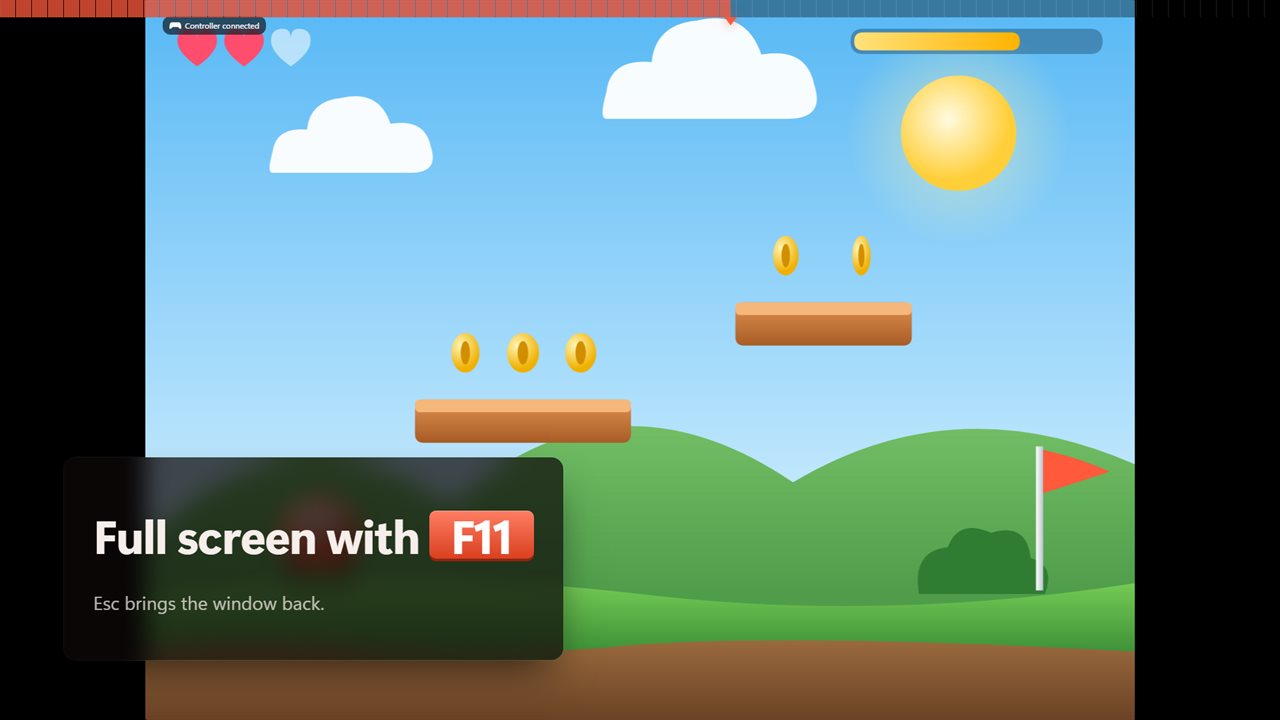
Four scale modes: show the whole movie, stretch it to fill, fill and crop the edges, or play it at its actual size. Press F11 for full screen. Pick from four quality levels; a lower one can help a slow game.
Record and save
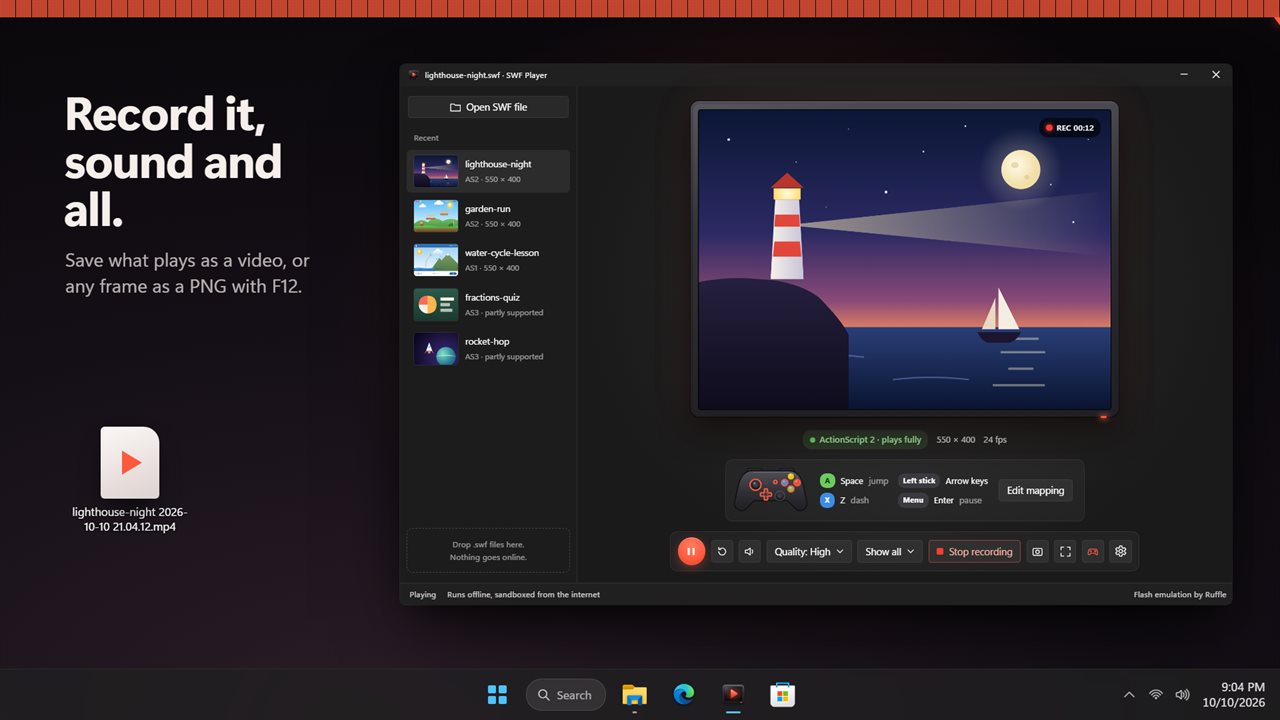
Record the movie and its sound to a video, MP4 where your PC supports it. Save any frame as a PNG screenshot with F12.
For teachers
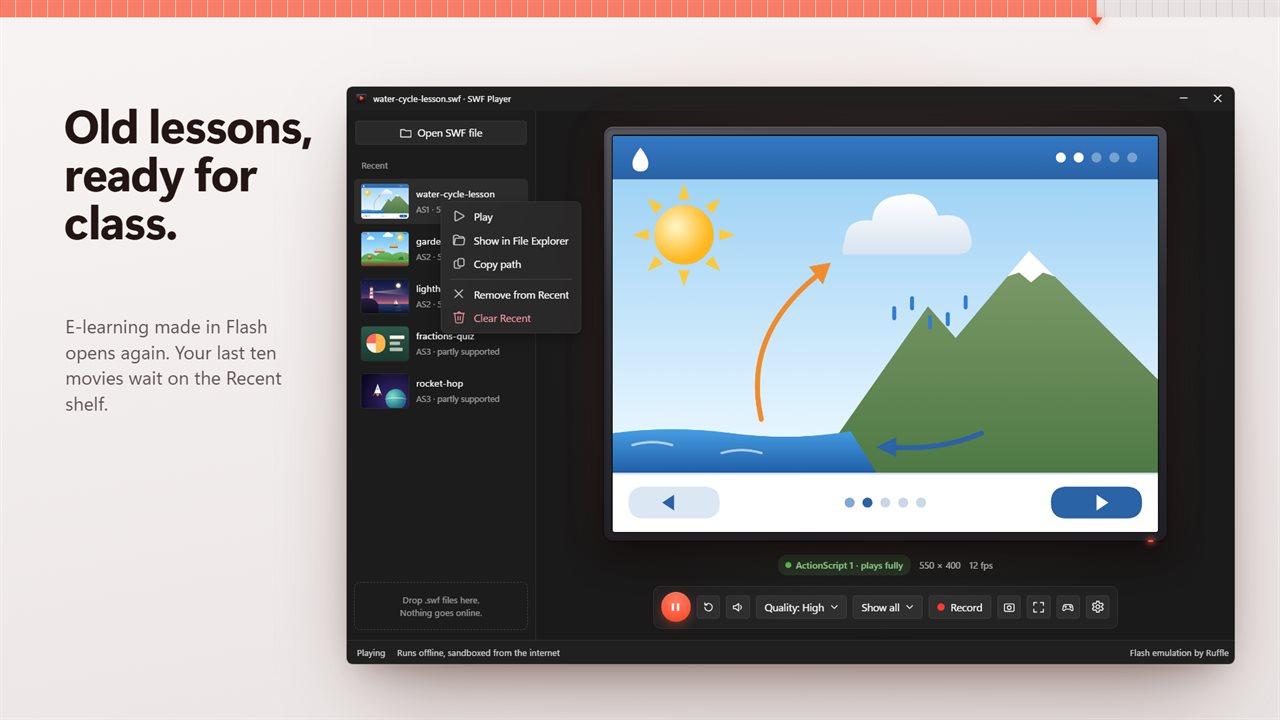
Old e-learning lessons and classroom animations made in Flash open like any other file, and play full screen on a projector.
Know what will run
Each movie shows whether it is ActionScript 1, 2 or 3. Movies written in ActionScript 1 and 2, which covers most older games and cartoons, play fully. ActionScript 3 support is partial: many games run, some won't start.
Private by design
Movies run sandboxed. They cannot reach the internet or open web pages, and nothing you play leaves your PC.
Shortcuts: Ctrl+O open, Ctrl+P play or pause, Ctrl+R restart, Ctrl+M mute, Ctrl+Shift+R record, F11 full screen, F12 screenshot.
Features
- Play .swf Flash games, cartoons and lessons from your own PC, offline
- Double-click a .swf in File Explorer, open it, or drop it on the window
- Play with a game controller: each button presses the key you choose
- Every game keeps its own controller mapping, with a note for each button
- Four scale modes: show all, stretch to fill, fill and crop, actual size
- Full screen with F11, and Esc to come back
- Record what plays, with its sound, to a video
- Save a screenshot of any frame as a PNG
- A Recent shelf of your last 10 movies, with thumbnails
- See at a glance whether a movie is ActionScript 1, 2 or 3, its size and frame rate
- Pause, restart, mute and four quality levels
- Movies run sandboxed: they cannot reach the internet or open web pages
Details
- Works on
- Windows 10 (1809 or later) and Windows 11
- Download
- About 10.8 MB
- Version
- 1.0.2, updated October 2026
- First released
- October 2026
- Price
- $4.99 once. No subscription.
- Category
- Entertainment
Questions
Anything else? Ask us
Which versions of Windows does it run on?
Windows 10 (version 1809 or later) and Windows 11.
Is it a subscription?
No. SWF Player is a one-time purchase of $4.99, and updates are included.
How do I get it?
EvlarSoft apps are moving to direct downloads from this site. Ask to be notified and we will email you as soon as SWF Player is ready to download.
More from EvlarSoft
 Any Sound ConverterConvert music and audio between MP3, WAV, FLAC, M4A, AAC, OGG, Opus, WMA and AIFF, a whole batch at a time.
 VidToGIF - Video to GIF ConverterDrag two pink brackets around the moment you want, watch it loop, and save it as a GIF.
 Batch Video ConverterConvert videos to MP4, WebM, GIF and six more formats, a whole batch at a time.