VFDMaker
Make virtual floppy disk images in seconds. Pick 720 KB, 1.44 MB or 2.88 MB, write the label on the disk, drop your files on it, and save a .vfd or .img file ready for virtual machines and emulators.
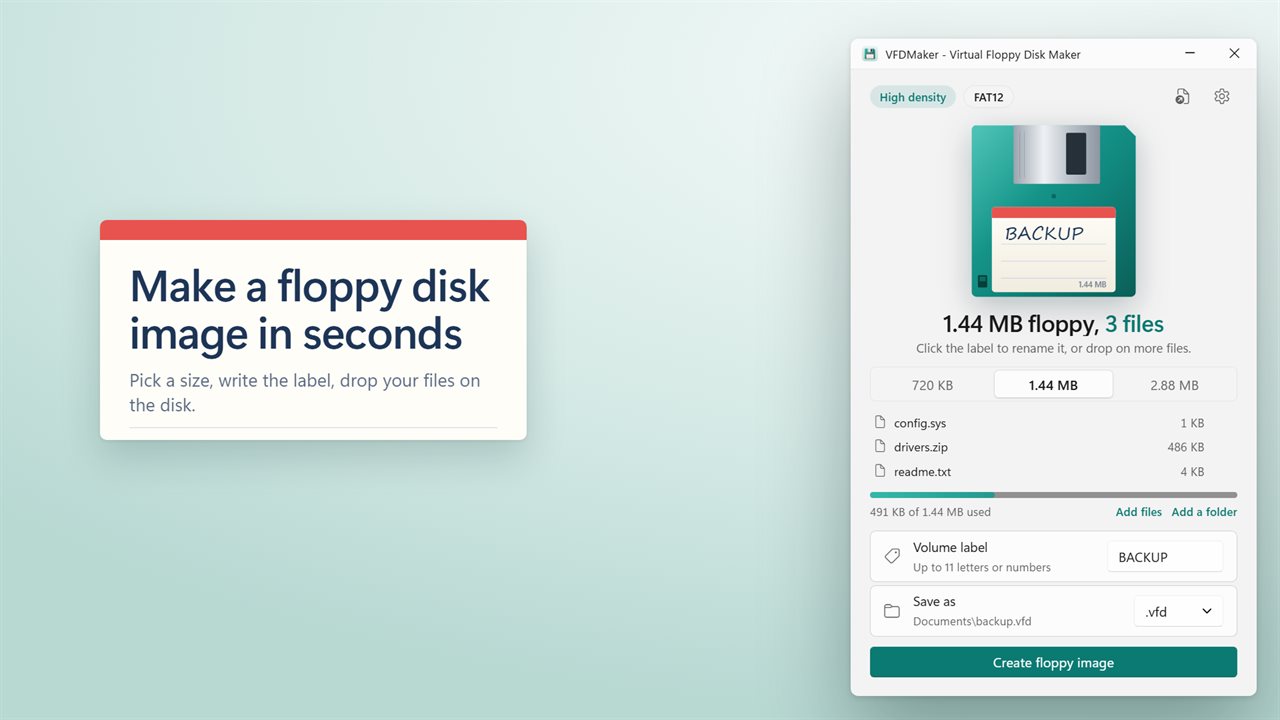
Make a floppy disk image in seconds.
See it in action
About VFDMaker
VFDMaker makes virtual floppy disk images, with your files already on them.
Pick a size
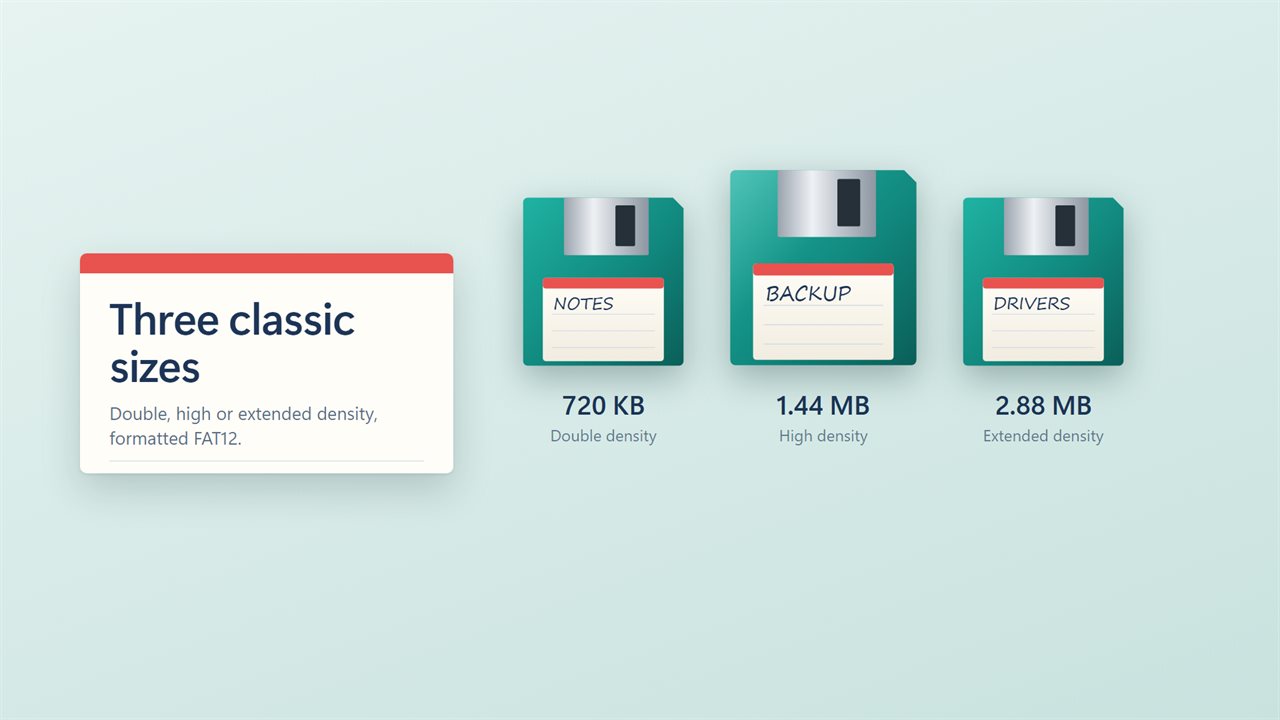
Choose double density (720 KB), high density (1.44 MB) or extended density (2.88 MB). Every image is formatted FAT12, just like a real floppy, so virtual machines, emulators and older software read it as one.
Drop your files on the disk
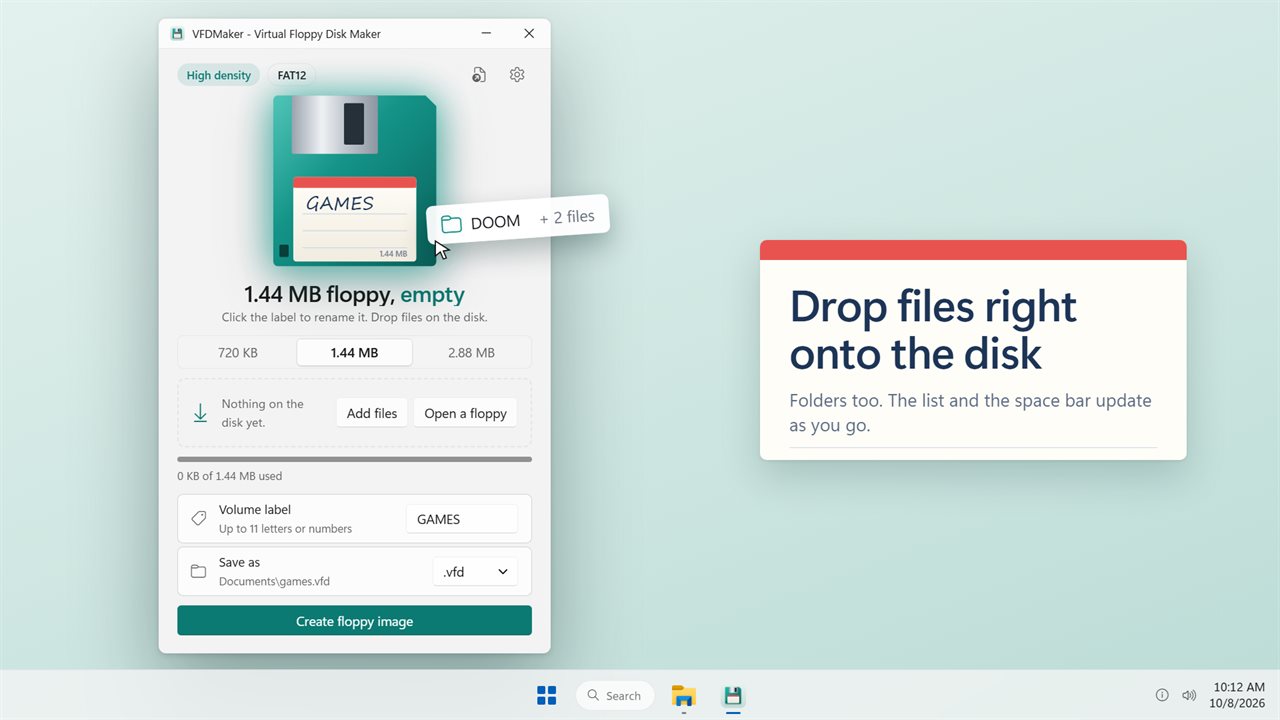
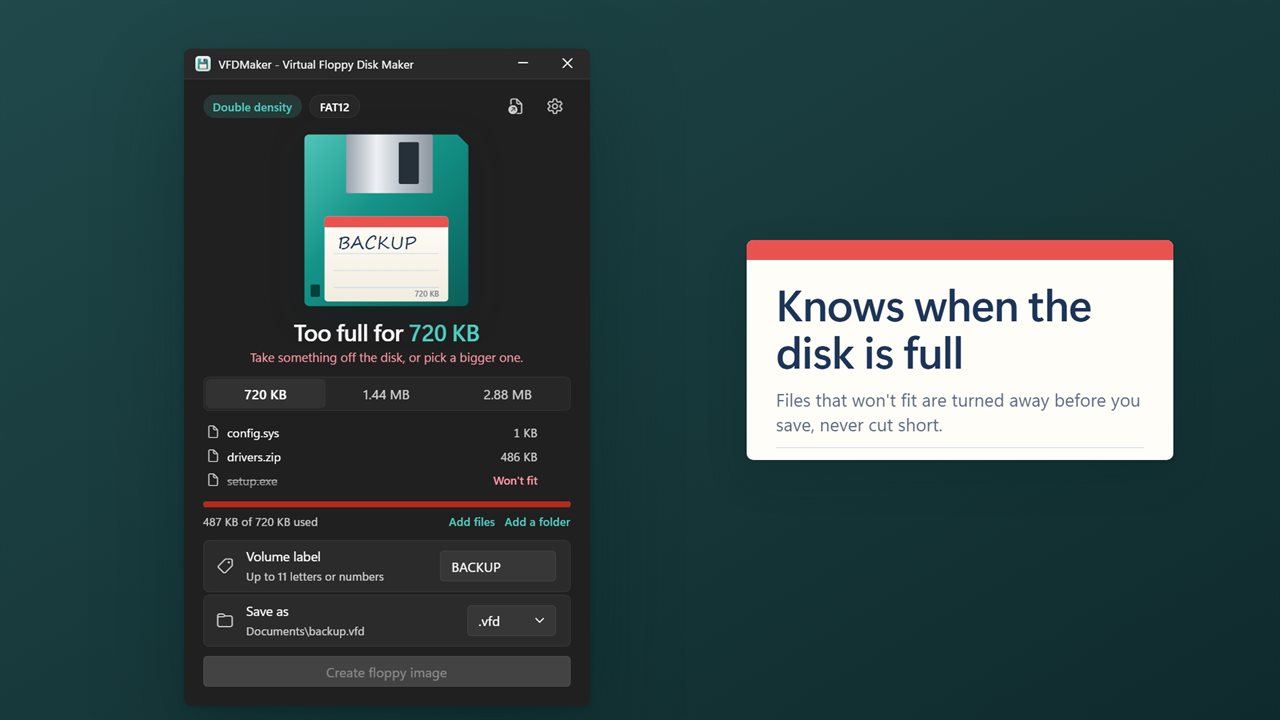
Drag files or whole folders onto the drawn floppy, or click it to pick them. The list shows what is on the disk, and a bar shows how much space is left. Anything that won't fit is turned away with a clear message before you save, so an image is never cut short.
Open one you already have
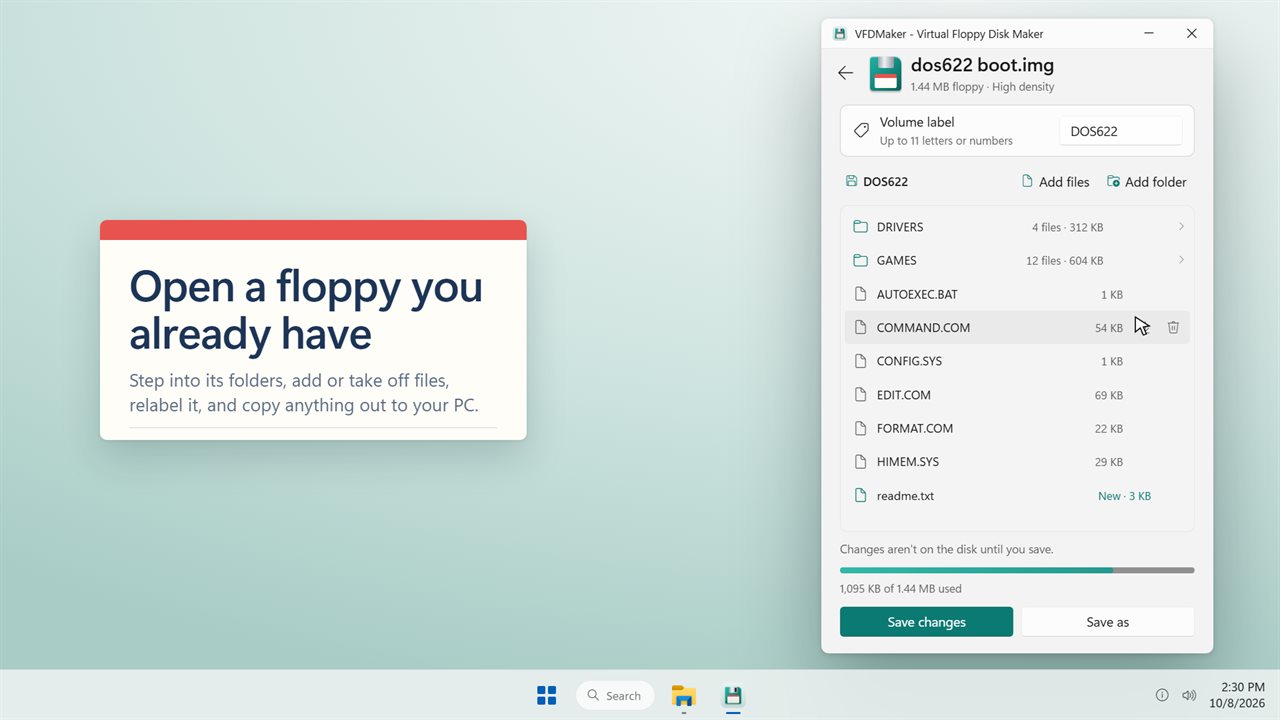
Open an existing floppy image and it gets a page of its own. Step into its folders, take files off, drop new ones in, change the label, then save the changes or save it under a new name. Any file or folder on it can be copied out to your PC.
Write the label
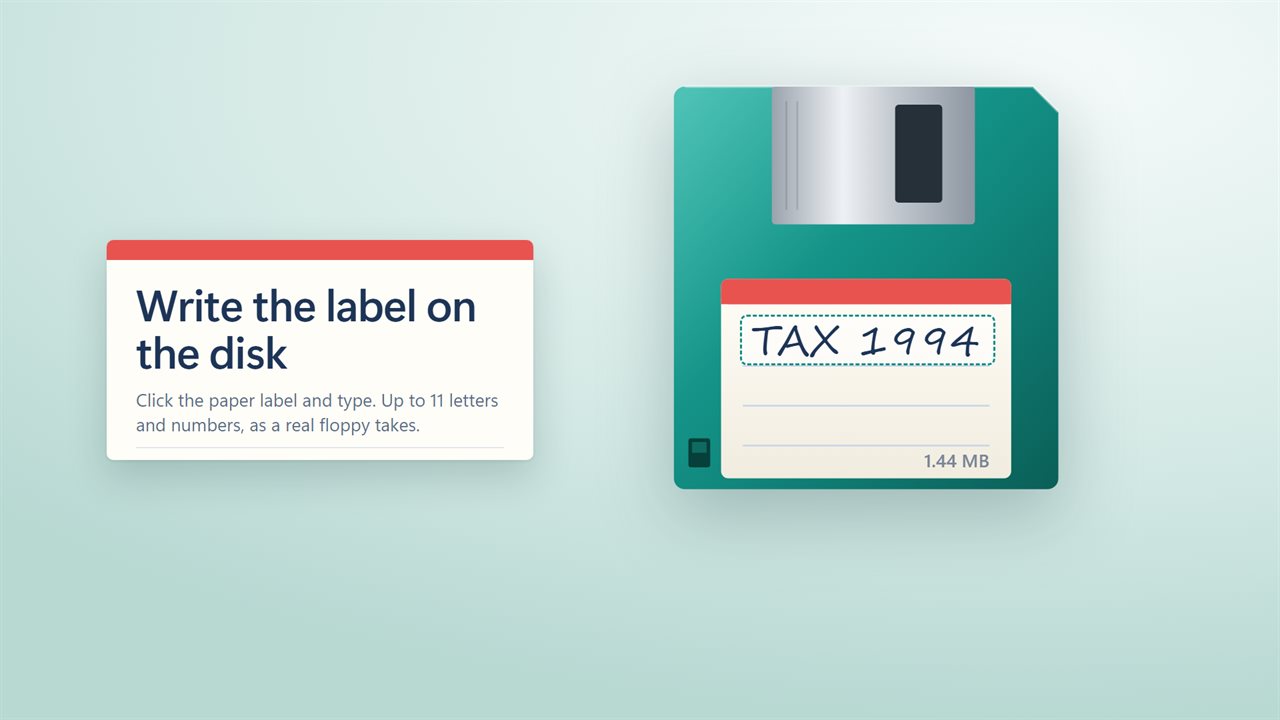
Click the paper label on the disk and type. Up to 11 letters, numbers, spaces, dashes or underscores, the same as a real floppy takes.
Save it
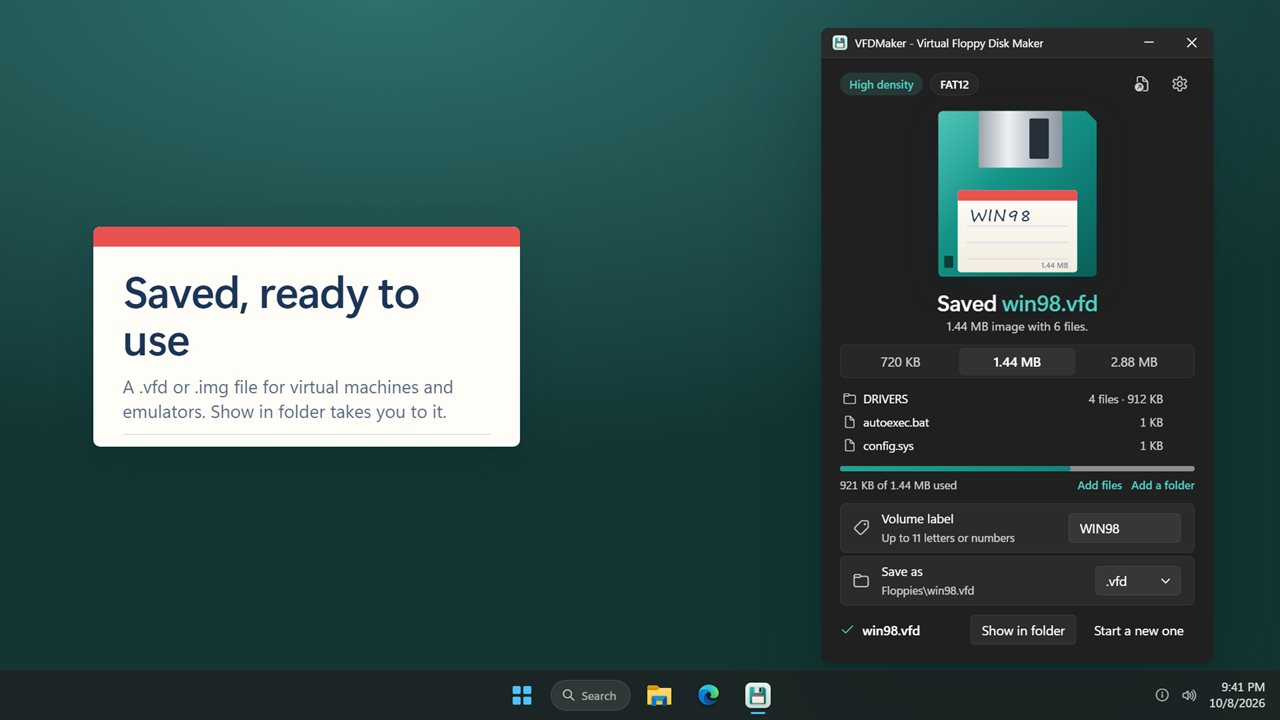
Save as .vfd or .img. When it is done, the app says so and Show in folder takes you straight to the file. Turn on Open the folder after saving if you always want that.
Light and dark themes, or match Windows.
Features
- Make a 720 KB, 1.44 MB or 2.88 MB floppy disk image
- Drop files and folders on the drawn disk to put them on the image
- Open an existing .vfd or .img and browse its folders, add or remove files, relabel it and save
- Copy any file or folder off a floppy image into a folder on your PC
- A live list of what is on the disk and a bar showing how full it is
- Files that won't fit are turned away before you save, never cut short
- Click the paper label on the disk to write the volume label, up to 11 characters
- Save as .vfd or .img
- Every image is formatted FAT12, the way a real floppy is
- A done message with Show in folder, or open the folder automatically
- Light and dark themes, or match Windows
Details
- Works on
- Windows 10 (1809 or later) and Windows 11
- Download
- About 2.8 MB
- Version
- 2.0.2, updated October 2026
- First released
- August 2023
- Price
- $1.99 once. No subscription.
- Category
- Utilities & tools
What's new in 2.0.2
- New: drop files and folders on the disk to put them on the image
- New: a list of what is on the disk and a bar showing how full it is
- New: save as .vfd or .img
- New: a done message with Show in folder
- Fixed: the volume label now takes letters, not only numbers
Questions
Anything else? Ask us
Which versions of Windows does it run on?
Windows 10 (version 1809 or later) and Windows 11.
Is it a subscription?
No. VFDMaker is a one-time purchase of $1.99, and updates are included.
How do I get it?
EvlarSoft apps are moving to direct downloads from this site. Ask to be notified and we will email you as soon as VFDMaker is ready to download.
More from EvlarSoft
 File Hash GeneratorWork out the checksum of every file in a folder, then copy the whole list out in one press.
 File EncoderFind out which encoding a text file is in, repair garbled text like Café back to Café, and convert files to UTF-8, UTF-16, Windows-1252 or ASCII, one at a time or a whole folder at once.
 Folder LockerLock a private folder into one encrypted file that only your password opens.