Security and privacy apps for Windows
10 apps for keeping files private: folder and document lockers, file encryption, shredders that overwrite data before deleting it, a password vault and a desktop authenticator.
Every app in this category10
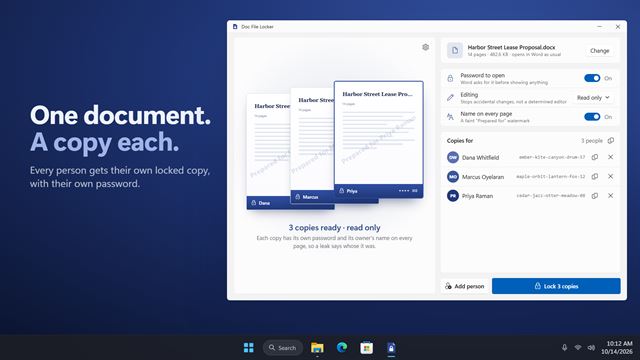

Doc File Locker
Security and privacyPassword-protect a Word document, with a separate locked copy for each person you send it to. Every copy has its own password and its owner's name on every page.
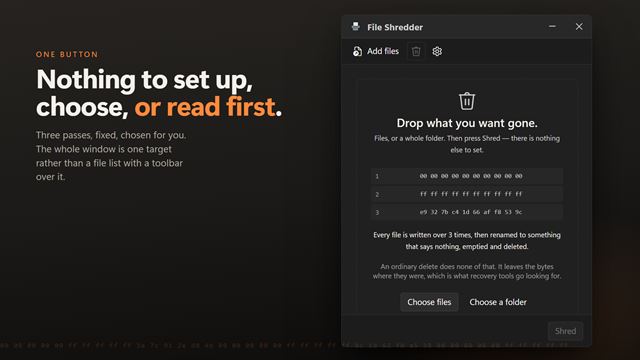
File Shredder
Security and privacyDelete a file properly. An ordinary delete only forgets where the file was — the contents sit on the disk until something else happens to need the space, which is why recovery tools work. This writes over the contents first, then strips the name, then deletes it. One button and nothing to decide: drop files or a whole folder in, confirm once, and it is done. Entirely on your PC.
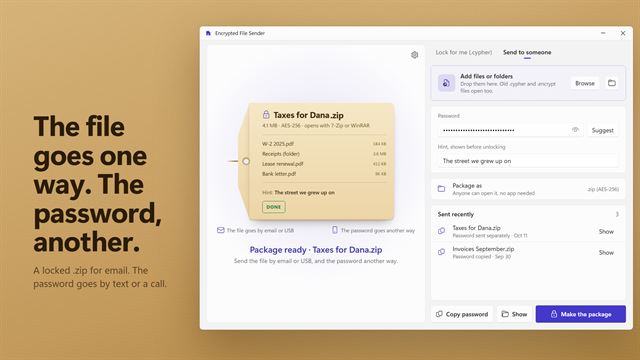

Encrypted File Sender
Security and privacyPackage files into an AES-256 zip anyone can open with 7-Zip or WinRAR, with a password you send separately. Or lock files for yourself as .cypher files with a password hint. Old files still open.

Secure File Shredder
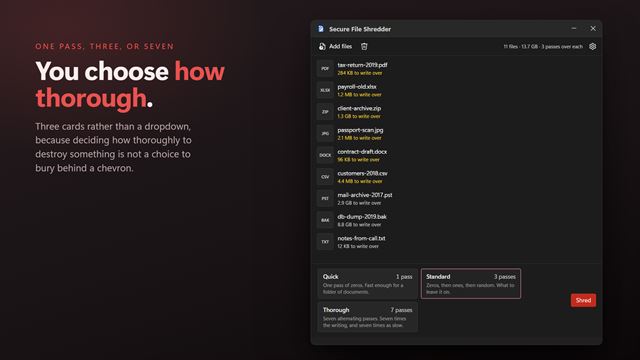
Security and privacyDelete files so that what was in them is actually gone. An ordinary delete only forgets where the file was, which is why recovery tools work months later; this overwrites the contents first, then the name, then deletes it. One pass, three or seven — you choose how thorough. Drag files in from Explorer, do a whole folder at once, and pay once. Everything happens on your PC.
File and Folder Encryptor
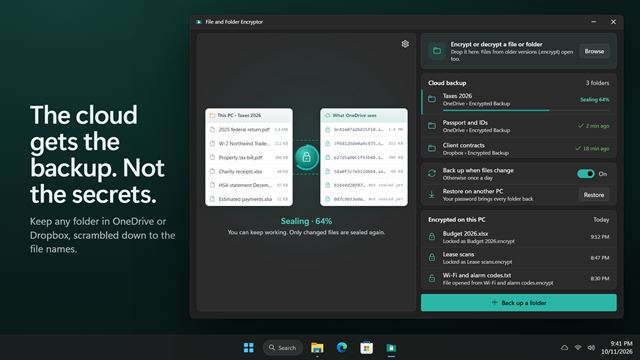
Security and privacyKeep an encrypted backup of any folder in OneDrive or Dropbox, so the cloud only ever holds scrambled copies, even of the names. Encrypt and open single files and folders with a password, too.
Folder Locker
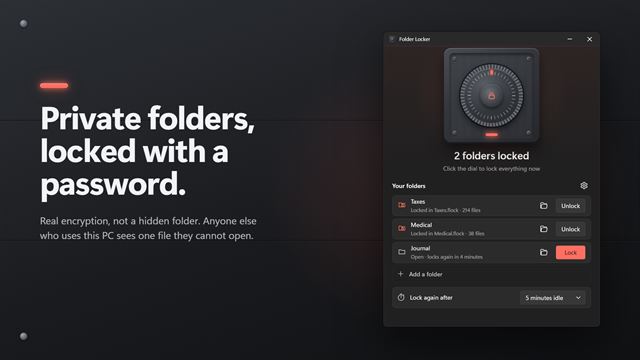
Security and privacyLock a private folder into one encrypted file that only your password opens. Double-click it, type the password, and the folder is back in File Explorer. Step away and it locks itself again. File names stay hidden inside, and originals are removed only after the locked copy is checked.

Desktop Authenticator
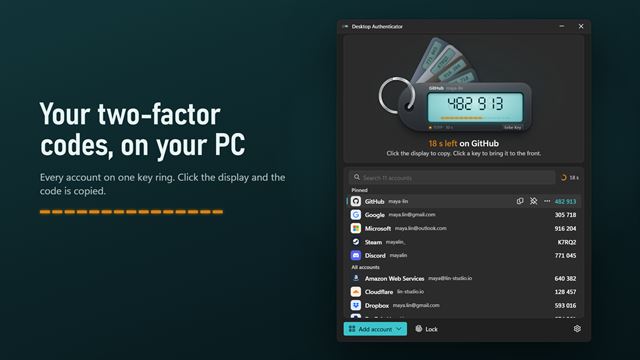
Security and privacyTwo-factor codes on your PC. Press Ctrl+Alt+Q, type a name, and copy the code or type it into the field you are in. A desktop widget, Google Authenticator import and a Windows Hello lock.

Permanent Bulk File Shredder
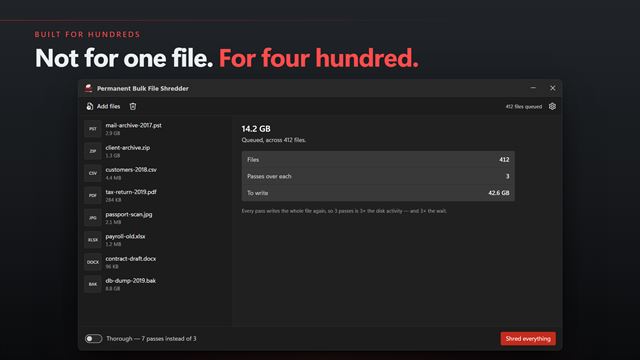
Security and privacyDestroy a lot of files at once. An ordinary delete only forgets where a file was, which is why recovery tools work; this overwrites the contents, replaces the name, then deletes it — for every file in the queue. Built around the total rather than the list: how many gigabytes are queued, how many have gone, and what is left. Drop in whole folders. Entirely on your PC.

Password Vault
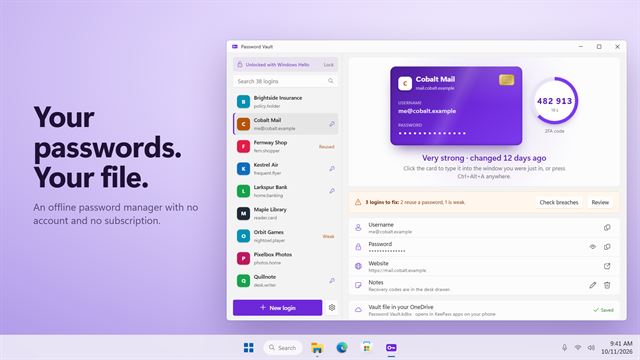
Security and privacyAn offline password manager. Your logins live in a KeePass file you keep, unlock with Windows Hello, and type into any window with Ctrl+Alt+A. 2FA codes are built in. No account, no subscription.
Password Generator & Breach Checker
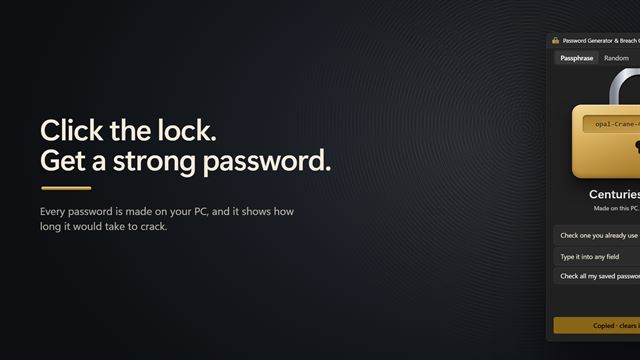
Security and privacyMake strong passwords and passphrases with one click, or press Ctrl+Alt+P to type one into any app. Check a password you already use against known data breaches, sending only 5 characters of its fingerprint. Then open a password export from your browser or password manager and see which of your saved passwords are breached, reused or weak.