Keyboard and mouse apps for Windows
34 small utilities for the keyboard and mouse: auto clickers and typers, key and button remappers, disablers for keys you keep hitting by accident, and counters that tally every press. A typing tutor and a keyboard tester round out the set.
Every app in this category34
Mouse and Keyboard Recorder
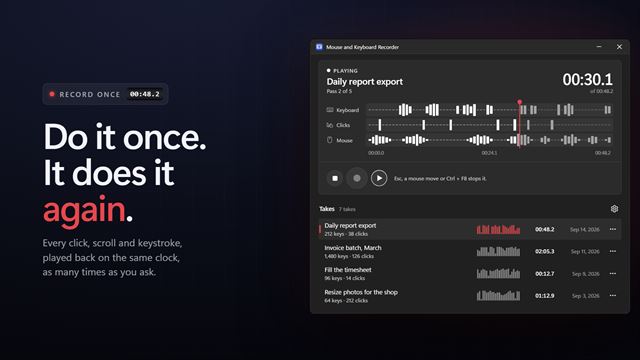
Keyboard and mouseDo a job once and let your PC repeat it. Mouse and Keyboard Recorder captures your clicks, scrolls and keystrokes, then plays them back on the same clock, as many times as you ask, at up to four times the speed. Ctrl+F7 records, Ctrl+F8 plays, Esc stops.
Key Bot
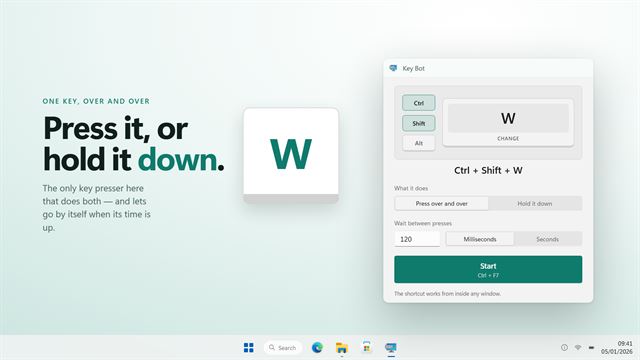
Keyboard and mousePresses one key for you — or holds it down until its time is up. Rebuilt in 2.0 so games see every press.

Click Indicator
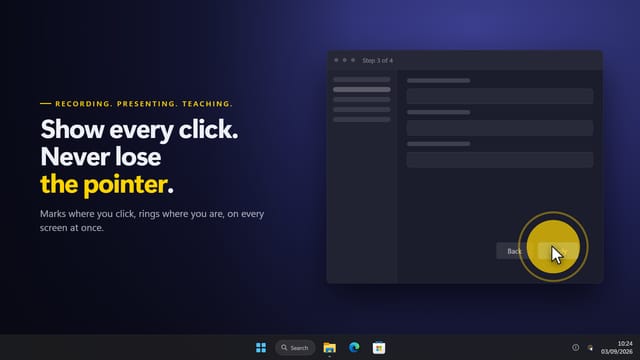
Keyboard and mouseNobody watching a recording can see you click. Mouse Click Indicator marks it — a ripple, a circle or a ring at the point of every click, in a colour that says which button it was. Left, right, middle and the side pair each get their own, so a right-click never looks like a left one. A ring can follow the pointer all day so it is never lost on a busy desk, and one shortcut turns the lot off.
 Video

Automatic Mouse Clicker
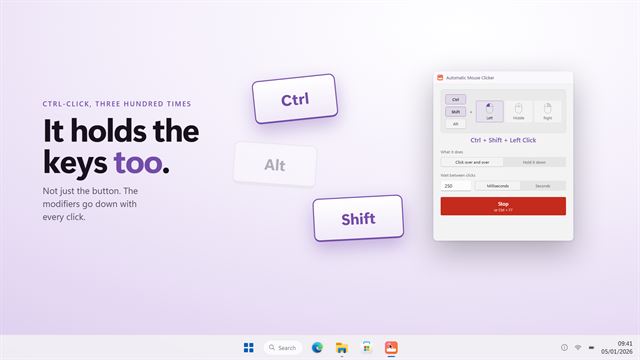
Keyboard and mouseClicks for you, with Ctrl, Shift or Alt held if you need them.

Mouse Highlighter
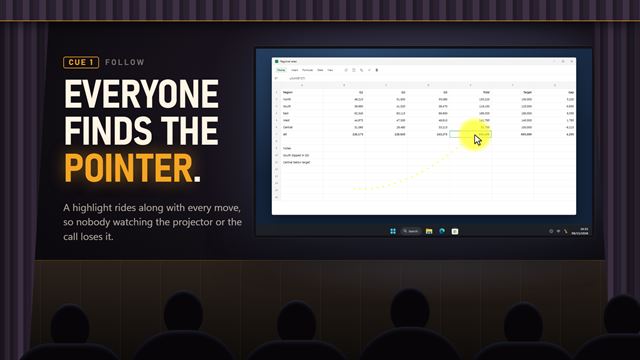
Keyboard and mouseNobody watching your screen can find the pointer. Mouse Position Highlighter puts a highlight on it that follows every move: a soft halo, an outline ring, a spotlight that darkens everything else, or crosshair lines edge to edge. Pick the size and color, show it all the time or only while you hold a key, and let it fade away when the mouse rests.
Key Mapper
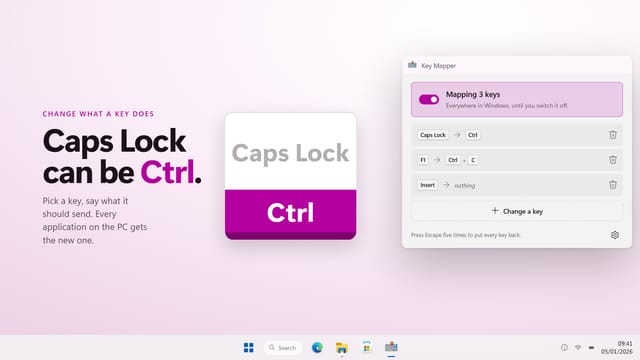
Keyboard and mouseMake one key do the job of another — or a whole shortcut, or nothing at all.
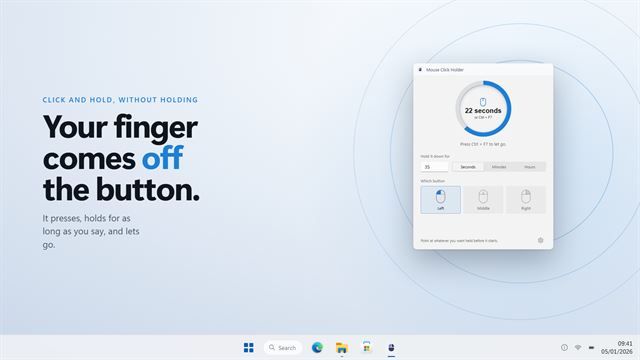

Mouse Click Holder
Keyboard and mouseHolds the mouse button down for you, for as long as you need.
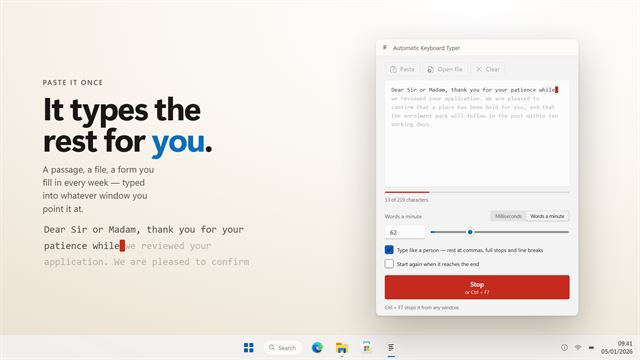
Automatic Keyboard Typer
Keyboard and mouseTypes a passage for you — at your speed, with a person's rhythm.
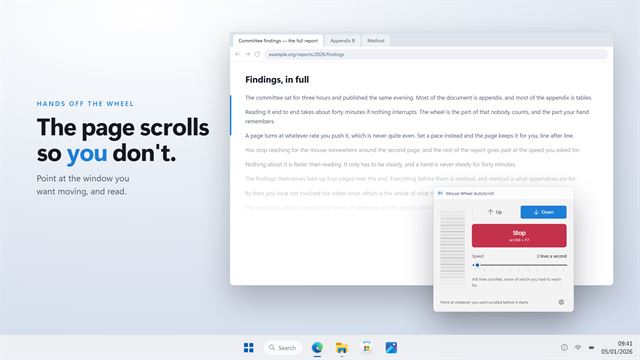
Mouse Wheel AutoScroll
Keyboard and mouseScrolls the page for you, at a speed you can read at.
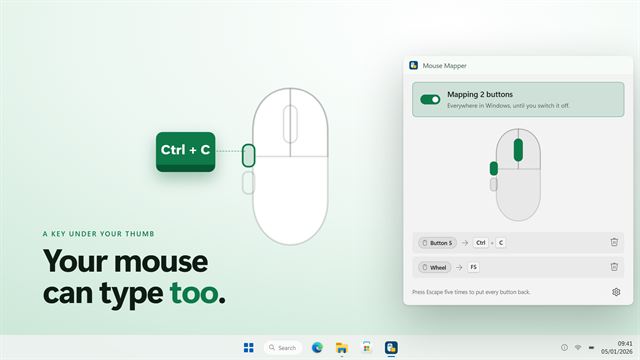
Mouse Mapper
Keyboard and mouseGive a mouse button a keyboard's job — a key, a shortcut, or nothing at all.
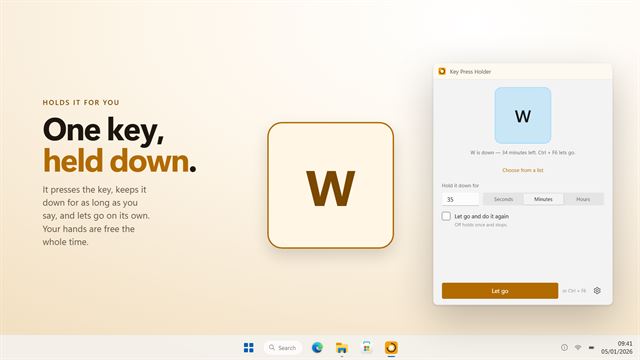

Key Press Holder
Keyboard and mouseHolds a key down for you, for as long as you need, or lets go and presses it again on a cycle until you stop it. Any key, for seconds, minutes or hours.
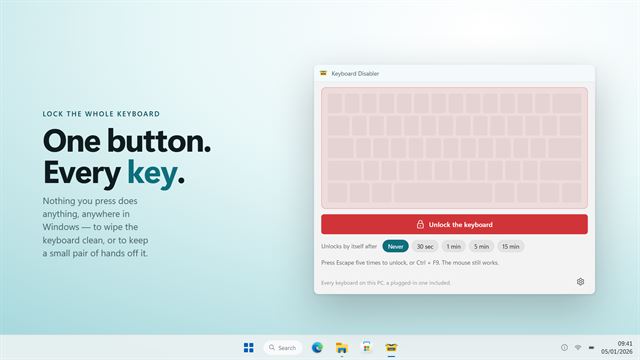

Keyboard Disabler
Keyboard and mouseLock the whole keyboard so nothing you press does anything — to wipe it clean, or to keep a toddler off it. Escape five times always unlocks it, from any window.
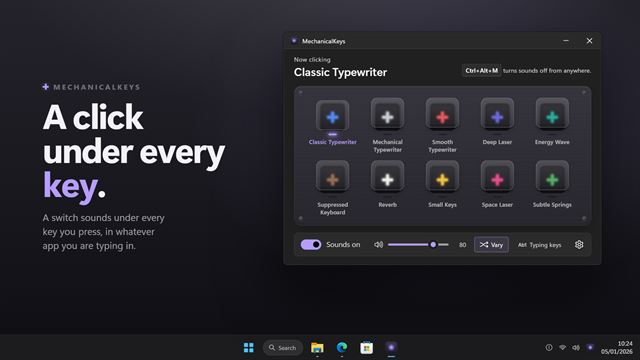

MechanicalKeys
Keyboard and mouseGive any keyboard the sound of a mechanical one. MechanicalKeys clicks with every key you press, in every app, with ten switches to choose from, from a classic typewriter to a space laser. Fast typing overlaps the way a real keyboard does, and a shortcut turns it off the moment you need quiet.
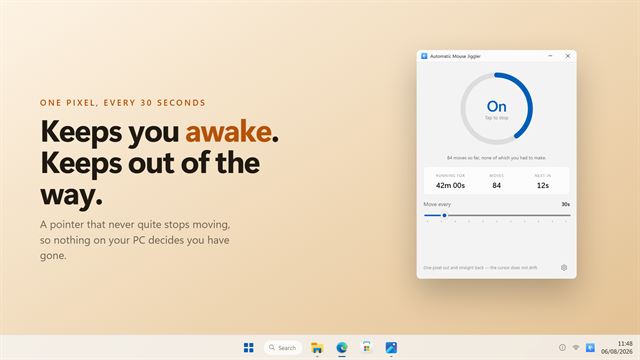

Automatic Mouse Jiggler
Keyboard and mouseMoves your pointer a single pixel on a schedule you set, so nothing on your PC decides you have gone.
Lock Key Notifications
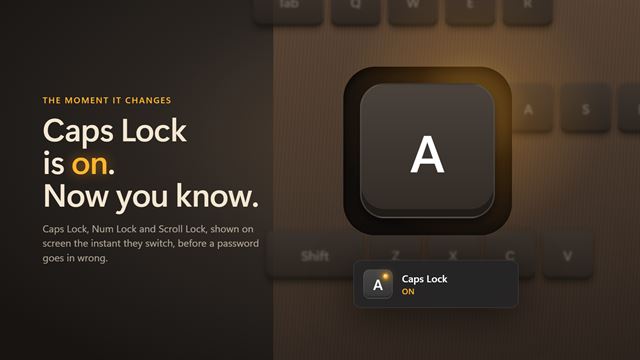
Keyboard and mouseKnow when Caps Lock is on before it costs you a password. Lock Key Notifications shows a small notification whenever Caps Lock, Num Lock or Scroll Lock changes, styled like the volume flyout Windows already uses, and it never takes focus from what you are typing into. The notification area can carry one icon per key, so all three states are visible at a glance, and the window works as a set of lock lights for keyboards that have none.

Key Disabler
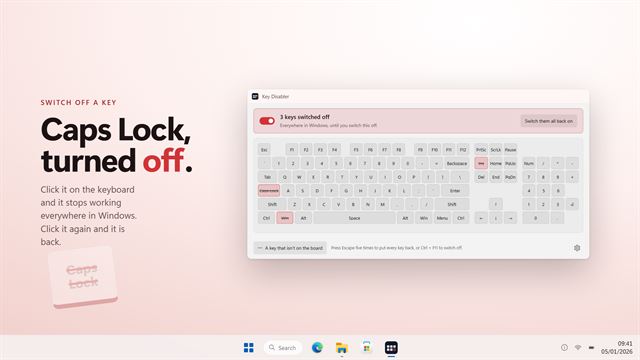
Keyboard and mouseSwitch off the keys you keep hitting by mistake. Click a key on the keyboard and it stops working everywhere in Windows, until you switch it back on.

Mouse and Key Press Counter
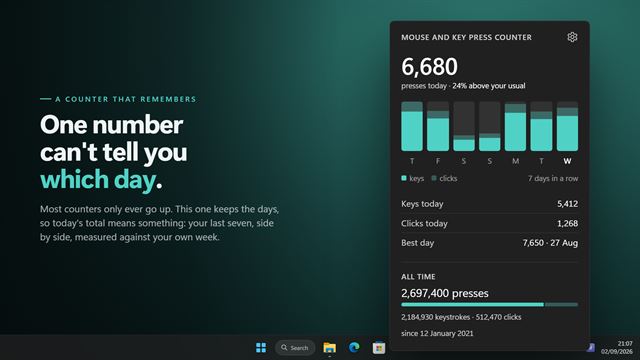
Keyboard and mouseMouse and Key Press Counter records how much you type and click, and — unlike counters that only ever show a running total — remembers which day you did it on. Open the panel from the tray icon for today's figure, a chart of the last seven days, your busiest day and your lifetime totals.
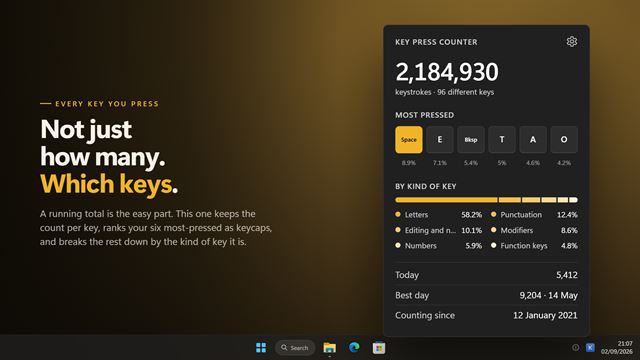

Key Press Counter
Keyboard and mouseKey Press Counter keeps a running total of every key you press, across every application and every game. Open the panel from the tray icon for the lifetime number, the keys you press most, a breakdown by kind of key, today's total and your busiest day.
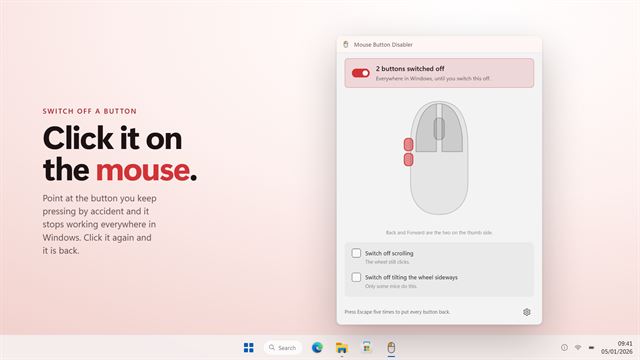
Mouse Button Disabler
Keyboard and mouseSwitch off a mouse button you keep pressing by accident — including the two side buttons under your thumb.
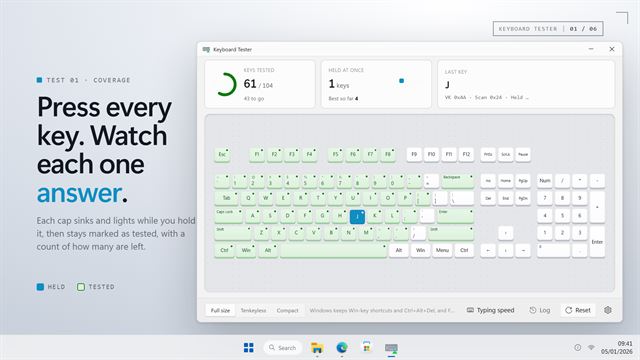
Keyboard Tester
Keyboard and mousePress every key and see which ones your keyboard actually sends. Each key lights on a full-size board while it is held and stays marked once it has answered, with a count of how many are left. Left and right Shift, Ctrl and Alt are told apart, and so are numpad Enter and Enter. Hold several keys at once to find where the keyboard stops reporting them, and catch a worn switch that types a letter twice.

Turbo Key Auto Presser
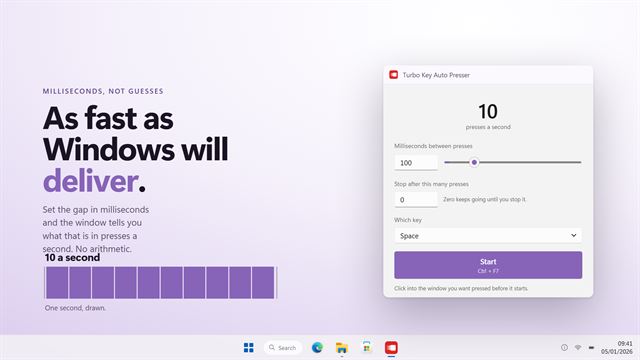
Keyboard and mouseThe fastest key pressing Windows will deliver, set in milliseconds.
Easy Game Scoreboard
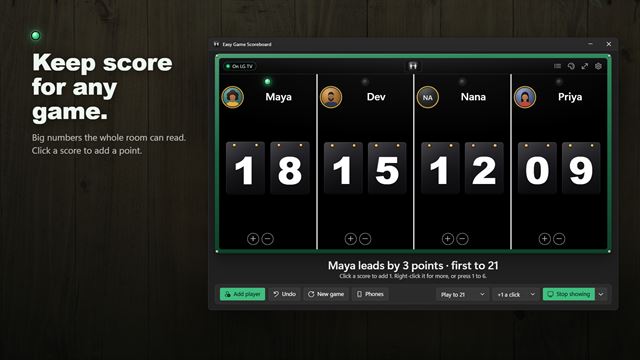
Keyboard and mouseA big, clear scoreboard for game night. Click a score to add a point, play to a target and watch the winner's numbers turn gold. Put the board on your TV, let everyone score from their own phone, and add a photo of each player from your webcam.
Click Counter
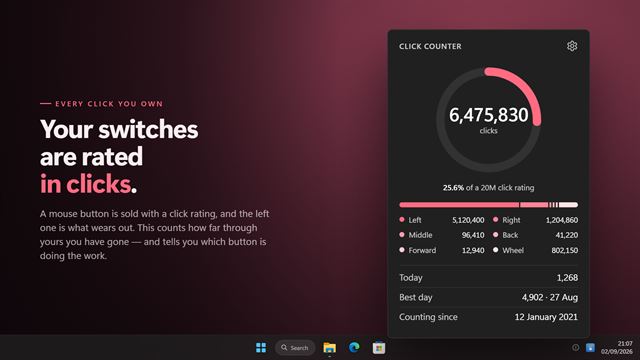
Keyboard and mouseClick Counter keeps a running total of every click your mouse makes — left, right, middle, back, forward and wheel — across every application and every game. Open the panel from the tray icon to see the lifetime number, today's, your busiest day, and how far through its rated life the left switch has worn.

MouseScript
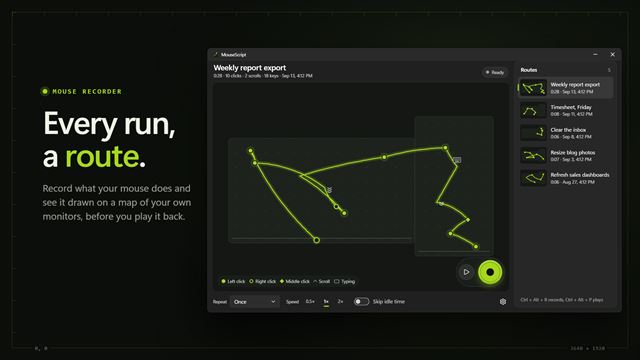
Keyboard and mouseRecord what your mouse does and play it back, as often as you need. MouseScript draws every recording as a route on a map of your screens, with a pin for each click, so you can see a script before you run it. Repeat it, speed it up, skip the pauses, and stop it the moment you move the mouse.
Key Press Visualizer
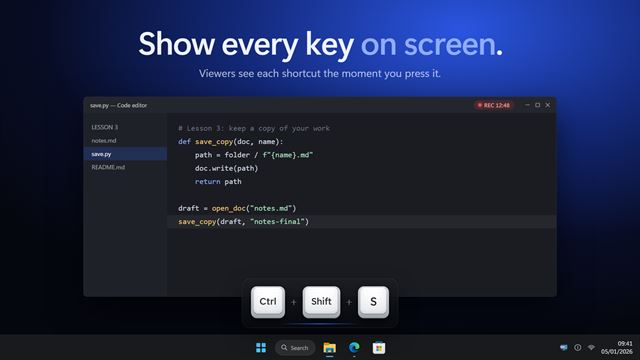
Keyboard and mouseShow every key you press on screen, for screen recordings, tutorials, live streams and presentations. Your shortcuts appear as clean keycaps, like Ctrl + Shift + S, so viewers can follow along. Show only shortcuts and never your typing, add mouse clicks, and pick a preset for screencasts, streaming or presenting.

Turbo Mouse
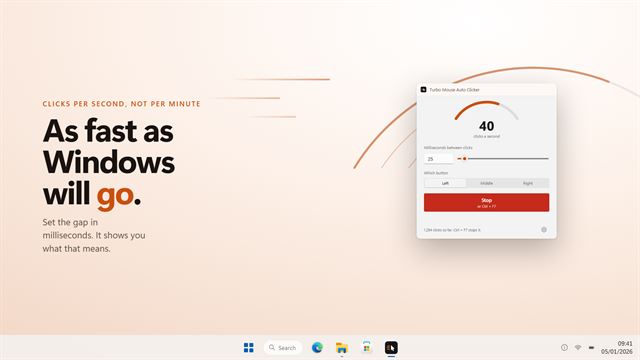
Keyboard and mouseThe fastest clicking Windows will deliver, measured in milliseconds.

Move Mouse to Screen
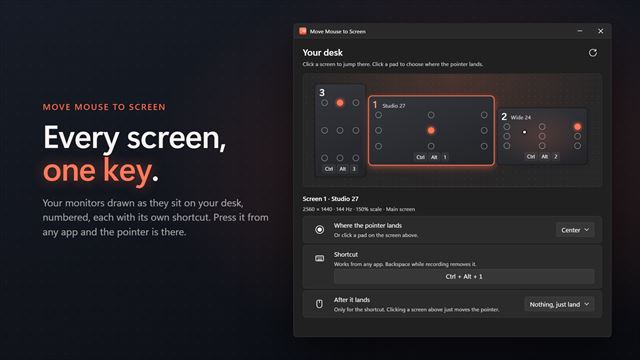
Keyboard and mouseTwo, three or more monitors and a pointer that is always on the wrong one. This sends it to the screen you want with one shortcut, and lands it exactly where you choose: a corner, an edge, the center, or right where you left it. Every shortcut is recordable, and it tells you when one clashes with something else.

Swift Auto Clicker
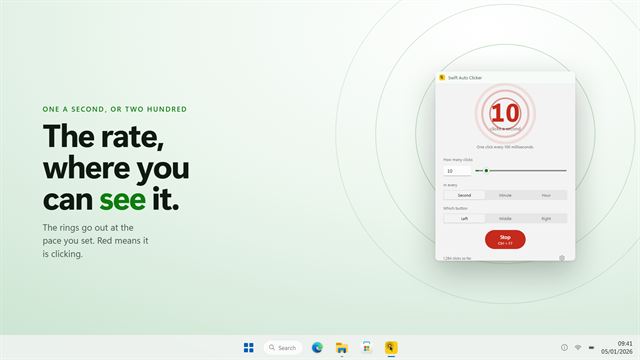
Keyboard and mouseClicks as many times a second, minute or hour as you ask for.

MousePresence
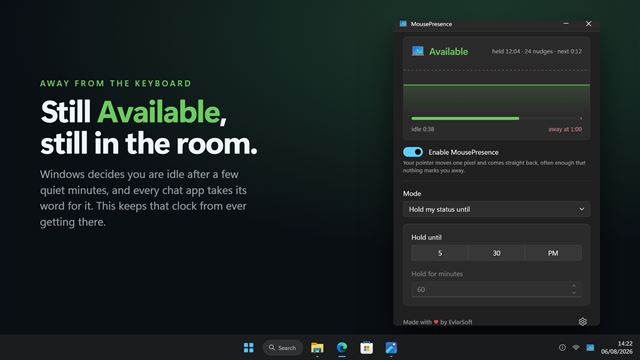
Keyboard and mouseStay showing as Available while you are away from the keyboard. MousePresence resets the idle counter Windows and your chat apps read, and shows you the counter so you can watch it work.

Mouse Disabler
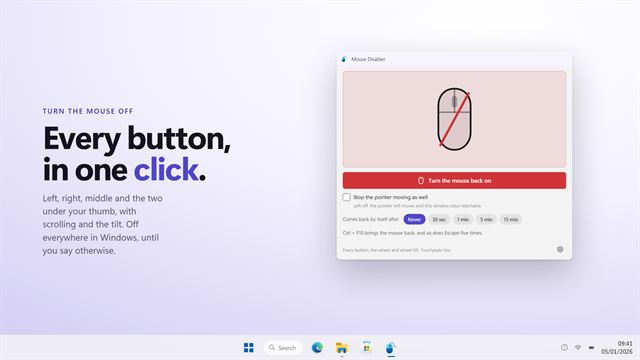
Keyboard and mouseTurn the mouse off in one click — every button, the wheel, and the pointer itself if you want. The keyboard always brings it back, so you are never stuck.
Cursor Highlighter and Finder
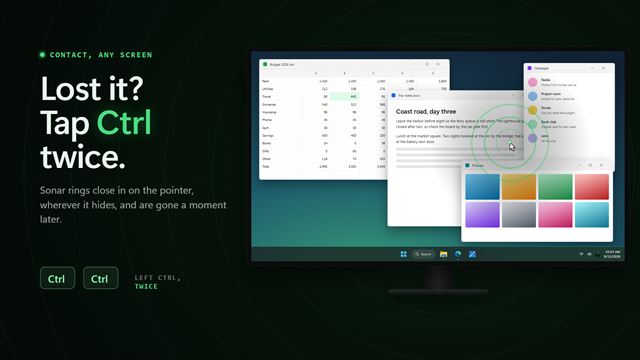
Keyboard and mouseLost the pointer on a big screen? Tap Ctrl twice and a sonar ping closes in on it. Shake the mouse or press a shortcut of your own instead, if you prefer. For a presentation or a recording, a thin reticle can ring the pointer all the time. Nothing appears unless you ask for it, and it keeps quiet while a game or a video fills the screen.
Rapid Key
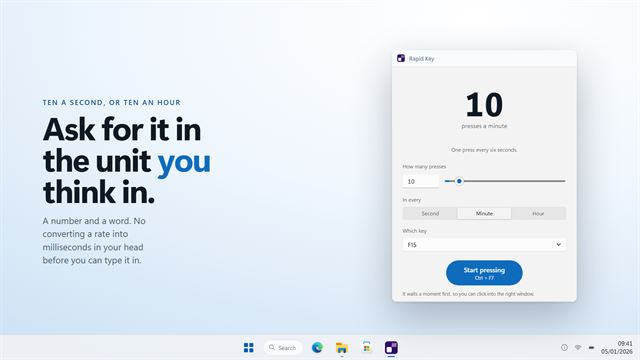
Keyboard and mousePresses a key as many times a second, minute or hour as you ask for.
Typing Tutor - Learn to Type, Typing Test & Games
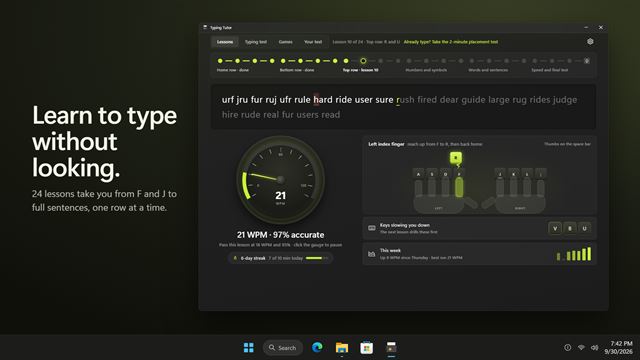
Keyboard and mouseLearn to touch type with 24 guided lessons and a finger guide that shows which finger to use. Get ready for a typing exam with timed passages, net WPM and a printable result. Play Meteor Words, or practice on your own text.
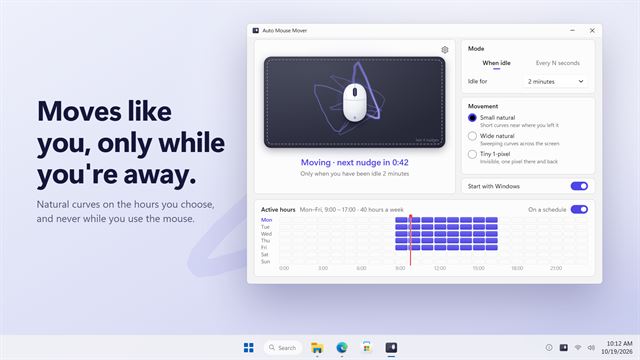
Auto Mouse Mover
Keyboard and mouseMoves your mouse in natural, human-looking curves, only while you are away and only on the hours you paint on a weekly schedule. Your PC stays awake and you stay active, without a jittery pointer.