Display and screen apps for Windows
17 apps for the screen: brightness below the Windows minimum, dimmers, color tints and night filters, resolution switching and keep-awake controls. Several open as small flyouts from the taskbar, so the setting is one click away.
Every app in this category17
Quick Resolution Switcher
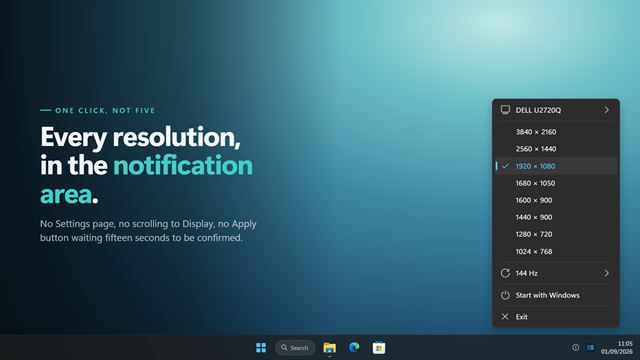
Display and screenChanging screen resolution in Windows means opening Settings, finding Display, scrolling to the drop-down and confirming a dialog. Quick Resolution Switcher puts every mode your display reports one click away in the notification area. It changes any display, not just the primary one, lists them by the name Windows knows them by, and lets you pick the refresh rate as well. When a monitor refuses a mode, it says so rather than closing the menu as though nothing happened.

Quick Brightness Adjuster
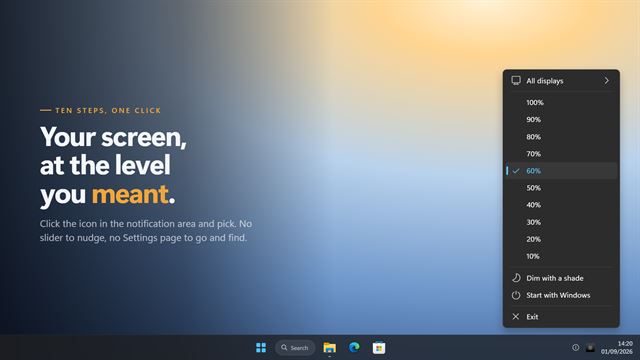
Display and screenSet your screen brightness from the notification area, in one click. Quick Brightness Adjuster puts ten brightness steps behind the icon in your tray, and it reaches external monitors over DDC/CI as well as the panel built into a laptop — so it works on a desktop, which the previous version never did. Point it at one display or all of them. For screens that refuse to dim at all, a shade goes over them instead, on the display you chose, and it covers the taskbar with everything else.
Desktop Screen Locker
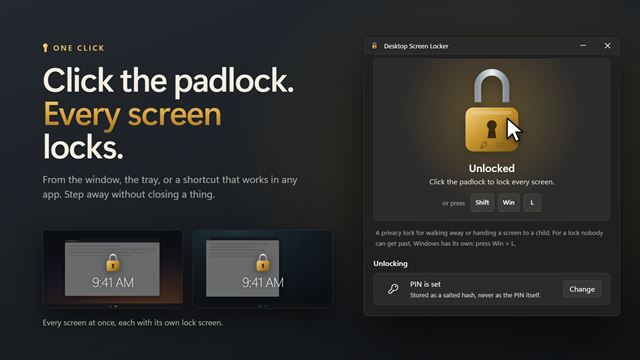
Display and screenStep away without closing anything. Desktop Screen Locker covers your screens with a lock screen that catches every click and touch, and can block the keyboard as well. Unlock with a double-click, or set a PIN and type it on the keypad. Handy for a child watching a video on a touch screen, or for keeping a desk private for a few minutes. For a lock that needs your Windows password, press Win+L.
HDD Light
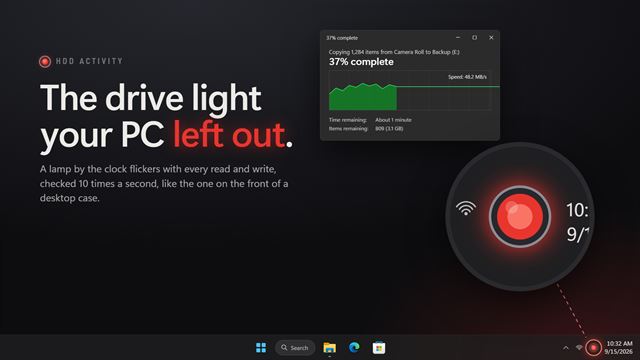
Display and screenThe drive activity lamp your laptop never had. A small lamp in the notification area flickers with every read and write, 10 times a second, with an afterglow so short bursts still show. Pick the drives, reads or writes, a round lamp, a drive or a busy bar, and a lamp per drive if you like.

Smart Screen Dimmer
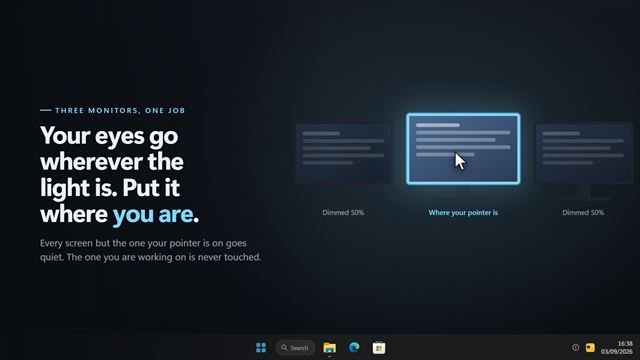
Display and screenOn a three-monitor desk your eyes go wherever the light is, which is rarely where you are working. Smart Screen Dimmer dims every screen your pointer is not on and leaves the one you are using alone — following you as you move, fading rather than snapping. The tray panel draws your real desk with the lit screen ringed, so you can see exactly what it is doing without looking away.

Night Vision Color Filter
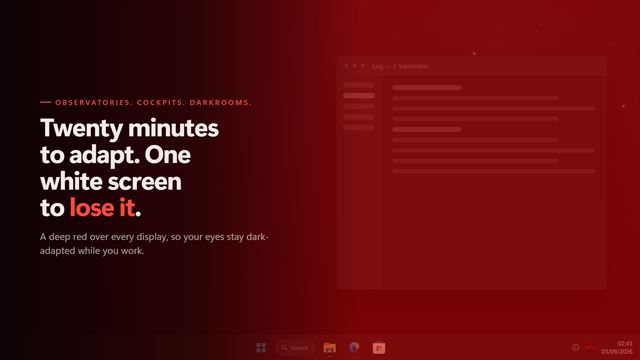
Display and screenYour eyes take twenty minutes to adapt to the dark and one bright screen to lose it. Night Vision Color Filter puts a deep red over every display so they never do. Four levels in the notification area, five reds from near-black maroon to a warm orange, and a darkening slider on top — because red alone does not make a bright screen dim. Set a timer and it comes off on its own, so nothing is left red in the morning.
 Video
Smart Window Dimmer
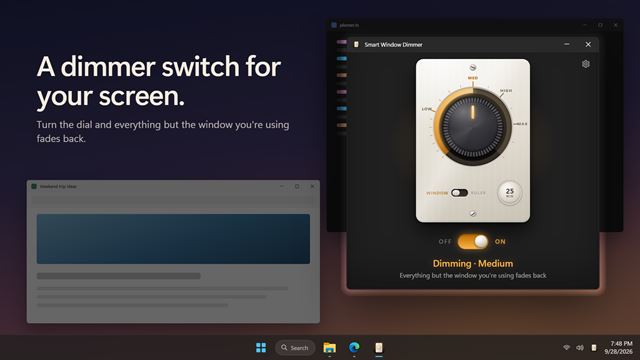
Display and screenSmart Window Dimmer fades back everything on your screen except the window you are using, so your eyes stay on your work. Turn the dial to set how dark, read with a lit ruler that follows your pointer, and let some apps dim on their own.
Display Calibration Helper
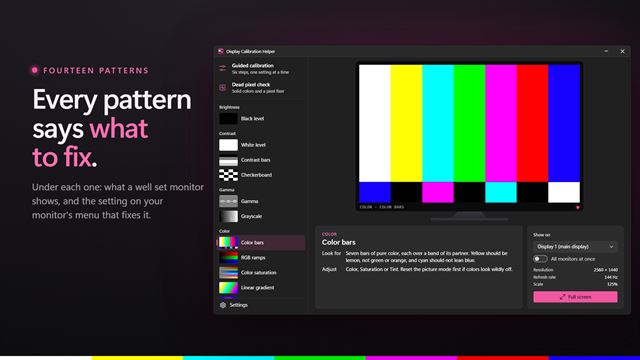
Display and screenTest patterns that tell you what to look for and which monitor setting to change. Set brightness with a black level pattern, contrast with a white level one, and check gamma, color, sharpness, uniformity and geometry, or follow a six-step guided calibration. Show any pattern full screen on the monitor you choose, or on all of them at once, and hunt down dead and stuck pixels.
Screen Privacy Blackout
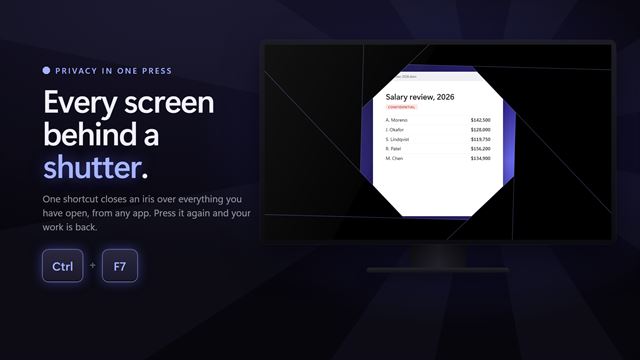
Display and screenSomeone walks up behind you, and one shortcut puts every screen behind a shutter. Quick Screen Privacy Blackout covers your screens in black, a dimmed view, a big clock, a Working on updates screen or a picture of your own, mutes the sound if you want it to, and brings everything back the moment you press the shortcut again.

Night Light Filter
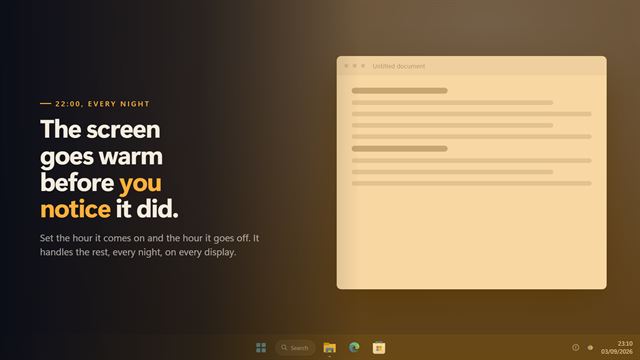
Display and screenWindows' night light gives you one warmth slider and stops well short. Night Light Filter gives you any colour you like, up to 92% of it, and a schedule that runs right through midnight — coming on gradually over as long as half an hour so you never catch it happening. It works on monitors Windows refuses to warm, because it never asks the display for anything, and the tray panel draws the whole day so you can see at a glance when it changes.
 Video

Brightness Below Minimum
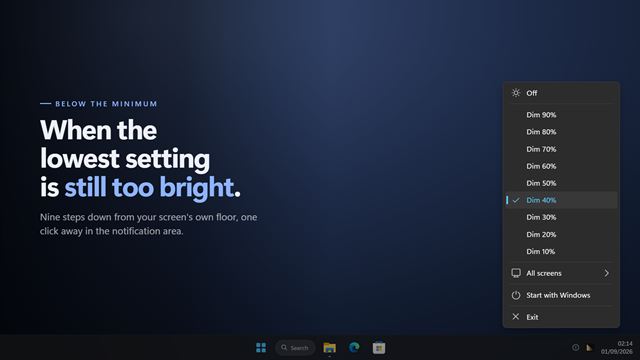
Display and screenSome screens are still too bright at their lowest setting. Brightness Below Minimum takes them further down — a black sheet over the display, in nine steps, one click away in the notification area. It works on monitors that refuse to be dimmed at all, because it never asks them to. Each screen is its own switch, so the second monitor can go dark while the first stays where it is, and the shade covers the taskbar with everything else.

Smart Display Color Tint
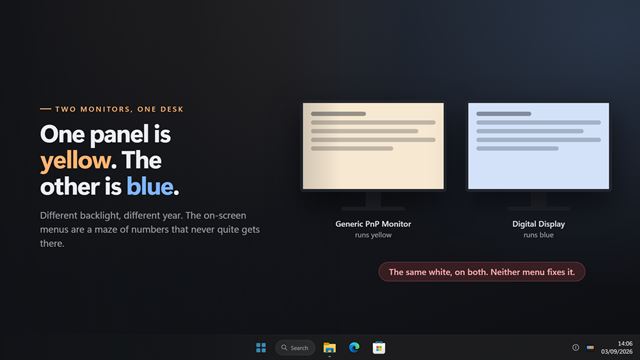
Display and screenTwo monitors, same desk, and one is yellow next to the other's blue. No amount of fiddling with either panel's own menu fixes it. Smart Display Color Tint gives every display its own tint — warm to pull a cold panel back, cool to pull a warm one back — set from the tray in a few seconds. Anything you do not set keeps the shared tint, screens are named the way Windows names them, and it works on monitors with no colour controls at all.

Monitor Info
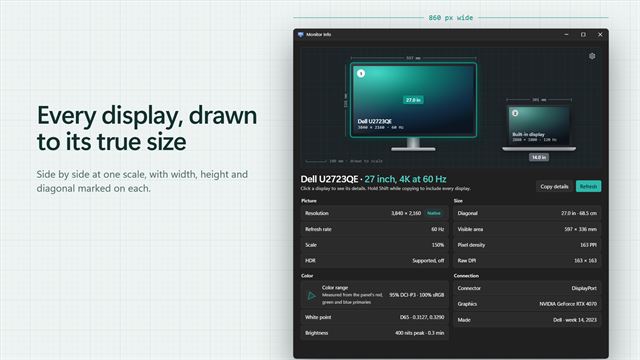
Display and screenSee every display you have drawn to its true size, with its real name, resolution, refresh rate, screen size, color range, brightness and connection. Plug one in and it appears. Copy the details with one click.
Ring Light
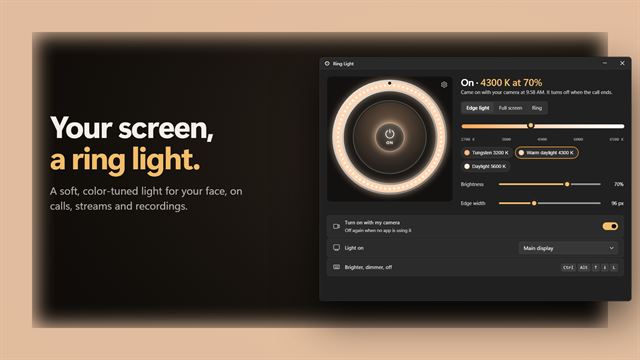
Display and screenLook your best on every video call. Ring Light turns your screen into a soft, color-tuned light that comes on by itself when your camera starts and goes off when the call ends. Light the edges and keep working, fill the whole screen, or put a ring in the middle.

PrintScreen
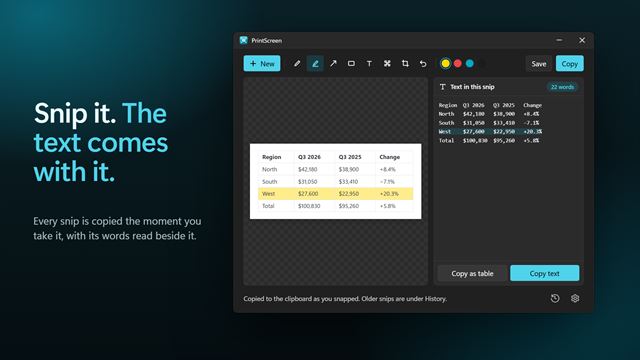
Display and screenPress Print Screen, box anything on screen, and it is copied. Mark it up, blur what is private, and copy the text in it, even a whole table that pastes into Excel. Everything happens on your PC.
Green Light Therapy
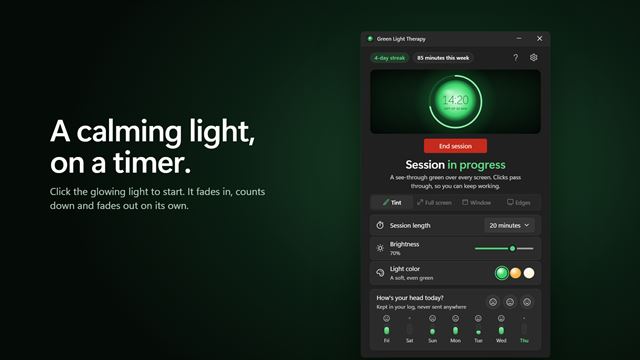
Display and screenA calming green light timer for your PC. Pick a length, click the glowing light, and a soft green light fills your screen, a window, or just the edges of your monitors, fading in and out on its own.
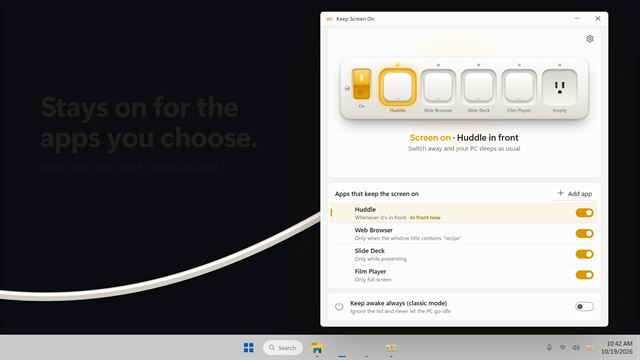
Keep Screen On
Display and screenKeep the screen on only while the apps you choose are in front: a video call, a recipe, a presentation, a film. Switch away and your PC sleeps as usual. Classic mode keeps it awake all day.