Video apps for Windows
8 apps for video files: batch converters, video to GIF and video to audio, a WebM converter, frame extraction and a screen to GIF recorder. A codec scanner shows what your PC can already play.
Every app in this category8
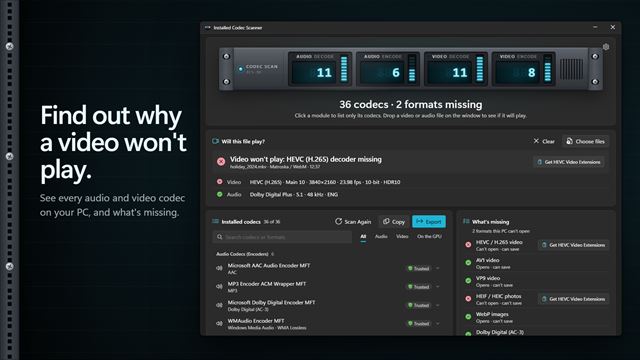

Installed Codec Scanner
VideoWhy won't this video play? Installed Codec Scanner lists every audio and video codec on your PC, shows which common formats are missing, and opens the right Store extension to fix it. Drop a video or audio file on the window to find out whether it will play, and what it needs.
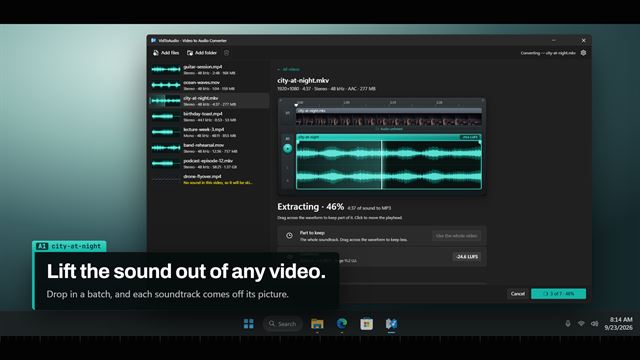

VidToAudio
VideoGet the sound out of your videos. VidToAudio saves the audio from MP4, MKV, MOV, AVI and more as MP3, WAV, M4A, AAC, FLAC, OGG, Opus or WMA, a whole batch at a time. See the sound as a waveform, keep only the part you want, add fades and even out the loudness. It all happens on your PC, and nothing is uploaded.
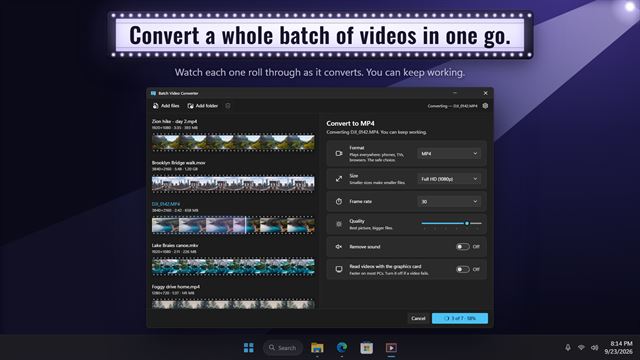

Batch Video Converter
VideoConvert videos to MP4, WebM, GIF and six more formats, a whole batch at a time. Every video shows as a strip of its own frames. Trim it by dragging two handles, then pick the size, frame rate and quality. Everything happens on your PC, and nothing is uploaded.
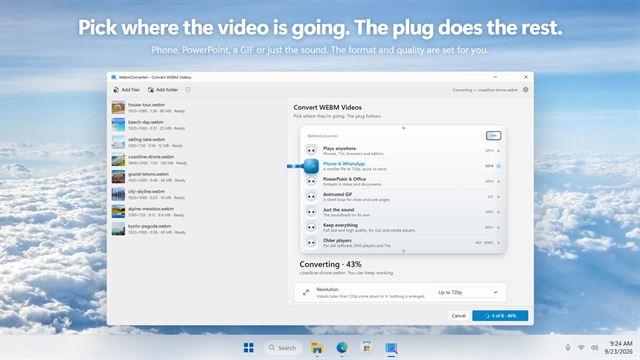

WebmConverter
VideoConvert WEBM videos to MP4, GIF, MP3, MKV, AVI or WMV, a whole batch at a time. Just pick where the video is going, like your phone, PowerPoint or a chat, and WebmConverter sets the format and quality for you. Trim, resize and preview first. Everything happens on your PC.
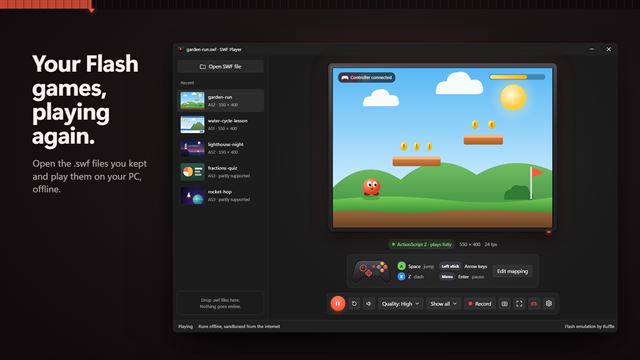

SWF Player
VideoPlay the Flash games, cartoons and lessons you saved as .swf files. Flash Player ended in 2020; SWF Player opens your .swf files again, offline, with a controller, full screen and video recording.
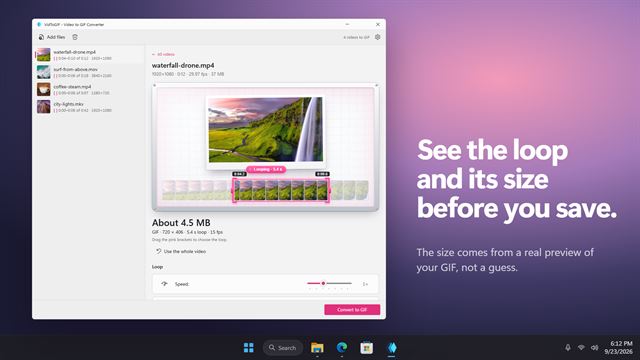

VidToGIF - Video to GIF Converter
VideoDrag two pink brackets around the moment you want, watch it loop, and save it as a GIF. VidToGIF shows the real loop and about how big the file will be before you convert. Make animated WebP or animated PNG too, convert a whole batch at once, and keep every video on your PC.
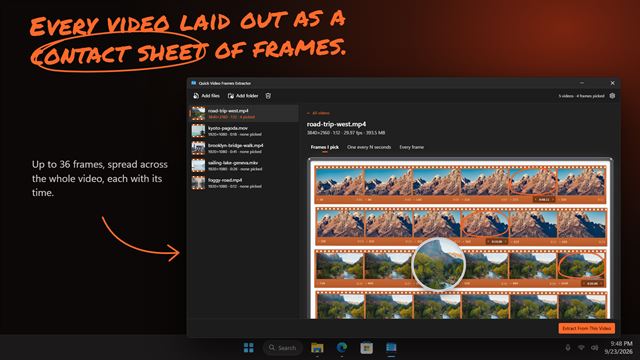

Quick Video Frames Extractor
VideoLay any video out as a contact sheet, click the frames you want, and save them as pictures. Step one frame at a time to land on the exact moment, or save a frame every few seconds, or every frame there is. PNG, JPG, BMP, WebP or TIFF, for a whole batch of videos at once, right on your PC.
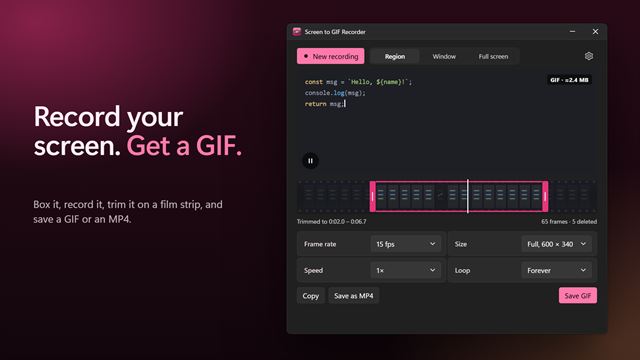

Screen to GIF Recorder
VideoDrag a box over anything on your screen, press Record, and get a GIF. Trim it on a film strip, cut frames, set the speed and size, then paste it into a chat or save it as a GIF or MP4.